
Random Number Generator
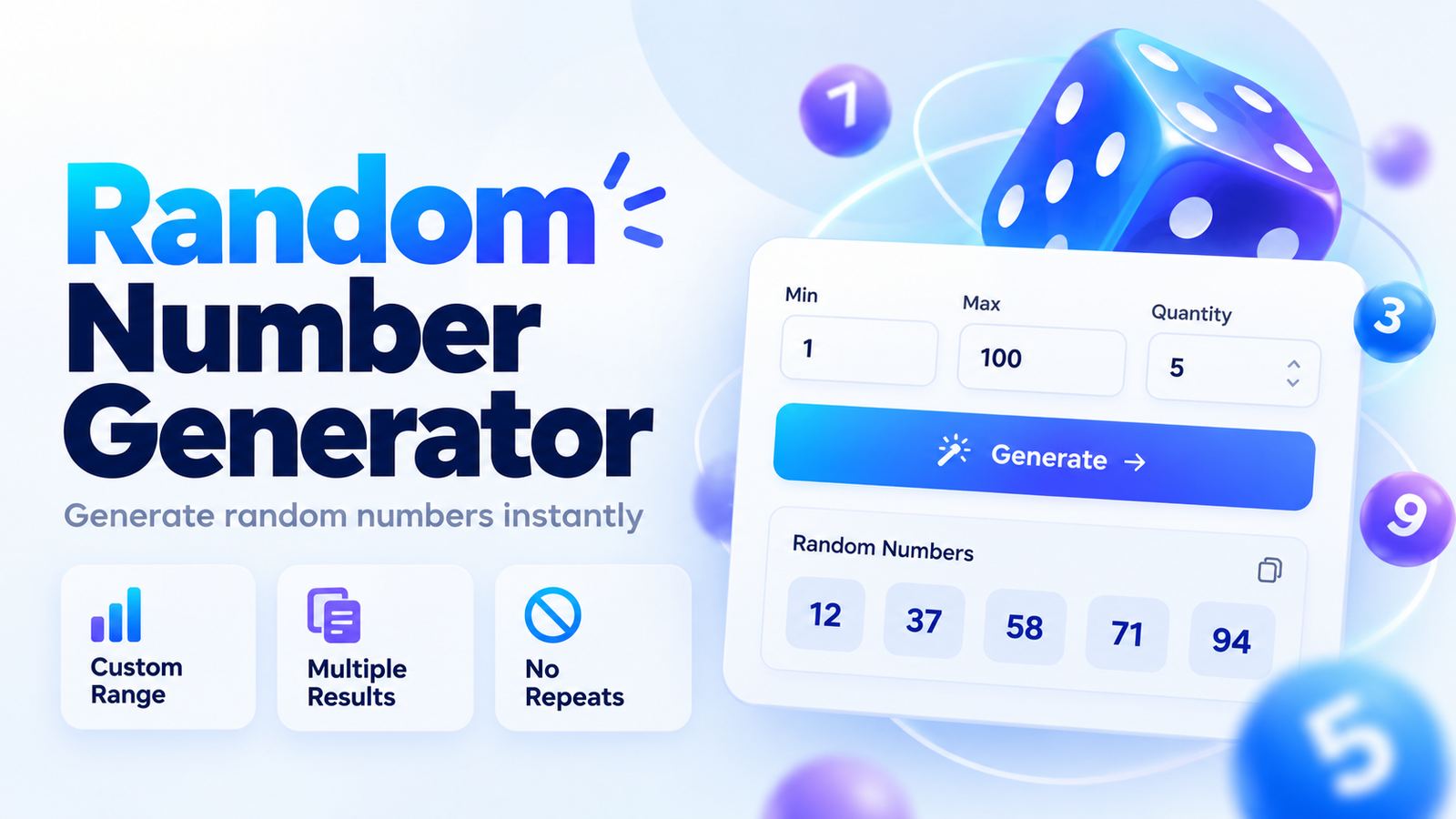
Use our Random Number Generator to quickly generate one or multiple random numbers from any range. Enter a minimum value, maximum value, and quantity, then generate results instantly.
You can also create unique numbers with no repeats, generate decimals, sort results, use negative ranges, and copy the final numbers with one click.
How to Use the Random Number Generator
Using the tool is simple:
- Enter the minimum number.
- Enter the maximum number.
- Choose how many numbers you want to generate.
- Click Generate Random Number.
- Copy the result if needed.
For example:
Minimum: 1
Maximum: 100
Quantity: 1
Possible result:
57
Both the minimum and maximum values are included in integer mode.
Generate a Random Number Between Two Numbers
The most common use of a random number generator is choosing a number between a minimum and maximum value.
For example:
1 to 10
may generate:
7
A range of:
1 to 100
may generate:
42
Each generation can produce a different result.
Random Number Generator 1 to 100
If you need a random number from 1 to 100, enter:
Minimum: 1
Maximum: 100
and choose:
Quantity: 1
Then click Generate.
You can also use the built-in 1–100 quick range to set the values instantly.
Generate Multiple Random Numbers
The tool can generate more than one number at a time.
For example:
Minimum: 1
Maximum: 100
Quantity: 5
Possible results:
12, 37, 58, 71, 94
Generated numbers are shown in a responsive result grid, making larger lists easier to read.
Random Number Generator With No Repeats
Enable Unique numbers only when you do not want duplicate results.
For example:
Range: 1–20
Quantity: 5
Possible result:
2, 7, 11, 16, 20
Each number will appear only once.
This can be useful for:
- Classroom activities
- Giveaways
- Random selections
- Games
- Sampling
- Drawing positions
- Number picking
If the requested quantity is larger than the available range, the calculator will show a validation message instead of generating duplicates.
Random Integer Generator
Integer mode generates whole numbers.
Examples include:
1
42
-17
1000
This mode is useful when you need whole-number results without decimal values.
The tool supports both positive and negative integer ranges.
For example:
Minimum: -50
Maximum: 50
may generate:
-13
Random Decimal Generator
Switch to Decimals in More Options when you need values with decimal places.
For example:
Minimum: 1
Maximum: 10
Decimal Places: 2
Possible result:
6.37
You can choose the number of decimal places used in the generated values.
Random Numbers in Ascending or Descending Order
When generating multiple numbers, you can choose how they are displayed.
Available options include:
Random
Ascending
Descending
For example, a set of:
42, 7, 18, 31
can be displayed in ascending order as:
7, 18, 31, 42
or descending order as:
42, 31, 18, 7
The default option keeps the generated values in random order.
Quick Random Number Ranges
The tool includes quick presets for common ranges:
1–10
1–50
1–100
1–1000
and:
-100 to 100
These presets let you update the minimum and maximum values with one click.
Are the Minimum and Maximum Included?
Yes.
In integer mode, both boundaries are included.
For example, if the range is:
1 to 10
then both:
1
and:
10
can be generated.
What Happens If Minimum and Maximum Are the Same?
If both values are identical, that number is the only possible result.
For example:
Minimum: 25
Maximum: 25
Result:
25
Can I Generate Negative Random Numbers?
Yes.
The generator supports negative values.
Example:
Minimum: -100
Maximum: 100
Possible result:
-48
This is useful for testing, mathematics, simulations, and other tasks where negative values are needed.
How the Random Number Generator Works
The tool uses the browser's Web Crypto API when available to generate cryptographically strong random values.
For integer generation, the tool also uses a method designed to avoid simple modulo bias when selecting numbers from the requested range.
The random values are generated directly in the browser, so your entered range does not need to be sent to an external random-number service.
Random Number Generator for Giveaways
You can use the generator to choose a random entry number for a giveaway or drawing.
For example, if you have:
250 entries
set:
Minimum: 1
Maximum: 250
Quantity: 1
Then generate a random number.
If you need several different winners, increase Quantity and enable Unique numbers only.
Random Number Generator for Students and Teachers
Teachers can use the tool for classroom activities such as:
- Choosing question numbers
- Picking student positions
- Creating random groups
- Selecting exercise numbers
- Generating practice data
Students can also use it for mathematics, probability, testing, and programming exercises.
Random Number Generator for Testing
Developers and testers may need random values for sample data.
You can generate:
- Positive integers
- Negative integers
- Decimal values
- Multiple values
- Unique integer lists
- Sorted random lists
For very large datasets or specialized distributions, a dedicated statistical or programming tool may be more appropriate.
Frequently Asked Questions
How do I generate a random number from 1 to 100?
Set Minimum to 1, Maximum to 100, Quantity to 1, and click Generate.
Can I generate more than one random number?
Yes. Increase the Quantity field to generate multiple values.
Can I generate random numbers without duplicates?
Yes. Open More Options and enable Unique numbers only in Integer mode.
Can the generator create decimal numbers?
Yes. Select Decimals and choose the number of decimal places.
Can I use negative numbers?
Yes. Enter a negative minimum or maximum where needed.
Can I sort the results?
Yes. Multiple results can be kept in random order or sorted ascending or descending.
What is the maximum quantity?
The current tool supports up to 1,000 numbers per generation.
Are the range limits included?
Yes. Integer mode includes both the minimum and maximum values.
Does the tool use Math.random()?
The tool uses the browser's Web Crypto API when available for stronger random-number generation. A fallback may only be used if Web Crypto is unavailable.
Generate Random Numbers Instantly
Use the Random Number Generator whenever you need a quick number, a list of random values, unique numbers, or decimal results.
Set your range, choose the quantity, and generate results instantly with options for:
Integers
Decimals
Unique numbers
Negative ranges
Ascending order
Descending order
and:
Quick ranges
The tool is designed to keep the main task simple while still providing useful advanced controls when needed.