
Currency Converter – Convert Money With Current Exchange Rates
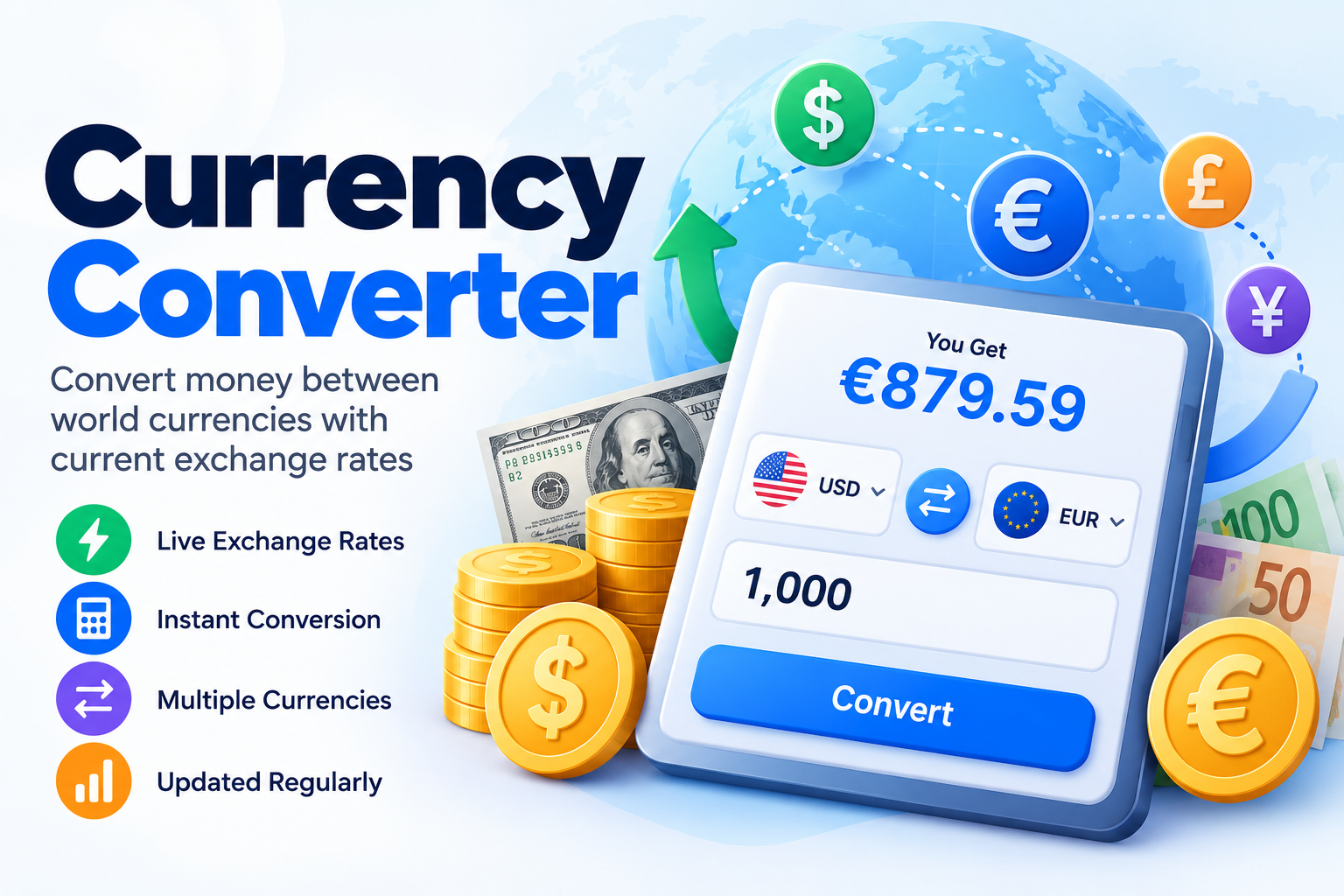
Use our Currency Converter to convert money between international currencies using the latest available reference exchange rates. Enter an amount, choose your From and To currencies, and the converted value updates automatically.
The tool also shows the exchange rate, inverse rate, rate update time, and popular currency pairs, making it useful for travelers, freelancers, international shoppers, students, businesses, and anyone comparing money across currencies.
For example, you can quickly convert:
USD to EUR
USD to GBP
USD to PKR
EUR to USD
GBP to USD
USD to JPY
Exchange rates shown by the calculator are reference rates. Banks, card issuers, money-transfer services, payment platforms, and currency-exchange providers may use different rates or add fees.
What Is a Currency Converter?
A currency converter calculates how much an amount in one currency is worth in another currency.
For example, if you have:
1,000 USD
and want to know its value in:
EUR
the calculator uses the latest available USD to EUR exchange rate and multiplies your amount by that rate.
The basic calculation is:
Converted Amount = Original Amount × Exchange Rate
If the exchange rate were:
1 USD = 0.90 EUR
then:
1,000 × 0.90 = 900 EUR
The actual result shown by the tool depends on the latest available exchange rate.
How to Use the Currency Converter
The converter is designed to give you the answer with as few steps as possible.
1. Enter an Amount
Enter the amount you want to convert.
For example:
1
100
1,000
2,500.50
You can also use the quick amount buttons for commonly checked values.
2. Choose the From Currency
Select the currency you currently have.
For example:
USD — US Dollar
EUR — Euro
GBP — British Pound
PKR — Pakistani Rupee
INR — Indian Rupee
JPY — Japanese Yen
Use the search box to find a currency by its code or name.
3. Choose the To Currency
Select the currency you want to convert into.
For example:
USD → EUR
or:
GBP → USD
The converted value updates automatically.
4. Review the Converted Amount
The largest result on the calculator shows the estimated converted amount.
Below it, you can also see:
Exchange Rate
Inverse Exchange Rate
and:
Last Updated
This helps you understand exactly how the conversion was calculated.
Currency Conversion Formula
The basic currency conversion formula is:
Converted Amount = Amount × Exchange Rate
For example:
Amount:
500 USD
Exchange rate:
1 USD = 0.90 EUR
Calculation:
500 × 0.90 = 450 EUR
So:
500 USD = 450 EUR
using that example rate.
What Is an Exchange Rate?
An exchange rate tells you how much one currency is worth compared with another.
For example:
1 USD = X EUR
means one US dollar can be converted into the displayed amount of euros at the reference rate.
Exchange rates change over time, so the calculator displays the latest rate available from its rate source rather than relying on a permanently fixed value.
What Is an Inverse Exchange Rate?
The inverse rate shows the currency relationship in the opposite direction.
For example, if:
1 USD = 0.90 EUR
the inverse rate is approximately:
1 EUR = 1.1111 USD
The calculator automatically displays both rates so you do not need to swap the currencies just to check the reverse relationship.
Why Do Currency Exchange Rates Change?
Currency exchange rates can move because of many economic and market factors.
These may include:
- Interest rates
- Inflation expectations
- Economic growth
- Supply and demand for currencies
- Central-bank actions
- Trade activity
- Financial-market conditions
- Political and economic events
Because rates can change, a currency conversion performed today may differ from one performed later.
Live Currency Converter
A live currency converter uses recently updated exchange-rate data instead of a permanently stored conversion value.
Our calculator requests the latest available reference rate when converting currencies.
The tool then displays:
Converted Amount
Current Reference Rate
Inverse Rate
and:
Rate Update Time
This is especially useful when checking currencies whose values can change frequently.
Currency Converter for Travel
Travelers often need to understand how prices in another country compare with their home currency.
For example, you may want to know:
How much is €150 in USD?
or:
How much is 20,000 JPY in GBP?
A currency converter can help you estimate:
- Hotel prices
- Restaurant costs
- Transportation expenses
- Shopping prices
- Tour costs
- Daily travel budgets
Remember that the actual amount charged to your card may differ because of card-provider exchange rates or foreign-transaction fees.
Currency Converter for International Shopping
When shopping on an international website, products may be priced in a currency different from your own.
For example:
A product may cost:
£120
while you normally use:
USD
You can use the converter to estimate the equivalent value before purchasing.
This can make it easier to compare products sold in different currencies.
Currency Converter for Freelancers
Freelancers working with international clients often receive quotes, invoices, or payments in different currencies.
For example:
A freelancer may invoice:
1,500 USD
but want to estimate its value in:
PKR
EUR
or:
GBP
The converter provides a quick reference amount.
However, payment platforms and banks may apply their own rates and fees when the payment is actually processed.
Currency Converter for International Payments
The tool can also help when estimating international payment values.
Suppose you need to send:
500 EUR
and want to understand approximately how much that represents in:
USD
The converter provides a reference conversion.
The amount actually debited or received may differ because payment providers can apply:
- Exchange-rate margins
- Transfer fees
- Processing charges
- Receiving fees
- Card charges
For this reason, the calculator should be treated as a conversion reference rather than a guaranteed transfer quote.
USD to EUR Converter
The USD to EUR converter calculates how much US dollars are worth in euros using the latest available USD/EUR rate.
To use it:
- Select USD as the From currency.
- Select EUR as the To currency.
- Enter your dollar amount.
The calculator automatically displays the equivalent euro amount and the rate used.
EUR to USD Converter
To convert euros into US dollars:
Select:
EUR → USD
Then enter your euro amount.
The converter will display:
EUR amount
↓
Estimated USD value
along with the current reference exchange rate and inverse rate.
USD to GBP Converter
The USD to GBP converter can be useful when checking prices, travel expenses, subscriptions, or international payments involving US dollars and British pounds.
Choose:
USD
as the source currency and:
GBP
as the target currency.
The result updates automatically.
GBP to USD Converter
To perform the reverse calculation, choose:
GBP → USD
You can also use the swap button to switch the currencies instantly without entering the amount again.
USD to PKR Converter
The USD to PKR converter estimates the value of US dollars in Pakistani rupees using the latest available reference rate.
For example, you can enter:
1 USD
100 USD
1,000 USD
or another amount.
The calculator then displays the estimated value in:
PKR
along with the USD/PKR reference exchange rate.
Actual rates offered by banks, payment platforms, remittance providers, or money exchangers may differ.
PKR to USD Converter
The same tool can be used in reverse.
Choose:
PKR → USD
and enter the amount of Pakistani rupees you want to convert.
You can also press the swap button after a USD-to-PKR conversion.
USD to INR Converter
To estimate the value of US dollars in Indian rupees:
Choose:
USD → INR
and enter the dollar amount.
The calculator then applies the latest available USD/INR reference rate.
USD to JPY Converter
The USD to JPY converter estimates how much US dollars are worth in Japanese yen.
Because different currencies can have very different numerical values, the exchange rate may be much larger than one.
The calculation itself remains:
Amount × Exchange Rate
Popular Currency Codes
Currencies are commonly identified using three-letter codes.
Some widely used examples include:
| Code | Currency |
|---|---|
| USD | US Dollar |
| EUR | Euro |
| GBP | British Pound |
| JPY | Japanese Yen |
| PKR | Pakistani Rupee |
| INR | Indian Rupee |
| CAD | Canadian Dollar |
| AUD | Australian Dollar |
| CHF | Swiss Franc |
| CNY | Chinese Yuan |
| AED | UAE Dirham |
| SAR | Saudi Riyal |
The converter lets you search currencies using their code or name.
What Is the Mid-Market Exchange Rate?
The mid-market rate generally refers to a market reference point between currency buy and sell prices.
A reference currency converter may display a market or reference rate that helps users understand the approximate relative value of two currencies.
However, this does not necessarily mean a bank or transfer provider will offer exactly that rate.
A provider may include its margin in the exchange rate or charge separate fees.
Why Is My Bank's Exchange Rate Different?
The rate displayed by a currency converter may differ from the rate offered by your bank.
Possible reasons include:
Exchange Rate Margin
A provider may use a rate that includes a markup.
Transaction Fees
There may be additional currency-conversion or transfer fees.
Card Fees
Credit or debit cards may charge foreign transaction fees.
Timing
Currency rates can move between the time you check the calculator and the time a transaction is processed.
Different Rate Sources
Different providers may use different market feeds, update schedules, or pricing methods.
This is why the tool clearly presents its result as a reference conversion.
Why Does the Exchange Rate Have More Decimals Than the Converted Amount?
Exchange rates may use several decimal places because small differences can become significant when converting large amounts.
For example:
1 USD = 0.876543 EUR
may provide more useful rate precision than:
1 USD = 0.88 EUR
However, money amounts are usually easier to read when displayed using the currency's normal decimal format.
That is why the tool can show a higher-precision exchange rate while displaying the converted amount in a cleaner money format.
How to Swap Currencies
Use the:
⇄ Swap
button between the From and To currencies.
For example:
USD → EUR
becomes:
EUR → USD
Your amount stays in the amount field, while the converter updates the exchange rate and converted result.
This is useful when you want to quickly check both directions.
Can I Convert the Same Currency?
Yes.
For example:
USD → USD
has an exchange rate of:
1 USD = 1 USD
Therefore:
$100 USD = $100 USD
No external exchange rate is required for the same-currency calculation.
Can I Convert 0?
Yes.
An amount of:
0
converts to:
0
in the target currency.
For example:
0 USD = 0 EUR
regardless of the exchange rate.
Can I Convert Decimal Amounts?
Yes.
You can enter values such as:
99.99
1,250.50
or:
10,000.75
The calculator supports decimal amounts and automatically calculates the corresponding converted value.
Can I Convert Large Amounts?
Yes.
You can use the converter for both small and large values.
Examples include:
1
100
10,000
100,000
or higher amounts.
For large transactions, remember that even a small difference between the reference rate and your provider's actual exchange rate can significantly affect the final amount.
Currency Converter vs. Exchange Rate Calculator
The terms are closely related.
A currency converter calculates:
Amount in Currency A → Amount in Currency B
An exchange rate calculator focuses on the rate relationship between the currencies.
Our tool provides both.
It shows:
Converted Amount
and:
Exchange Rate
along with the:
Inverse Exchange Rate
Currency Converter vs. Money Transfer Quote
These are not necessarily the same thing.
A currency converter may show a reference exchange rate.
A money-transfer quote may also include:
- Provider exchange-rate margin
- Transfer fees
- Payment fees
- Receiving fees
- Delivery method
- Transfer speed
Therefore, a currency converter is useful for estimating value, but it should not automatically be treated as the exact amount a recipient will receive.
How Often Do Exchange Rates Change?
Foreign-exchange markets can move frequently.
The rate available from a currency-data service may therefore change between updates.
For this reason, our converter displays a Last Updated value when rate timing information is available.
For transactions where the precise execution rate matters, check the final rate directly with the financial provider processing the transaction.
Common Currency Conversion Mistakes
Using an Old Exchange Rate
A rate from an old article, screenshot, or previous transaction may no longer reflect current values.
Ignoring Provider Fees
The market conversion and the actual transaction amount may differ.
Converting in the Wrong Direction
If you want dollars converted into euros, make sure the pair is:
USD → EUR
not:
EUR → USD
Assuming the Inverse Rate Is Identical
The inverse is mathematically:
1 ÷ Exchange Rate
For example, if:
1 USD = 0.80 EUR
then:
1 EUR = 1.25 USD
not 0.80 USD.
Rounding Too Early
Rounding the exchange rate before calculating can create differences, particularly with large amounts.
The calculator keeps more rate precision internally before formatting the final result.
Frequently Asked Questions
How do I convert one currency to another?
Multiply the amount by the exchange rate between the source and target currencies.
Converted Amount = Amount × Exchange Rate
What is a currency converter?
A currency converter calculates the estimated value of money in another currency using an exchange rate.
Does the currency converter update automatically?
The tool requests the latest available reference rate and displays rate update information when provided by the data source.
Are these the exact rates my bank will use?
Not necessarily. Banks and payment providers may use different exchange rates or charge additional fees.
What does USD mean?
USD is the three-letter currency code for the US Dollar.
What does EUR mean?
EUR is the currency code for the Euro.
What does GBP mean?
GBP is the currency code for the British Pound.
What does PKR mean?
PKR is the currency code for the Pakistani Rupee.
Can I convert USD to PKR?
Yes. Select USD as the From currency and PKR as the To currency.
Can I convert PKR to USD?
Yes. Choose PKR as the source currency and USD as the target currency, or use the swap button.
What is an inverse exchange rate?
It is the same currency relationship viewed in the opposite direction.
Can I search for currencies?
Yes. The currency selector lets you search by code or currency name.
Why does the rate from my card differ from the calculator?
Card issuers can use their own conversion rate and may also apply foreign-transaction or other fees.
Convert Currencies Instantly
Use the Currency Converter whenever you need to estimate the value of money in another currency.
Simply:
Enter Amount
↓
Choose From Currency
↓
Choose To Currency
and instantly see:
Converted Amount
Exchange Rate
Inverse Rate
and:
Last Updated
You can also swap currencies, use popular currency pairs, and copy the conversion result for easy reference.