
Date Difference Calculator
Find the number of years, months, weeks and days between two dates.
What Is a Date Difference Calculator?
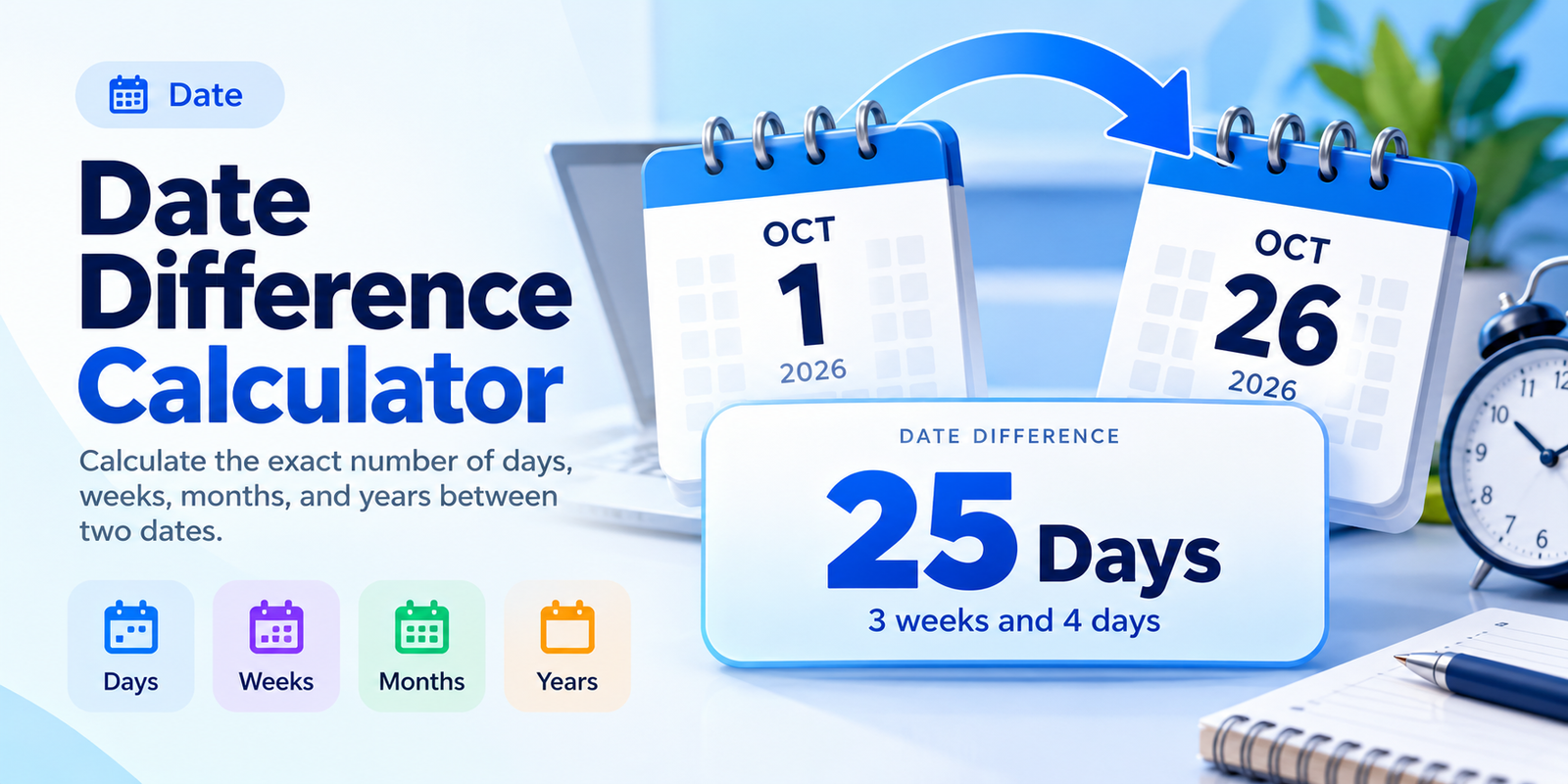
A Date Difference Calculator is a simple online tool that calculates the exact number of days, weeks, months, and years between two dates. Whether you're tracking an upcoming deadline, measuring how much time has passed, or planning an important event, it gives you an accurate answer in seconds.
Just select your starting date and ending date in the calculator above. You'll instantly see the total calendar days, a breakdown in years, months, and days, and the equivalent number of weeks.
The calculator also handles leap years, different month lengths, and dates across multiple years automatically.
How to Use the Date Difference Calculator
Calculating the time between two dates is quick and straightforward.
- Select the Start Date: Choose the date you want to begin counting from.
- Select the End Date: Enter the date you want to calculate up to.
- Choose Inclusive Counting (Optional): Check the option if you want to include both the starting and ending dates.
- Click Calculate Difference: The tool displays your result immediately.
- Review Your Results: See the total days, complete weeks, extra days, and calendar-based duration.
- Copy the Result: Use the Copy Result button to save or share the calculation.
You can also use the Swap Dates button to reverse the selected dates or the Use Today button to set the ending date to today's date.
How Many Days Are Between Two Dates?
The number of days between two dates is the total number of calendar days separating them.
For example, suppose you want to know the difference between October 1, 2026, and October 26, 2026.
October 26, 2026 − October 1, 2026 = 25 days
This means there are 25 elapsed calendar days between these two dates.
The calculation includes weekends and public holidays because it measures calendar days, not business days.
Date Difference Calculation Formula
The basic formula is:
Date Difference = Absolute Difference Between End Date and Start Date
For example:
- Start Date: May 10, 2026
- End Date: May 20, 2026
- Date Difference: 10 days
If you reverse the dates, the calculator still shows a difference of 10 days while indicating that the ending date is earlier.
Calculate the Difference in Years, Months, Weeks, and Days
A date difference can be expressed in several ways depending on the information you need.
Difference in Days
The total-day result tells you exactly how many calendar days separate two dates.
For example, January 1, 2026, to February 1, 2026, is 31 days.
This is especially useful for deadline tracking, event planning, and measuring elapsed time.
Difference in Weeks
To convert the total difference into weeks, divide the number of days by seven.
Total Weeks = Total Days ÷ 7
For example, a difference of 25 days equals 3 full weeks and 4 remaining days.
The calculator automatically displays both values.
Difference in Months
Calculating calendar months requires more than simply dividing the number of days by 30.
Months have different lengths:
- February has 28 or 29 days.
- April, June, September, and November have 30 days.
- The remaining months have 31 days.
The calculator uses calendar-based month calculations rather than treating every month as an identical number of days.
Difference in Years
The years result shows complete calendar years within the selected interval.
For example, January 1, 2024, to January 1, 2026, represents exactly 2 calendar years.
When a duration is not an exact number of years, the remaining time is expressed in months and days.
Date Difference Calculation Examples
Here are some examples showing how the calculator handles different date ranges.
| Start Date | End Date | Total Days |
|---|---|---|
| May 10, 2026 | May 20, 2026 | 10 days |
| October 1, 2026 | October 26, 2026 | 25 days |
| January 1, 2026 | February 1, 2026 | 31 days |
| February 28, 2024 | March 1, 2024 | 2 days |
| December 20, 2026 | January 10, 2027 | 21 days |
| January 1, 2026 | January 1, 2026 | 0 days |
These examples use standard elapsed-day counting, meaning the starting date is not counted as an additional full day.
Inclusive vs. Exclusive Date Difference
One important feature of a date calculator is the ability to choose whether both dates should be counted.
Exclusive Date Difference
Exclusive counting measures the elapsed days between two dates without adding the starting date as an extra day.
For example:
June 1 to June 10 = 9 days
This is the standard approach for measuring time elapsed between dates.
Inclusive Date Difference
Inclusive counting includes both the starting date and the ending date.
For example:
June 1 to June 10 = 10 days
Inclusive counting can be useful for vacation durations, event schedules, or other situations in which both boundary dates must be counted.
Use the Include Both Dates checkbox when you need this method.
Calendar Days vs. Business Days
Calendar days and business days are not the same.
Calendar days include every day of the week, including weekends and holidays.
Business days generally include working days, often Monday through Friday, excluding applicable holidays.
For example, a period of 14 calendar days always contains exactly two complete weeks. It usually contains 10 Monday-to-Friday weekdays, but the number of business days may be lower if public holidays are excluded.
The Date Difference Calculator measures calendar days. It does not automatically remove weekends or public holidays from the result.
How Do Leap Years Affect Date Differences?
A leap year contains 366 days instead of the usual 365, with February having 29 days.
This additional day can change the number of days between dates that cross February.
For example:
- February 28, 2024, to March 1, 2024: 2 days
- February 28, 2025, to March 1, 2025: 1 day
The difference occurs because 2024 was a leap year while 2025 was not.
The calculator accounts for leap years automatically, helping you avoid mistakes when working with long date ranges.
Can You Calculate Dates in the Past?
Yes. The calculator supports past and future dates.
For example, you may want to calculate how many days have passed since graduation, a project launch, or another significant event.
Simply choose the earlier and later dates.
You can also enter the dates in reverse order. The calculator displays the absolute duration and indicates whether the selected ending date is earlier or later than the starting date.
This makes it useful for historical calculations as well as future planning.
When Should You Use a Date Difference Calculator?
A date difference calculator is helpful whenever you need to measure a specific amount of time.
Project Management
Calculate the exact number of days between project milestones, deadlines, or delivery dates. This helps when building schedules and tracking progress.
Education and Exams
Students can determine how many days or weeks remain until an exam, assignment submission, or academic deadline.
Travel and Vacation Planning
Compare arrival and departure dates to determine the duration of a trip. Inclusive counting can help when counting all calendar dates covered by a vacation.
Personal Milestones
Find how many days, months, or years have passed since a birthday, anniversary, graduation, or memorable event.
Financial and Administrative Planning
Measure calendar durations between billing dates, contract milestones, or reporting periods. For formal financial or legal calculations, verify any special day-count rules that apply.
Date Formats Supported by the Calculator
The calculator displays both selected dates in four commonly used formats.
Using October 1, 2026, and October 26, 2026, as an example:
| Date Format | Example |
|---|---|
| Long Date | October 1, 2026 – October 26, 2026 |
| US Format | 10/01/2026 – 10/26/2026 |
| Day-First | 01/10/2026 – 26/10/2026 |
| ISO Format | 2026-10-01 – 2026-10-26 |
You can select your preferred format before copying the calculation.
Common Mistakes When Calculating Date Differences
Date calculations are simple in theory, but several common mistakes can lead to incorrect results.
Counting the starting date twice: Decide whether you need elapsed days or inclusive counting.
Assuming every month has 30 days: Calendar months vary in length, so approximate month conversions may not match an exact date calculation.
Ignoring leap years: February 29 must be included whenever it falls within the selected interval.
Confusing weekends with business days: A calendar-day result includes every day unless a specific business-day calculation is performed.
Misreading date formats: For example, 04/05/2026 can mean April 5 or May 4 depending on the formatting convention.
Using a calculator helps eliminate these errors and gives you a consistent result.
Frequently Asked Questions
How do I calculate the number of days between two dates?
Select your starting date and ending date in the calculator, then click Calculate Difference. The result shows the exact number of elapsed calendar days.
Can I calculate the difference between two dates in months and years?
Yes. The calculator provides a calendar-based breakdown in years, months, and days, along with the total number of days and complete weeks.
Does the calculator include the starting date?
By default, it measures elapsed days between the two dates. Enable Include Both Dates to count the starting and ending dates inclusively.
How many days are between two identical dates?
Two identical dates have an elapsed difference of 0 days. If inclusive counting is enabled, the result becomes 1 day.
Can I calculate the difference between a past date and today?
Yes. Enter your past date as the starting date, then click Use Today to set the ending date to the current date.
Does this calculator count weekends?
Yes. All calendar days are included, including Saturdays and Sundays.
Does the calculator exclude public holidays?
No. The calculation does not automatically exclude public holidays because different locations have different holiday schedules.
Can I calculate the date difference across different years?
Yes. The calculator supports dates across multiple months and years, including leap years.
Why is the difference in months not equal to total days divided by 30?
Calendar months contain different numbers of days. The calculator uses calendar arithmetic to provide a more meaningful years, months, and days breakdown.
What happens if my end date is before my start date?
The calculator shows the absolute number of days between the dates and indicates that the ending date comes earlier.
Can I copy the date difference result?
Yes. Click Copy Result to copy the calculated duration, selected dates, and additional information.
Is the Date Difference Calculator free to use?
Yes. The Date Difference Calculator on SkillsElevate is free to use directly in your browser.
Related Tools
Explore more date and time calculators on SkillsElevate:
- 50 Weeks From Today Calculator — Calculate the exact date 350 days into the future.
- 20 Weeks From Today Calculator — Find the date 140 days after today.
- 7 Days From Today Calculator — See the date one week from now.
- Age Calculator — Calculate exact age in years, months, and days.
- How Long Is 100 Days? — Understand and convert a 100-day duration.
Calculate the Exact Difference Between Any Two Dates
Whether you're comparing past dates, planning an upcoming event, or tracking a deadline, the Date Difference Calculator helps you find the exact duration without manually counting days.
Choose your dates, calculate the difference, explore the years, months, weeks, and days breakdown, and copy your result whenever you need it.