
Day Counter
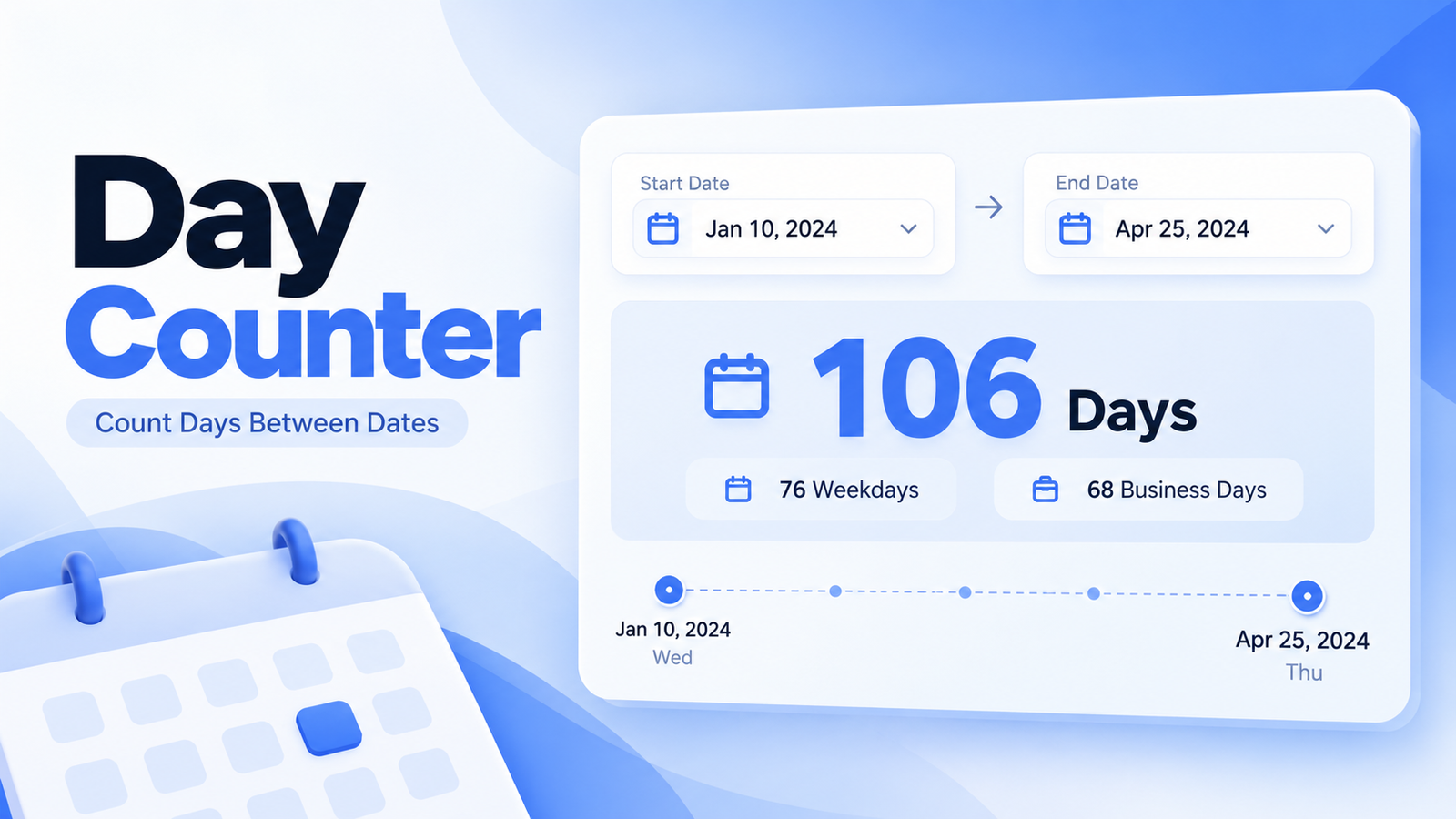
Use our Day Counter to calculate the exact number of days between two dates. You can also see the number of weeks, weekdays, weekend days, and business days, or switch modes to add or subtract days from any date.
The calculator uses calendar-based date calculations, so it works correctly across month changes, year changes, and leap years.
How to Use the Day Counter
To count days between two dates:
- Select the Start Date.
- Select the End Date.
- Turn on Include End Date if you want both dates counted.
- Click Count Days.
- View the total days and detailed date breakdown.
For example:
Start Date: October 3, 2026End Date: November 2, 2026
Result:
30 days
The calculator also shows the equivalent number of weeks, weekdays, weekend days, and business days.
How Many Days Are Between Two Dates?
The number of days between two dates is the calendar difference from the starting date to the ending date.
For example:
October 1 → October 11 = 10 days
By default, the calculator measures the difference between the two dates.
If you enable Include End Date, the ending date is also counted.
For example:
October 1 → October 11
Normal difference:
10 days
Including the end date:
11 counted calendar days
Days Between Dates Formula
The basic idea is:
Total Days = End Date − Start Date
Our calculator performs this using calendar dates rather than time-of-day values.
This is important because one calendar day should always count as one day, even when timezone or daylight-saving changes occur.
Weeks and Days Breakdown
The calculator automatically converts the total into full weeks and remaining days.
For example:
30 days
equals:
4 weeks and 2 days
This makes longer date ranges easier to understand.
Weekday Counter
The Day Counter also calculates how many selected days fall on:
Monday through Friday
These are shown as weekdays.
For example, a date range may contain:
21 weekdays
and:
9 weekend days
This is useful for school schedules, work periods, projects, travel planning, and deadlines.
Business Days Calculator
The calculator also displays business days.
For this tool, business days are:
Monday through Friday
Saturday and Sunday are excluded.
For example, if a range contains:
30 total calendar days
it might contain:
21 business days
depending on where the weekends fall.
Are Public Holidays Excluded?
No. The business-day calculation skips Saturdays and Sundays, but it does not automatically remove public holidays.
Holiday schedules vary by country and region, so they are not included in the standard calculation.
Include End Date
The Include End Date option changes how many calendar dates are counted.
Suppose:
Start: March 1End: March 2
Without including the end date:
1 day
With the end date included:
2 counted dates
This setting is useful for trips, leave periods, booking durations, project schedules, and other situations where both boundary dates need to be included.
What If the End Date Is Before the Start Date?
The calculator still works.
For example:
Start: November 10End: November 1
The tool calculates the difference and indicates that the end date is earlier.
This means you can use the calculator without manually rearranging the dates.
You can also use the Swap Dates button to reverse them instantly.
Calendar Difference
In addition to total days, the tool shows an exact calendar-style difference.
For example:
2 years, 3 months, 8 days
This is different from simply converting every month into 30 days.
Calendar months have different lengths, so the calculator handles actual dates instead of estimating month length.
Add Days to a Date
Switch to Add / Subtract Days when you want to find a future date.
For example:
Starting Date: October 3, 2026Add: 30 calendar days
Result:
November 2, 2026
The calculator also shows the resulting:
- Weekday
- Day of the year
- ISO week number
- Year
Subtract Days From a Date
You can also calculate a past date.
For example:
Starting Date: October 30, 2026Subtract: 20 days
The tool returns the exact earlier date automatically.
Simply choose Subtract Days before calculating.
Calendar Days vs Business Days
When adding or subtracting dates, you can choose between:
Calendar Days
Every day is counted, including Saturdays and Sundays.
Business Days
Only Monday through Friday are counted.
For example, if you start on a Friday and add 1 business day, the resulting date is the following Monday.
This is useful when calculating work deadlines or office schedules.
Quick Date Presets
The tool includes common shortcuts to make date calculations faster.
For days between dates, you can quickly select:
7 Days
30 Days
90 Days
This Month
This Year
For Add/Subtract mode, useful presets include:
7 Days
14 Days
30 Days
60 Days
90 Days
These update the calculator without requiring you to enter each value manually.
Day Counter Examples
Example 1: 7 Days Between Dates
Start:
October 1
End:
October 8
Result:
7 days
Example 2: Same Date
Start:
October 1
End:
October 1
Normal difference:
0 days
If Include End Date is enabled:
1 counted calendar date
Example 3: Add 30 Days
Starting date:
October 3, 2026
Add:
30 calendar days
Result:
November 2, 2026
Example 4: Add Business Days
Starting date:
Friday
Add:
1 business day
Result:
Monday
Saturday and Sunday are skipped.
Why Use a Day Counter?
A day counter can be useful for:
- Project deadlines
- Travel planning
- School schedules
- Work periods
- Contract durations
- Event planning
- Vacation calculations
- Business-day counting
- Delivery estimates
- Study plans
- Date-based reminders
- Finding future or past dates
Instead of manually counting through a calendar, the calculator provides the answer instantly.
Frequently Asked Questions
How do I calculate days between two dates?
Enter the start and end dates and click Count Days. The calculator will show the exact calendar-day difference.
Does the Day Counter include the end date?
Not by default. Enable Include End Date if you want the ending date included in the counted range.
Can I count weekdays only?
Yes. The result automatically shows the number of weekdays and business days.
Are weekends included in total days?
Yes. Total calendar days include both weekdays and weekends.
Does the business-day calculation include holidays?
No. Business days in this tool mean Monday through Friday. Public holidays are not automatically excluded.
Can I add days to a date?
Yes. Switch to Add / Subtract Days, enter the number of days, and choose Add.
Can I subtract days from a date?
Yes. Select Subtract Days to find an earlier date.
Can I add business days instead of calendar days?
Yes. Select Business Days and Saturdays and Sundays will be skipped.
Does the calculator handle leap years?
Yes. Date calculations use actual calendar dates, including leap years and February 29 where applicable.
Can the end date be earlier than the start date?
Yes. The calculator still returns the difference and indicates the direction.
Count Days Between Dates Instantly
Use the Day Counter whenever you need to find the number of days between two dates or calculate a future or past date.
The tool provides:
Total Days
Weeks and Remaining Days
Weekdays
Weekend Days
Business Days
Exact Calendar Difference
Add Days
Subtract Days
Calendar-Day Counting
and:
Business-Day Counting