
Dice Roller – Roll Virtual Dice Online
Use our Dice Roller to roll virtual dice instantly for board games, tabletop RPGs, Dungeons & Dragons, classroom activities, or any situation where you need a quick random dice result.
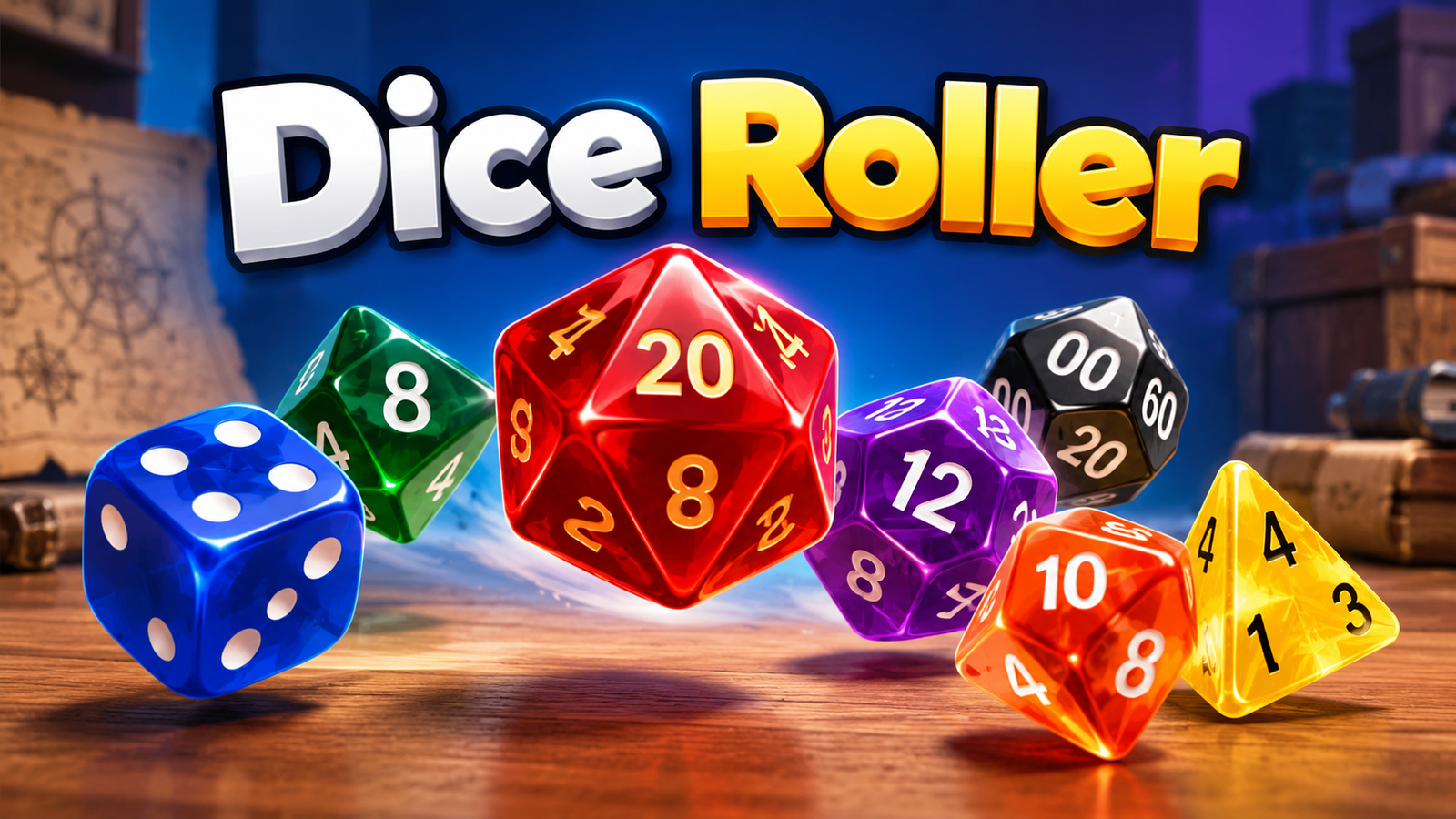
Choose from D4, D6, D8, D10, D12, D20, D100, or create a custom die. You can roll multiple dice, add positive or negative modifiers, combine different dice types, view totals, and keep track of your most recent rolls.
How to Use the Dice Roller
Rolling dice online is simple:
- Choose a die type such as D6 or D20.
- Select how many dice you want to roll.
- Click Roll Dice.
- View each individual die result.
- See the dice total and final total instantly.
For example, if you choose:
2D6
the result might be:
4 + 6
Dice Total:
10
Each new roll generates a fresh result.
Roll D4, D6, D8, D10, D12, D20 and D100
The online dice roller supports the most common tabletop dice.
D4 Roller
A D4 has four possible results:
1–4
It is commonly used in tabletop RPGs for smaller damage values and effects.
D6 Roller
A D6 is the standard six-sided die used in many board games.
Possible results:
1, 2, 3, 4, 5 or 6
You can roll one D6 or several at the same time.
D8 Roller
A D8 generates a random number from:
1–8
D10 Roller
A D10 generates:
1–10
D12 Roller
A D12 rolls a value from:
1–12
D20 Roller
The D20 roller is especially useful for tabletop role-playing games such as Dungeons & Dragons.
Possible results:
1–20
You can also combine a D20 roll with a modifier.
For example:
1D20 + 5
If the die rolls:
14
the final result is:
19
D100 Roller
A D100 generates a random value from:
1–100
It can be useful for percentile rolls, RPG tables, random events, and probability-based game mechanics.
Roll Multiple Dice
You can roll up to 20 dice at once.
For example:
4D6
may produce:
6, 3, 5, 2
Dice Total:
16
The calculator also shows:
- Highest die
- Lowest die
- Dice total
- Modifier
- Final total
This makes it easy to use the tool for games where several dice must be added together.
Quick Dice Rolls
For faster setup, use the built-in quick rolls:
1D6
2D6
3D6
4D6
1D20
2D20
1D100
Choose a preset and then press the Roll button to generate the result.
D&D Dice Roller
This tool can also be used as a simple D&D dice roller.
Common Dungeons & Dragons dice include:
D4, D6, D8, D10, D12 and D20
You can roll several dice together and add an RPG modifier.
For example:
2D6 + 3
Rolls:
5 + 2
Dice Total:
7
Modifier:
+3
Final Total:
10
Negative modifiers are supported too.
For example:
1D20 − 2
Mixed Dice Roller
Use Mixed Dice when you need to roll different dice types in a single action.
For example:
1D20 + 2D6 + 1D4
A possible roll could be:
D20: 16
D6: 4, 5
D4: 3
The dice roller adds all the values together and applies any modifier you entered.
Mixed rolls are useful for RPG attacks, damage rolls, game mechanics, and custom tabletop systems.
Custom Dice Roller
Need a die that is not one of the standard options?
Choose Custom and enter the number of sides.
For example:
D24
D30
D50
or:
D200
The tool supports custom dice from 2 to 1,000 sides.
This can be useful for custom games, classroom activities, random selection, and game design.
Roll Two Dice Online
If you simply need to roll two standard dice, select:
D6
and set:
Number of Dice: 2
Then click:
Roll 2D6
You will see both dice separately along with their combined total.
For example:
3 + 5 = 8
Dice Roll Modifier
The advanced options include an optional modifier.
The formula is:
Final Total = Dice Total + Modifier
For example:
Dice Total: 12
Modifier: +4
Final Total:
16
If the modifier is negative:
Dice Total: 12
Modifier: −3
Final Total:
9
This is particularly useful for RPG rolls involving ability bonuses, penalties, attacks, skill checks, and damage adjustments.
Recent Dice Rolls
The tool keeps the latest five rolls during your current page session.
This makes it easier to check recent results when playing a game or rolling several times in succession.
You can clear the roll history at any time.
The history is not intended as a permanent account-based record.
How Does the Online Dice Roller Work?
The Dice Roller uses your browser's cryptographically strong random-number generator when Web Crypto is available.
Each die result is generated within the selected range.
For example:
A D6 generates an integer from:
1 through 6
A D20 generates:
1 through 20
A custom D30 generates:
1 through 30
The minimum and maximum face values are both possible results.
The tool generates the rolls locally in your browser and does not require an external dice-rolling service.
Virtual Dice vs Physical Dice
A virtual dice roller is useful when you:
- Do not have physical dice nearby
- Need several dice at once
- Need a D20, D100, or unusual die
- Want quick RPG rolls
- Need a random classroom result
- Are playing a game online
- Want automatic totals
Physical dice may still be preferred for traditional tabletop play, but an online dice roller provides a fast and convenient alternative.
Frequently Asked Questions
Can I roll a D6 online?
Yes. Select D6, choose how many dice you want, and click Roll.
Can I roll two dice?
Yes. Select D6 and set the number of dice to 2 to roll 2D6.
Can I roll a D20?
Yes. Choose D20 to generate a random number between 1 and 20.
Can I roll several D20 dice?
Yes. Set the quantity to 2, 3, or more to roll multiple D20s at the same time.
Can I roll a D100?
Yes. The Dice Roller includes a dedicated D100 option.
Can I create custom dice?
Yes. Choose Custom and enter between 2 and 1,000 sides.
Can I combine different dice?
Yes. Open More Options and select Mixed Dice to combine different die types in one roll.
Can I add a D&D modifier?
Yes. Enter a positive or negative modifier under More Options.
How many dice can I roll at once?
The current tool supports up to 20 dice per roll.
Does the dice roller save my previous rolls?
It displays the latest five rolls during the current page session. You can clear the history whenever you want.
Are the dice rolls random?
The tool uses the browser's cryptographically strong random-number generator when available to produce random die values.
Roll Virtual Dice Instantly
Use the Dice Roller whenever you need a quick virtual die for tabletop games, D&D, board games, classroom activities, or general random number selection.
Choose your die type, set the number of dice, and roll instantly with support for:
D4
D6
D8
D10
D12
D20
D100
Custom dice
Multiple dice
Mixed dice
and:
RPG modifiers