
Rounding Calculator
Round a number to any number of decimal places or significant figures.
Rounding Calculator: Round Numbers With Steps
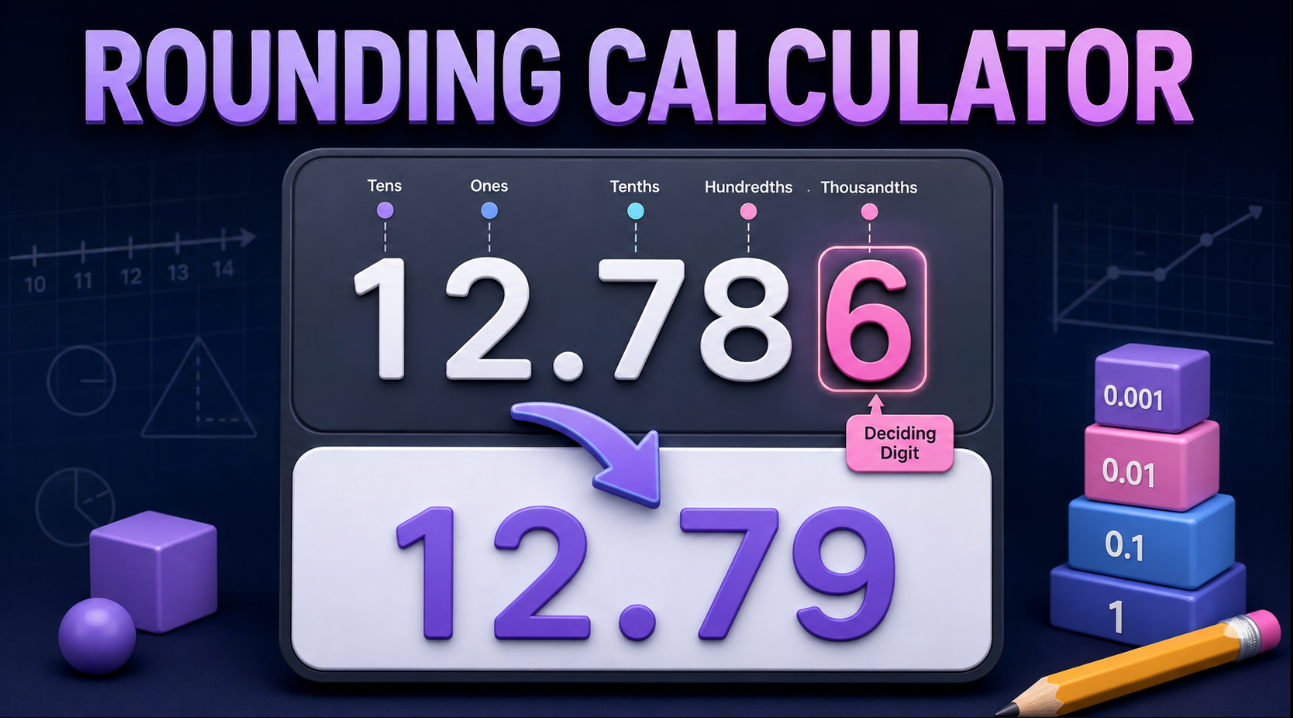
Use this Rounding Calculator to round whole numbers, decimals, negative values, and scientific notation. Choose decimal places, significant figures, or a place value such as the nearest ten, hundred, or thousand. The calculator shows the rounded result and explains which digit determined whether the number changed.
It is useful for homework, lab results, accounting, engineering calculations, statistics, reports, and everyday measurements.
How to use the rounding calculator
- Enter the number you want to round.
- Choose decimal places, significant figures, or place value.
- Select a rounding method.
- Review the rounded result.
- Check the retained digit, deciding digit, and calculation steps.
- Copy the answer or try another example.
The tool keeps trailing zeros when they show the requested decimal precision. For example, rounding 9.5 to two decimal places gives 9.50.
Round to decimal places
Decimal places are the digits to the right of the decimal point.
For example, round 12.786 to two decimal places:
12.786 → 12.79
The second decimal place is the hundredths digit, which is 8. The next digit is 6, so the hundredths digit rounds up from 8 to 9.
Common decimal-place examples
24.6to the nearest whole number =256.84to one decimal place =6.83.146to two decimal places =3.157.386to two decimal places =7.399.5to two decimal places =9.50
Round to a place value
Place value means rounding to a position in a whole number or decimal.
For example, round 4,267 to the nearest hundred:
4,267 → 4,300
The hundreds digit is 2. The tens digit is 6, so the hundreds digit rounds up to 3. The tens and ones positions become zeros.
Common place values include:
- Nearest whole number
- Nearest ten
- Nearest hundred
- Nearest thousand
- Nearest tenth
- Nearest hundredth
- Nearest thousandth
Round to significant figures
Significant figures show the meaningful digits in a number. They are especially important in science, engineering, measurements, and laboratory results.
For example, round 0.004786 to three significant figures:
0.004786 → 0.00479
Leading zeros are not significant. The first three significant digits are 4, 7, and 8. The next digit is 6, so the 8 rounds up to 9.
Another example:
12,849 rounded to three significant figures becomes 12,800.
The first three significant digits are 1, 2, and 8. The next digit is 4, so the third significant digit stays the same.
How standard rounding works
For standard rounding, look at the digit immediately after the place you are keeping.
- If the deciding digit is
0–4, keep the retained digit the same. - If the deciding digit is
5–9, increase the retained digit by one.
For example:
18.7 rounded to the nearest whole number is 19.
The whole-number digit is 8. The deciding digit is 7, so the result rounds up.
Rounding methods explained
Different subjects, industries, and software may use different rules for values ending in exactly 5.
Round half away from zero
This common school method rounds to the nearest value. A value exactly halfway between two choices increases in magnitude.
Examples:
4.5becomes5−4.5becomes−5
Round half up
This rounds to the nearest value, with an exact 5 moving toward positive infinity.
Round half to even
Also called banker’s rounding, this rounds exact halves to the nearest even digit. It helps reduce rounding bias across many calculations.
For example:
2.5rounds to23.5rounds to4
Ceiling, floor, and truncation
- Ceiling: Always round upward toward positive infinity.
- Floor: Always round downward toward negative infinity.
- Truncation: Remove extra digits without rounding.
These methods can produce different results, especially for negative numbers.
Rounding negative numbers
Negative values follow the selected rounding method. For example:
−4.67 rounded to the nearest tenth is −4.7.
The tenths digit is 6, and the next digit is 7, so the value moves farther from zero using standard half-away-from-zero rounding.
Avoid rounding too early
When solving a multi-step calculation, keep extra digits until the final step whenever possible. Rounding intermediate answers too soon can cause a final result to be less accurate.
For example, in a science, finance, or statistics calculation, use the full calculator value during the working steps, then round only the final answer to the required precision.
Rounding calculator FAQs
What is the difference between decimal places and significant figures?
Decimal places count digits after the decimal point. Significant figures count meaningful digits starting from the first non-zero digit.
What digit decides whether to round up or down?
The digit immediately after the last digit you are keeping is the deciding digit.
Why does 9.5 become 9.50?
The value is the same, but the trailing zero shows that the result was rounded to two decimal places.
Can I round scientific notation?
Yes. Enter scientific notation, such as 4.786e-3, and choose the required number of significant figures or decimal places.
Does the calculator work with large numbers?
Yes. You can round numbers to tens, hundreds, thousands, millions, decimal places, and significant figures.