
Time Calculator
Add or subtract two durations in hours, minutes and seconds.
Add or Subtract Hours, Minutes, and Seconds
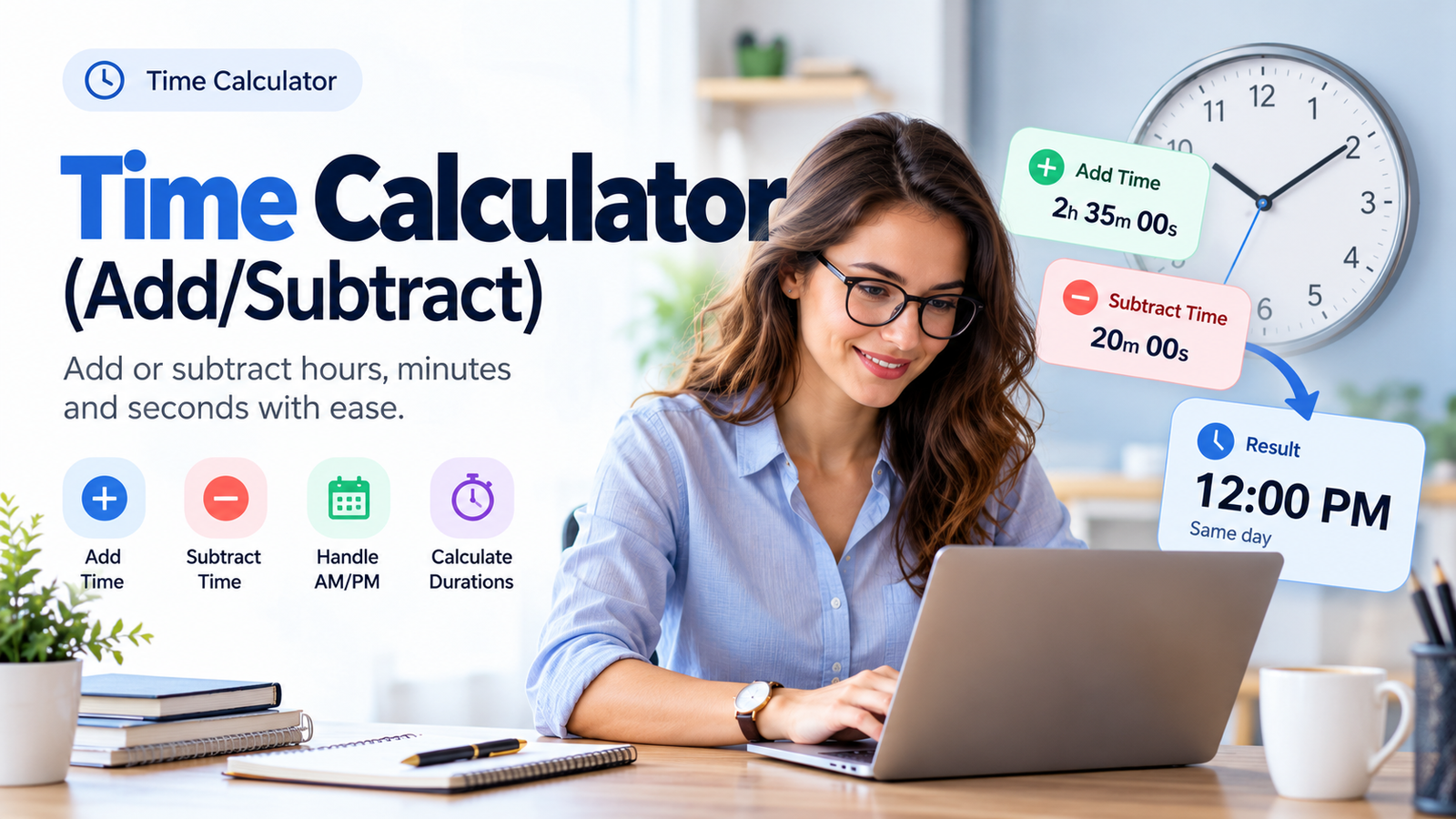
Use the Time Calculator above to add or subtract hours, minutes, and seconds from a clock time or another duration. Calculate future times, earlier times, total durations, and multi-step time adjustments without manual arithmetic.
What Is a Time Calculator?
A Time Calculator is an online tool that helps you add or subtract time values accurately.
It can calculate a new clock time after adding or subtracting a duration, or combine two durations to find their total or difference.
For example, imagine a meeting starts at 9:45 AM and lasts 2 hours and 35 minutes.
Adding the duration gives:
9:45 AM + 2 hours 35 minutes = 12:20 PM
The Skills Elevate Time Calculator is designed for everyday tasks such as work scheduling, study planning, shift management, meeting coordination, and calculating elapsed time.
It is especially useful when calculations involve carrying minutes into hours, subtracting seconds, or crossing midnight.
How to Use the Time Calculator
The calculator provides two main calculation modes: Clock Time and Time Duration.
Step 1: Select Your Calculation Mode
Choose the mode that matches your task.
Clock Time Mode: Use this when you want to find an earlier or later time of day.
For example:
10:30 AM + 3 hours = 1:30 PM
Time Duration Mode: Use this when you want to add or subtract amounts of elapsed time.
For example:
2 hours 45 minutes + 1 hour 30 minutes = 4 hours 15 minutes
The distinction is important because clock times follow a 24-hour daily cycle, while elapsed durations can be longer than 24 hours or negative.
Step 2: Enter Your Starting Time or Duration
In Clock Time mode, enter the starting hour, minute, and second, and select AM or PM when using the 12-hour format.
In Time Duration mode, enter the hours, minutes, and seconds of your first duration.
For example:
Starting Time: 9:45 AM
Step 3: Choose Add or Subtract
Select the operation you want to perform.
- Add Time (+): Move forward from the selected time or increase a duration.
- Subtract Time (−): Move backward from the selected time or reduce a duration.
Step 4: Enter the Time Adjustment
Enter the number of hours, minutes, and seconds you want to add or subtract.
For example:
- Hours: 2
- Minutes: 35
- Seconds: 0
Step 5: Calculate Your Result
Use the Calculate button to display the result.
For example:
9:45 AM + 2h 35m = 12:20 PM
The result can also indicate whether the calculation remains on the same day or crosses into another day.
Step 6: Add Another Time Adjustment
For calculations involving multiple operations, add another step when that option is available.
For example:
9:45 AM + 2h 35m − 20m = 12:00 PM
This is useful for adjusting schedules, subtracting breaks, or combining several periods.
Step 7: Review and Copy Your Answer
Check the calculation breakdown to understand how the time was added or subtracted.
Use Copy Result to save the answer for your schedule, notes, or project records.
How Does a Time Calculator Work?
A Time Calculator converts time values into a common numerical unit, usually seconds.
It then adds or subtracts the required values before converting the answer back into hours, minutes, and seconds.
This approach avoids common arithmetic problems such as treating an hour as 100 minutes.
The standard conversions are:
| Time Unit | Equivalent |
|---|---|
| 1 minute | 60 seconds |
| 1 hour | 60 minutes |
| 1 hour | 3,600 seconds |
| 1 day | 24 hours |
| 1 day | 86,400 seconds |
For example, 2 hours and 35 minutes equals:
(2 × 3,600) + (35 × 60)
= 7,200 + 2,100
Total = 9,300 seconds
The calculator can add those seconds to the starting time and convert the result back into a familiar clock format.
How to Add Time: Formula and Examples
Adding time means combining two or more time values to find a later clock time or longer duration.
The basic formula is:
Result Time = Starting Time + Time Duration
Example 1: Add Hours and Minutes
Suppose a work session starts at 9:45 AM and continues for 2 hours and 35 minutes.
First, add the hours.
9:45 AM + 2 hours = 11:45 AM
Next, add 35 minutes.
11:45 AM + 35 minutes = 12:20 PM
Final Answer: 12:20 PM
Example 2: Add Time With Seconds
Suppose a recording currently lasts 45 minutes and 50 seconds.
You add another 30 seconds.
45m 50s + 30s
= 45m 80s
Because 60 seconds equal one minute, 80 seconds become 1 minute and 20 seconds.
Final Answer: 46 minutes 20 seconds
Example 3: Add Multiple Durations
A student completes two study sessions.
First session: 2h 45m
Second session: 1h 30m
Add the hours:
2 + 1 = 3 hours
Add the minutes:
45 + 30 = 75 minutes
Convert 75 minutes into 1 hour 15 minutes.
Total Study Time = 4 hours 15 minutes
How to Subtract Time: Formula and Examples
Subtracting time means removing a duration from a clock time or finding the difference between two durations.
The basic formula is:
Result Time = Starting Time − Time Duration
Example 1: Subtract Hours and Minutes
Suppose a meeting is scheduled for 6:30 PM, but you need to find the time 1 hour and 20 minutes earlier.
Subtract one hour:
6:30 PM − 1 hour = 5:30 PM
Subtract 20 minutes:
5:30 PM − 20 minutes = 5:10 PM
Final Answer: 5:10 PM
Example 2: Subtract a Break From Work Hours
An employee works an eight-hour shift, including a 45-minute unpaid break.
Calculate:
8h 00m − 45m
Borrow one hour and convert it into 60 minutes.
7h 60m − 45m
Final Answer: 7 hours 15 minutes
Example 3: Subtract a Larger Duration
Suppose you subtract two hours from a duration of one hour and 15 minutes.
1h 15m − 2h
= −45 minutes
Final Answer: −45 minutes
A negative duration means the subtracted amount was greater than the starting duration.
Clock Time vs. Time Duration
Although both involve hours and minutes, clock time and time duration are different concepts.
| Feature | Clock Time | Time Duration |
|---|---|---|
| Meaning | A time of day | Amount of elapsed time |
| Example | 9:45 AM | 2h 35m |
| AM/PM | Applicable | Not applicable |
| Can exceed 24 hours? | Clock display wraps after 24 hours | Yes |
| Can be negative? | Represented by an earlier clock time and day offset | Yes |
| Main use | Scheduling and appointments | Work hours, activities, recordings |
For example:
Clock Time: 11:30 PM + 2h 45m = 2:15 AM the next day.
Time Duration: 23h 30m + 2h 45m = 26h 15m.
The second result must remain 26 hours and 15 minutes because it represents elapsed time rather than a time of day.
How to Calculate Time Across Midnight
One of the most common time-calculation problems occurs when an addition or subtraction crosses midnight.
Midnight marks the beginning of a new calendar day.
Example: Adding Time Across Midnight
Starting time: 11:30 PM
Time added: 2 hours 45 minutes
After 30 minutes, the clock reaches midnight.
The remaining 2 hours and 15 minutes continue into the following day.
Result: 2:15 AM, next day
Example: Subtracting Time Across Midnight
Starting time: 12:15 AM
Time subtracted: 45 minutes
Subtracting the full duration moves the clock into the previous calendar day.
Result: 11:30 PM, previous day
What Happens When Adding More Than 24 Hours?
Suppose you start at 8:00 AM and add 27 hours.
24 hours brings you to 8:00 AM the following day.
The remaining 3 hours brings you to 11:00 AM.
Result: 11:00 AM, one day later
For a 51-hour addition from the same starting time, the clock would also display 11:00 AM, but the result would be two days later.
This is why displaying the day offset is important.
For this type of time-of-day calculation, the calculator treats a day as a fixed 24-hour period. It does not independently account for time-zone transitions or daylight saving time.
Adding and Subtracting Time in 12-Hour and 24-Hour Formats
There are two common ways to display clock time.
12-Hour Format
The 12-hour clock uses AM and PM.
AM represents midnight through the morning, while PM represents noon through the evening.
Examples:
- 9:30 AM
- 12:00 PM
- 4:45 PM
- 11:59 PM
24-Hour Format
The 24-hour clock uses values from 00 through 23 for the hour.
It does not require AM or PM.
| 12-Hour Time | 24-Hour Time |
|---|---|
| 12:00 AM | 00:00 |
| 6:30 AM | 06:30 |
| 9:45 AM | 09:45 |
| 12:00 PM | 12:00 |
| 3:30 PM | 15:30 |
| 6:45 PM | 18:45 |
| 11:59 PM | 23:59 |
Both formats represent the same time. Only the way the result is displayed changes.
Real-Life Time Calculator Examples
Example 1: Work Schedule Planning
Jessica starts work at 9:45 AM.
She adds 2 hours and 35 minutes, then subtracts a 20-minute schedule adjustment.
9:45 AM + 2h 35m − 20m
Final Time = 12:00 PM
This helps her organize appointments and work activities.
Example 2: Calculating Paid Work Hours
An employee works an 8-hour shift with a 45-minute unpaid break.
8h − 45m = 7h 15m
The result represents the shift duration after deducting the unpaid break.
Example 3: Study Time Calculation
A student studies mathematics for 1 hour 50 minutes and science for 2 hours 25 minutes.
1h 50m + 2h 25m = 4h 15m
The calculator helps determine the total study duration.
Example 4: Video Editing
A video editor combines clips with the following lengths:
- Clip 1: 12m 45s
- Clip 2: 8m 35s
- Clip 3: 3m 50s
The total is:
12m 45s + 8m 35s + 3m 50s
Total Duration = 25m 10s
Example 5: Overnight Work Shift
An employee begins a shift at 10:30 PM and works for 7 hours and 45 minutes.
10:30 PM + 7h 45m
Shift End Time = 6:15 AM the next day
Example 6: Working Backward From a Deadline
A presentation must begin at 2:00 PM.
Preparation requires 1 hour and 25 minutes.
2:00 PM − 1h 25m
Preparation Start Time = 12:35 PM
Time Addition and Subtraction Examples
| Starting Value | Operation | Result |
|---|---|---|
| 9:45 AM | + 2h 35m | 12:20 PM |
| 6:30 PM | − 1h 20m | 5:10 PM |
| 11:30 PM | + 2h 45m | 2:15 AM, next day |
| 12:15 AM | − 45m | 11:30 PM, previous day |
| 2h 45m | + 1h 30m | 4h 15m |
| 8h | − 45m | 7h 15m |
| 45m 50s | + 30s | 46m 20s |
| 1h 15m | − 2h | −45m |
| 10h 30m | + 15h 45m | 26h 15m |
Why Use an Online Time Calculator?
Manual time calculations are easy for simple values but become more complicated when hours, minutes, seconds, and calendar-day changes are involved.
An online Time Calculator can help you:
- Reduce mistakes when adding or subtracting minutes.
- Calculate durations with seconds.
- Find earlier and later clock times.
- Handle previous-day and next-day results.
- Work with values longer than 24 hours.
- Combine multiple time adjustments.
- Save results for schedules and records.
It can be useful for students, office workers, freelancers, project managers, shift workers, and content creators.
Common Time Calculation Mistakes
Treating Time as Decimal Numbers
Time does not use 100 minutes per hour.
For example, 1 hour and 30 minutes equals 1.5 decimal hours, not 1.30 decimal hours.
Forgetting to Carry Minutes
When minutes total 60 or more, the extra minutes must be converted into hours.
For example:
1h 50m + 20m = 2h 10m
Confusing AM and PM
12:00 AM means midnight.
12:00 PM means noon.
Mixing these can cause a 12-hour error.
Ignoring Midnight
Adding time late at night may change the calendar day.
Always check whether the result belongs to the next or previous day.
Treating Durations Like Clock Times
A duration of 27 hours should remain 27 hours rather than being displayed only as 3 hours.
Forgetting Seconds
For recordings, scientific work, and other precise tasks, seconds can affect the final total.
Confusing Elapsed Time With Working Time
A continuous 8-hour duration is different from eight business hours if breaks, working schedules, or non-working periods must be excluded.
A basic time calculator uses elapsed-time arithmetic unless a specialized working-hours feature is provided.
Related Tools
Explore these additional Skills Elevate time and date tools:
- 35 Minutes From Now — Calculate a future time 35 minutes ahead or work backward from a chosen time.
- What Time Will It Be in 10 Hours? — Calculate a clock time 10 hours later.
- 48 Hours From Now Calculator — Explore two-day elapsed-time calculations.
- 14 Weeks From Now — Calculate future dates over longer periods.
Frequently Asked Questions
What is a Time Calculator?
A Time Calculator is a tool that adds or subtracts hours, minutes, and seconds from clock times or durations.
How do I add hours and minutes?
Enter the starting time or duration, choose Add, enter the hours and minutes, and calculate the result.
How do I subtract time?
Enter your starting time or duration, choose Subtract, and provide the time adjustment. The calculator determines the result automatically.
Can I add hours, minutes, and seconds together?
Yes. You can combine hours, minutes, and seconds in the same calculation.
What is 2 hours and 35 minutes after 9:45 AM?
The result is 12:20 PM on the same day.
What is 45 minutes before 12:15 AM?
The result is 11:30 PM on the previous day.
How do I add time across midnight?
Add the duration normally. When the result passes midnight, the clock starts a new calendar day.
Can a time duration exceed 24 hours?
Yes. Duration mode can represent results such as 26 hours and 15 minutes without wrapping back to two hours and 15 minutes.
Can a time duration be negative?
Yes. Subtracting a larger duration from a smaller one produces a negative duration.
For example, 1h 15m − 2h = −45m.
Does the calculator support AM and PM?
Clock Time mode is designed to support the 12-hour AM/PM format, with 24-hour display as an alternative.
What is the difference between 12-hour and 24-hour time?
The 12-hour format uses AM and PM, while the 24-hour format numbers the hours from 00 to 23.
For example, 3:30 PM is 15:30 in 24-hour time.
How many seconds are in one hour?
One hour contains 3,600 seconds.
How do I calculate total work hours?
Add the durations worked and subtract any unpaid breaks. For example, 8 hours minus a 45-minute break equals 7 hours and 15 minutes.
Can I calculate several time adjustments?
The planned multi-step feature allows multiple additions and subtractions in sequence, such as adding a task duration and then subtracting a schedule adjustment.
Does a Time Calculator automatically account for daylight saving time?
A basic clock-time calculator performs time arithmetic using fixed 24-hour days. It does not automatically account for daylight saving transitions without date and time-zone information.
Is the Skills Elevate Time Calculator free?
Yes. It is designed as a free online tool for everyday time calculations.
Can I use the Time Calculator on mobile?
The tool is designed for responsive use on smartphones, tablets, and desktop computers.
Can I copy my calculated time?
Use the Copy Result function to save the calculated time or duration when it is available in the tool.
Is the Time Calculator accurate?
The underlying arithmetic is exact for valid time inputs because it converts durations into seconds before performing addition or subtraction. The result depends on the entered values and the calculation mode.
Final Summary
The Skills Elevate Time Calculator helps you add and subtract hours, minutes, and seconds without manually carrying or borrowing time units.
Use Clock Time mode when you need an earlier or later time of day, and Duration mode when you need to combine elapsed-time values.
Whether you are planning a work shift, calculating a deadline, adding study sessions, or editing video clips, the calculator provides a straightforward way to work with time.