
10 Hours Ago
Find out the exact date and time 10 hours ago, live-updating — plus a general calculator for any number of minutes, hours, days, weeks, months, or years.
10 Hours Ago
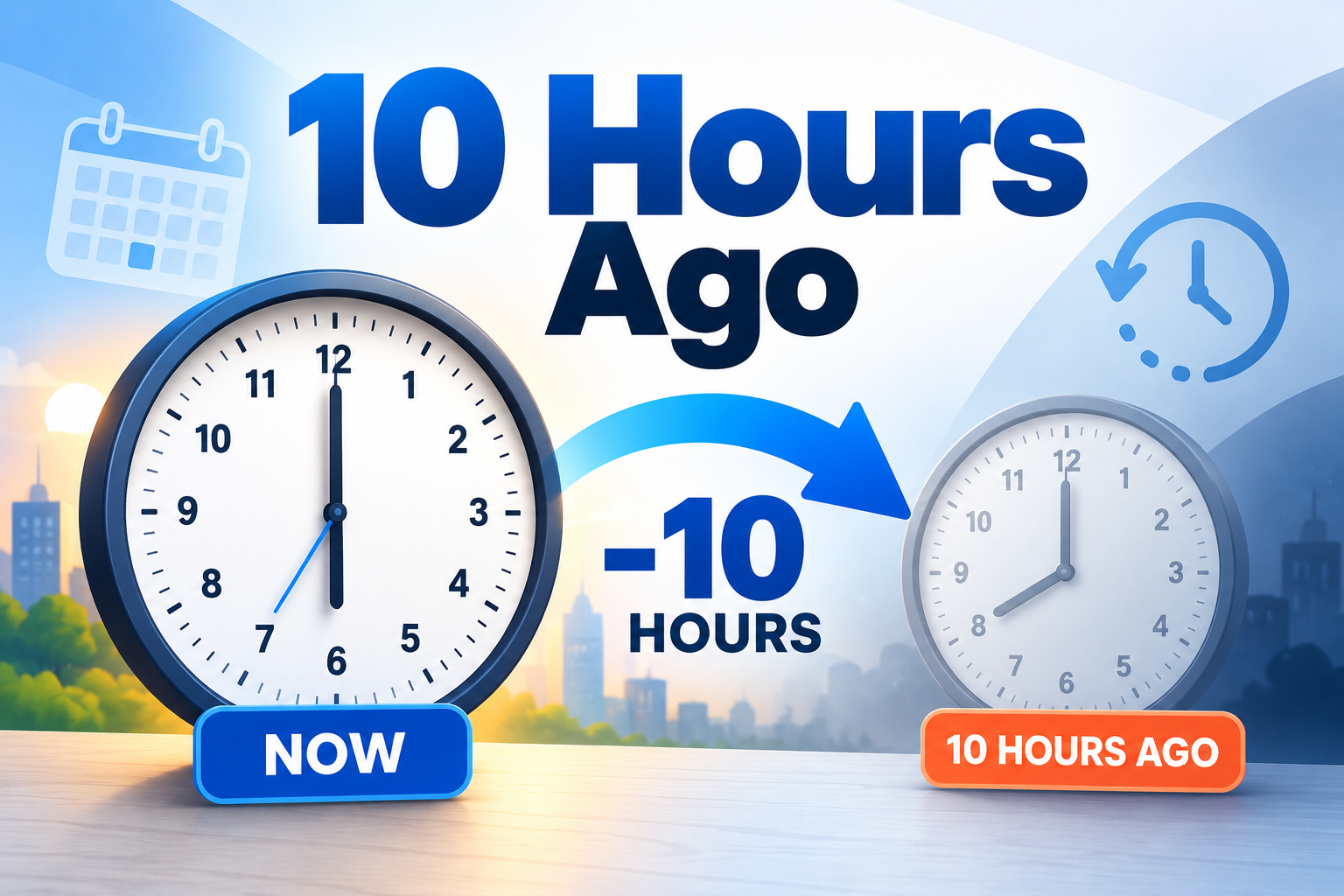
Need to know what time it was 10 hours ago? This calculator gives you the exact past date and time instantly based on your current local time. It is useful when you are checking message timestamps, work activity, delivery updates, system logs, travel times, or any recent event.
The calculation is simple:
Current Time − 10 Hours = Time 10 Hours Ago
Because 10 hours is a fixed duration, the result can fall on the same day or the previous calendar day depending on the current time.
What Does 10 Hours Ago Mean?
10 Hours Ago means exactly ten hours before the selected reference time.
For example, if the current time is 6:00 PM, then 10 hours ago was 8:00 AM on the same day. If the current time is 6:00 AM, then 10 hours ago was 8:00 PM on the previous day.
This is why the calculator considers both the clock time and the calendar date.
How Does the 10 Hours Ago Calculator Work?
The calculator starts with your current local date and time, then subtracts exactly 10 hours.
The method is:
10 Hours = 600 Minutes
and:
10 Hours = 36,000 Seconds
The tool subtracts that fixed duration from the reference time and then displays the exact result, including:
- Date
- Day of the week
- Exact time
- 12-hour format
- 24-hour format
- Time zone
- Hours subtracted
This makes the result easy to verify.
How to Use the 10 Hours Ago Calculator
Using the calculator is straightforward.
- The tool automatically loads your current date and time.
- The Hours Ago field is set to 10.
- Click Calculate Time if needed.
- View the exact time and date 10 hours earlier.
- Use Copy Result to copy the answer.
- Choose another date or time if you want to calculate 10 hours before a custom reference point.
You can also click Use Current Time to return to the live current-time calculation.
What Time Was It 10 Hours Ago?
The answer depends on your current local time.
If it is currently:
3:00 PM
then 10 hours ago was:
5:00 AM
If it is currently:
4:00 AM
then 10 hours ago was:
6:00 PM on the previous day
The calculator handles this day change automatically.
Is 10 Hours Ago Yesterday?
Sometimes yes, sometimes no.
Whether 10 hours ago was yesterday depends on the current time.
If the current time is before 10:00 AM, subtracting 10 hours will move the result into the previous calendar day.
For example:
- 9:00 AM − 10 hours = 11:00 PM yesterday
- 7:00 AM − 10 hours = 9:00 PM yesterday
- 2:00 PM − 10 hours = 4:00 AM today
This is one of the main reasons a time calculator is useful.
How Many Minutes Is 10 Hours?
To convert hours to minutes:
Hours × 60 = Minutes
So:
10 × 60 = 600 Minutes
Therefore:
10 Hours = 600 Minutes
This means the calculator is subtracting exactly 600 minutes from the selected reference time.
How Many Seconds Is 10 Hours?
To convert hours to seconds:
Hours × 60 × 60 = Seconds
So:
10 × 60 × 60 = 36,000 Seconds
Therefore:
10 Hours = 36,000 Seconds
This fixed-duration method keeps the calculation precise.
Does 10 Hours Ago Cross Midnight?
It can.
If the reference time is early enough in the day, subtracting 10 hours will move the result into the previous date.
For example:
Reference Time: 5:30 AMSubtract: 10 HoursResult: 7:30 PM on the previous day
The calculator automatically updates the date when midnight is crossed.
Can 10 Hours Ago Be in the Previous Month?
Yes.
If the reference date is near the beginning of a month, subtracting 10 hours can move the result into the previous month.
For example:
Reference: May 1 at 4:00 AM10 Hours Ago: April 30 at 6:00 PM
The same logic applies across:
- Month boundaries
- Year boundaries
- Leap years
Can 10 Hours Ago Be in the Previous Year?
Yes.
For example:
Reference: January 1 at 5:00 AM10 Hours Ago: December 31 at 7:00 PM
The calculator handles the year change automatically.
12-Hour vs 24-Hour Time
Some users prefer AM/PM, while others use the 24-hour clock.
The calculator can display both formats.
Example:
12-hour format: 8:30 PM24-hour format: 20:30
Both represent the same exact time.
This is useful when comparing:
- International schedules
- Server logs
- Travel information
- Work records
- Medical or technical timestamps
How Time Zones Affect 10 Hours Ago
The calculator uses the time zone reported by your device or browser.
That means 10 Hours Ago is calculated relative to your local time unless you manually use a different reference time.
This is important when comparing events from different countries or systems.
For example, 10 hours ago in New York and 10 hours ago in London refer to different local clock readings even though each calculation subtracts the same 10-hour duration.
10 Hours Ago for Message and Email Timestamps
This tool can help when you see a message or notification that says something happened 10 hours ago.
You can use the result to estimate the actual local date and time of the event.
Common examples include:
- Email received times
- Chat messages
- Social media posts
- App notifications
- Support tickets
- Project updates
This can make relative timestamps easier to understand.
10 Hours Ago for Work and Shift Tracking
Employees and managers may need to calculate earlier times for:
- Shift starts
- Break periods
- Task activity
- Attendance
- Time logs
- Incident reports
If a task was completed 10 hours before the current time, the calculator provides the exact clock time and date quickly.
10 Hours Ago for System Logs
Developers, IT teams, and website administrators often work with timestamps.
A 10 Hours Ago calculator can be useful when reviewing:
- Server logs
- Website events
- Application errors
- Backup activity
- Security alerts
- Monitoring systems
However, always check whether the system log uses local time or UTC before comparing timestamps.
10 Hours Ago for Travel
Travelers may use this calculation to check when an event occurred relative to:
- Departure time
- Arrival time
- Flight updates
- Hotel check-in
- Transport schedules
If you are working across time zones, make sure you compare times using the same timezone reference.
Practical Example
Suppose your reference time is:
October 7 at 3:00 PM
Subtract 10 hours:
3:00 PM − 10 Hours = 5:00 AM
So the result is:
October 7 at 5:00 AM
Now consider a different reference:
October 7 at 6:00 AM
Subtract 10 hours:
6:00 AM − 10 Hours = 8:00 PM on October 6
This shows why the date can change even though the duration is only 10 hours.
Why Use a 10 Hours Ago Calculator?
A calculator reduces the chance of mistakes when subtracting time manually.
It is especially helpful when:
- The calculation crosses midnight
- The result moves into the previous month
- The result moves into the previous year
- You need an exact timestamp
- You want to compare multiple time formats
- You are reviewing historical activity
The calculation itself is deterministic: the tool subtracts the selected number of hours from the chosen reference date and time.
Frequently Asked Questions
What time was it 10 hours ago?
The exact answer depends on your current local time. The calculator above automatically uses your current date and time and subtracts 10 hours.
Is 10 hours ago always yesterday?
No. It depends on the current time. If the current time is before 10:00 AM, the result will usually fall on the previous day.
How many minutes ago is 10 hours?
10 hours equals 600 minutes.
How many seconds ago is 10 hours?
10 hours equals 36,000 seconds.
Does the calculation include minutes and seconds?
Yes. The tool subtracts the full 10-hour duration from the exact reference timestamp.
Can I calculate 10 hours ago from another time?
Yes. Select a custom reference date and time, then keep the Hours Ago field set to 10.
Does the calculator use my local timezone?
Yes. It uses the date and timezone information available from your browser or device.
Can 10 hours ago be in the previous month?
Yes. This can happen when the reference time is near the beginning of a month.
Can 10 hours ago be in the previous year?
Yes. For example, subtracting 10 hours from early January 1 can return a time on December 31.
10 Hours Ago Summary
10 Hours Ago is calculated by subtracting exactly 10 hours from the current or selected reference time.
The key conversion is:
10 Hours = 600 Minutes = 36,000 Seconds
The calculator can help you identify:
- The exact past time
- The correct date
- The weekday
- Whether the result was yesterday
- The local timezone
- 12-hour and 24-hour formats
- A custom past time from any reference date
For accurate results, use the actual reference date and time rather than estimating manually.