
22 Hours Ago From Now: Find the Exact Past Time
Use this 22 Hours Ago calculator to instantly find the exact time and date from 22 hours ago. You can also enter a custom starting date and time or change the number of hours.
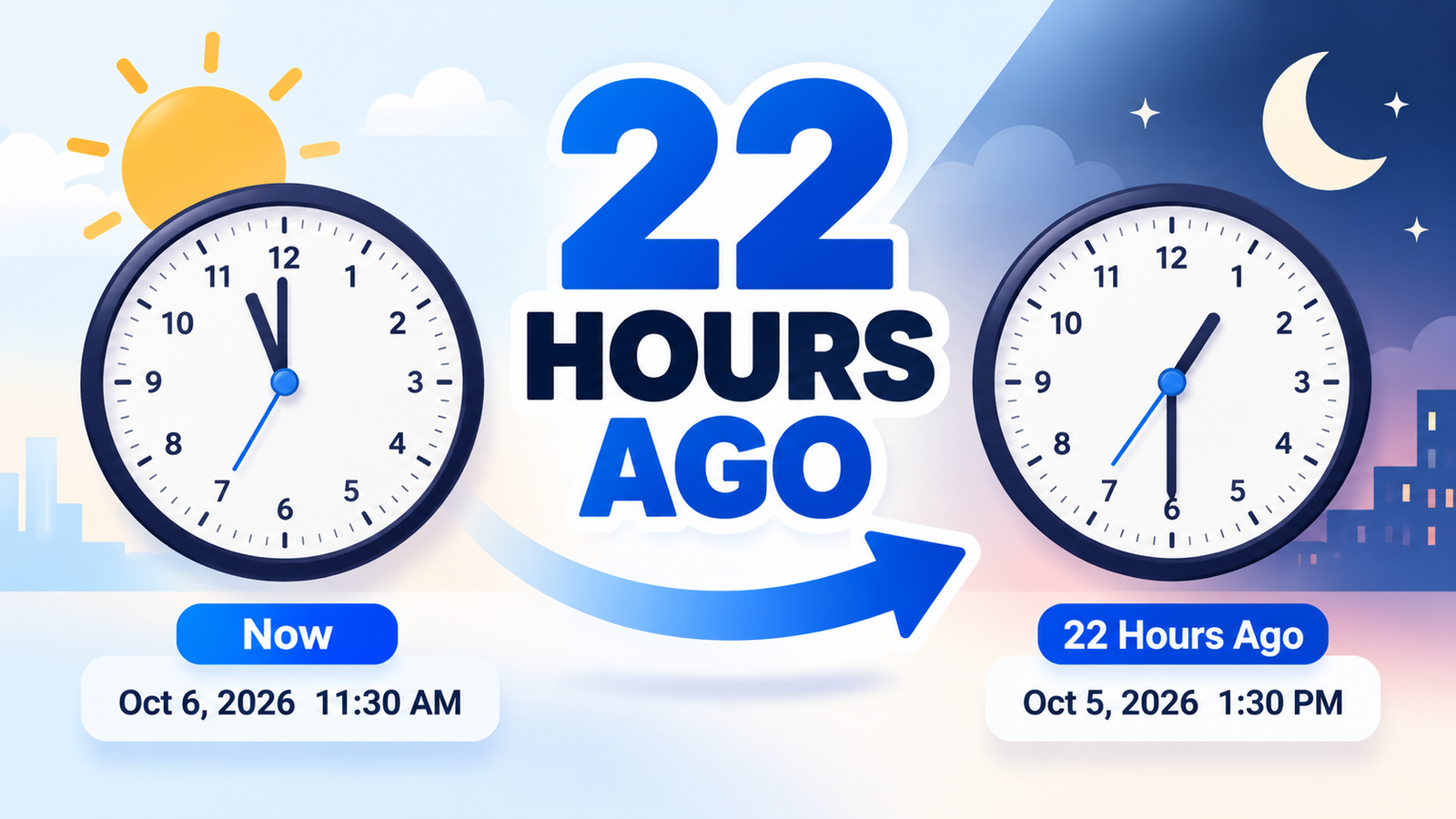
What Time Was It 22 Hours Ago?
The calculator subtracts 22 hours from the current local time and shows the exact past time and date.
For example:
11:30 AM − 22 hours = 1:30 PM on the previous day
Because 22 hours is close to a full day, the result will often fall on the previous calendar date.
How to Use the 22 Hours Ago Calculator
Using the tool is simple:
- Leave Starting Date & Time set to the current local time.
- Keep 22 in the Hours field.
- View the exact past time and date.
- Use Quick Hours to calculate other common hour intervals.
- Enter a custom starting date and time if needed.
- Copy the full result or any individual time format.
Select Use Now to return to the live current time at any point.
How Is 22 Hours Ago Calculated?
The calculation is:
Starting Date & Time − 22 Hours = Past Date & Time
The calculator uses real date-and-time arithmetic instead of simply changing the displayed hour.
That allows it to correctly handle:
- Midnight
- Previous day
- Previous month
- Previous year
- Leap-year dates
- Custom values greater than 24 hours
Does 22 Hours Ago Mean Yesterday?
Often, yes.
If the current time is earlier than 10:00 PM, subtracting 22 hours usually moves the result to the previous calendar day.
For example:
October 6 at 11:30 AM − 22 hours = October 5 at 1:30 PM
The calculator automatically detects this and shows Previous Day in the Date Change section.
Live Current Time
When Use Now mode is active, the calculator uses the current local date and time reported by your browser.
The starting time and the 22 hours ago result update automatically, so the answer remains current without refreshing the page.
If you manually choose another starting date or time, the calculator switches to custom mode and keeps your selected value.
Quick Hour Options
The calculator includes several common time presets:
1 · 3 · 6 · 12 · 22 · 24 · 48 hours
The 22 hour option is selected by default.
Clicking any preset updates the Hours field and recalculates the result immediately.
Date Change Information
The result includes a Date Change value so you can quickly see whether the calculated time falls on the same day or an earlier date.
Possible results include:
- Same Day
- Previous Day
- 2 Days Earlier
- 3 Days Earlier
For larger custom hour values, the calculator automatically shows the correct number of calendar days crossed.
Date and Time Details
The tool also displays useful supporting information, including:
- Day of the week
- Full date
- 12-hour time
- 24-hour time
- Hours subtracted
- Date change
- Local time zone
- Current or custom reference time
These details can be helpful when checking timestamps, work records, messages, logs, deliveries, or recent events.
12-Hour and 24-Hour Time
The result is available in both common time formats.
For example:
12-Hour Time: 1:30 PM24-Hour Time: 13:30
This makes the calculator useful whether you prefer AM/PM time or the 24-hour clock.
Full Date and Time
The calculator also provides the complete result as a readable date and time.
Example:
Monday, October 5, 2026 at 1:30 PM
This format is useful for notes, reports, support records, schedules, and documentation.
ISO Date and Time Format
An ISO-style timestamp is also shown.
Example:
2026-10-05T13:30:00+05:00
The time-zone offset depends on the visitor's browser settings.
ISO-style timestamps are useful for software systems, databases, logs, APIs, and technical records.
22 Hours Ago From a Custom Time
The tool is not limited to the current time.
You can select any starting date and time and calculate exactly 22 hours before it.
For example:
Starting Time: October 10 at 8:00 AM22 Hours Ago: October 9 at 10:00 AM
You can also change the Hours field if you need another interval.
Why Use a 22 Hours Ago Calculator?
This tool can be useful for:
- Checking message timestamps
- Reviewing work records
- Customer-support logs
- Delivery tracking
- Technical system logs
- Social media activity
- Appointment records
- Study or work sessions
- Research timelines
- General time calculations
It saves you from manually counting backward across hours and calendar dates.
Frequently Asked Questions
What time was it 22 hours ago?
The exact answer depends on the current time. The calculator automatically subtracts 22 hours from your local date and time.
Was 22 hours ago yesterday?
In many cases, yes. If subtracting 22 hours crosses midnight, the result falls on the previous day.
How many days is 22 hours?
22 hours equals 0 days and 22 hours, or about 0.92 days.
Can I calculate 22 hours ago from another time?
Yes. Enter any valid starting date and time and keep the Hours field set to 22.
Can I enter a different number of hours?
Yes. You can type a custom hour value or use one of the Quick Hours presets.
Does the calculator update automatically?
Yes. When Use Now is active, the starting time and result update automatically.
Does the calculator show the time zone?
Yes. It uses and displays the local time zone reported by your browser.
Can I copy the result?
Yes. You can copy the full result or individually copy the 12-hour, 24-hour, full date-and-time, and ISO formats.