
36 Months From Today: Find the Exact Future Date
Use this 36 Months From Today calculator to instantly find the exact future date, weekday, and calendar details from today or any selected starting date.
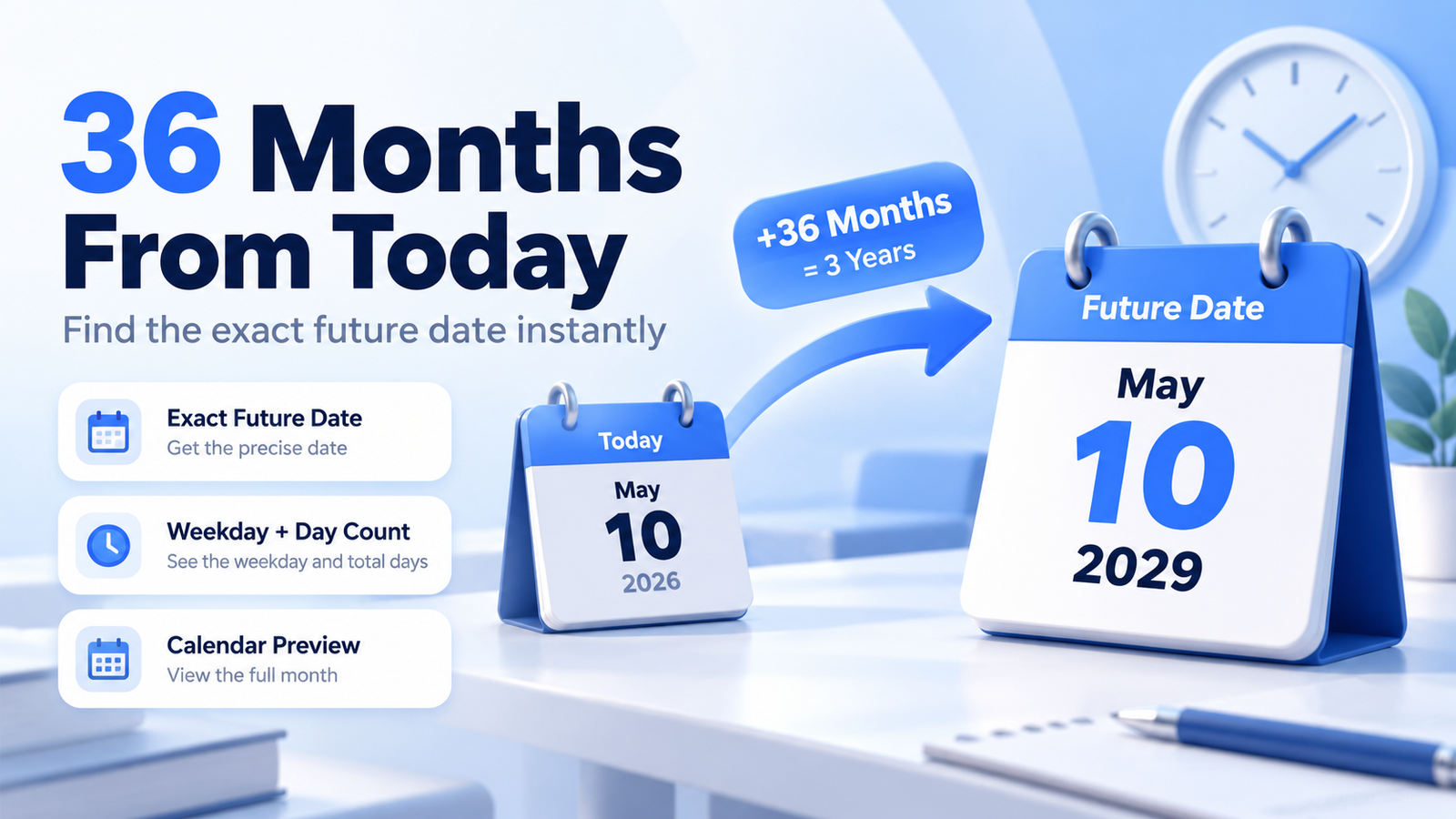
What Date Is 36 Months From Today?
36 months from October 6, 2026 is Saturday, October 6, 2029.
Since 12 months make one year:
36 months = 3 years
So the calculation can also be written as:
October 6, 2026 + 36 months = October 6, 2029
How to Use the 36 Months From Today Calculator
The calculator is designed to give you the result quickly:
- Leave Starting Date set to today or choose another date.
- Keep 36 in the Months field.
- Select Calculate Date.
- View the exact future date and weekday.
- Check the equivalent years and months.
- See the exact number of calendar days between the dates.
- View the live time remaining until the target date.
- Copy the result in your preferred date format.
You can also enter another value in the Months field for a custom calculation.
How Is 36 Months From Today Calculated?
The tool adds 36 calendar months to the starting date:
Starting Date + 36 Calendar Months = Future Date
For example:
October 6, 2026 + 36 months = October 6, 2029
The calculator uses calendar-month arithmetic rather than estimating each month as 30 days.
How Many Years Is 36 Months?
There are 12 months in a year.
36 ÷ 12 = 3
Therefore:
36 months = 3 years
The calculator also shows the breakdown as:
3 Years + 0 Months
If you enter a value such as 40 months, the equivalent would be:
3 Years + 4 Months
How Many Days Are in 36 Months?
There is no single fixed day count for every 36-month period because years may contain either 365 or 366 days.
For the period from October 6, 2026 to October 6, 2029, the exact difference is:
1,096 days
This period includes the leap day in 2028.
The calculator determines the exact number automatically for any starting date you choose.
Why Months Are Not Converted to 30 Days Each
Calendar months have different lengths:
- February: 28 or 29 days
- Some months: 30 days
- Some months: 31 days
Because of this, calculating:
36 × 30 = 1,080 days
would not reliably give the same result as adding 36 actual calendar months.
The tool therefore works directly with calendar months.
How Are Month-End Dates Handled?
Month-end dates need special handling when the target month has fewer days.
For example:
January 31, 2026 + 1 month = February 28, 2026
In a leap year:
January 31, 2028 + 1 month = February 29, 2028
The calculator automatically uses the last valid day of the target month when necessary.
Live Time Until the Target Date
The Live Time Until This Date section shows how much time remains before the calculated future date.
It displays:
Days · Hours · Minutes · Seconds
This is useful when the calculated date represents a deadline, milestone, appointment, contract date, or future event.
Date Details
The calculator provides additional information about the resulting date, including:
- Day of the week
- Month
- Year
- Exact number of days
- Day of the year
- ISO week number
- Years and months breakdown
- Local time zone
This gives you more context than a simple date result.
Date Formats
The calculated date is available in several useful formats.
For the example above:
Long Date: October 6, 2029US Format: 10/06/2029Day-First: 06/10/2029ISO Format: 2029-10-06
Each format can be copied individually for use in documents, spreadsheets, forms, calendars, or databases.
36 Months From a Custom Date
You can also calculate 36 months from any date you choose.
For example:
January 15, 2027 + 36 months = January 15, 2030
Simply change the Starting Date while keeping the Months value set to 36.
You can also change the Months value if you need a different future period.
Why Use a 36 Months From Today Calculator?
This tool can help with:
- Contract end dates
- Loan or finance periods
- Project timelines
- Subscription terms
- Warranty periods
- Lease dates
- Employment milestones
- Travel planning
- School or study schedules
- Personal anniversaries
It removes the need to manually count months across different years and month lengths.
Frequently Asked Questions
What date is 36 months from today?
The exact answer depends on today's date. The calculator automatically adds 36 calendar months to the current date.
How many years is 36 months?
36 months is exactly 3 years.
Is 36 months always 1,095 days?
No. The exact number of days depends on whether a leap day occurs within the selected 36-month period.
Is 36 months the same as 3 years?
For calendar calculations, yes. Adding 36 months is equivalent to adding 3 calendar years, subject to valid month-end date handling.
Can I calculate 36 months from another date?
Yes. Select any Starting Date and leave the Months field set to 36.
Can I enter a different number of months?
Yes. The custom Months field allows you to calculate another future period.
Does the calculator handle leap years?
Yes. Leap years and February 29 are handled automatically.
What happens with dates such as January 31?
If the target month does not contain the same day number, the calculator uses that month's last valid date.
Can I copy the result?
Yes. You can copy the full result or individually copy the Long Date, US, Day-First, and ISO formats.