Private by Design
Your text is converted locally in the browser. Review the preview before sharing or exporting anything important.

Turn typed text into beautiful cursive handwriting on lined paper — download as an image.
Last updated:
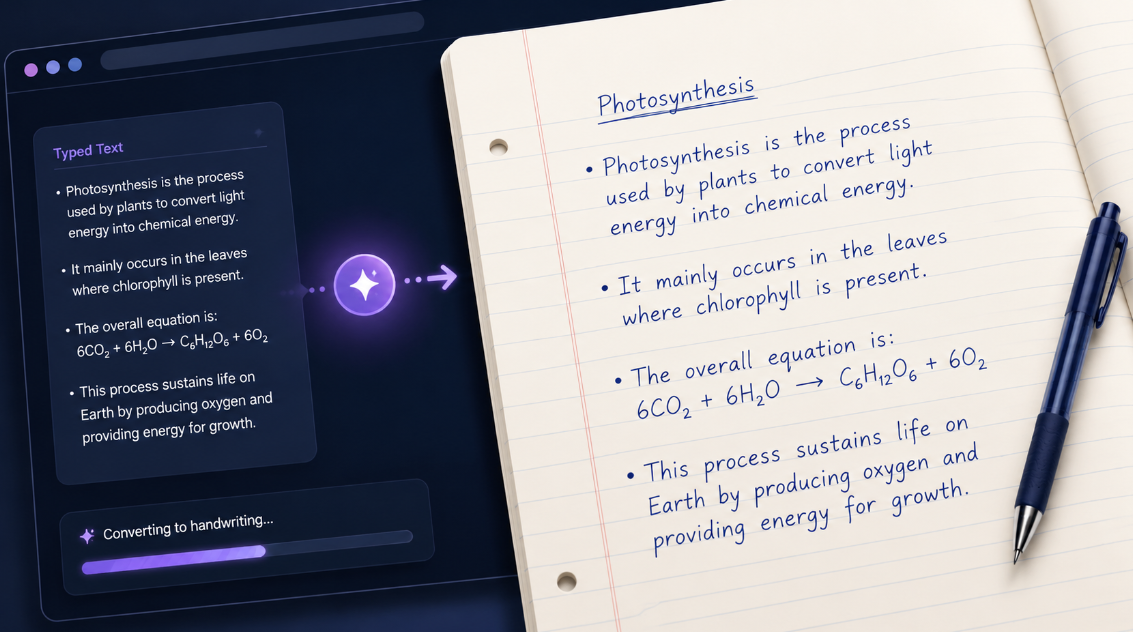
Use this free Text to Handwriting Converter to turn typed text into clear, customizable handwritten-style pages. Paste your notes, choose a writing style, select paper and ink settings, then preview and download your finished pages.
It is useful for study notes, classroom worksheets, journal-style designs, greeting cards, social media graphics, and printable learning materials. Your text stays editable until you export it.
The converter keeps paragraph breaks and wraps words across lines to help prevent awkward cut-offs. Longer content is divided into separate preview pages automatically.
You can make each page fit your intended use with practical controls:
For printed revision notes, try neat blue ink on A4 ruled paper. For a journal graphic or social post, choose a softer paper background, a larger writing size, and a casual handwriting style.
Longer text is split across pages in the preview. This makes it easier to create printable notes, worksheets, letters, and study summaries without manually arranging every line.
Before exporting, review each page for readability and make adjustments to font size, spacing, margins, or page orientation if needed. The final appearance can vary slightly depending on your browser, printer, and selected paper size.
Choose the best format for your project:
Use the PDF print option when you need all generated pages in one printable file. Check your print dialog’s paper size and scale settings before saving.
This tool can help create simple handwritten-style content such as:
For complex equations, tables, or special symbols, review the preview carefully. Some characters may display differently depending on the selected handwriting style and the device used.
This generator creates simulated handwriting-style text. It does not create genuine personal handwriting or verify who wrote a document.
Unicode characters, uncommon symbols, and some non-English scripts may not be supported equally across all handwriting styles. For complex mathematical expressions, use an equation editor where accurate formatting is important.
Handwriting-style text can also be less accessible than standard digital text. For websites and important documents, use normal text and proper semantic formatting whenever accessibility matters.
Use this converter for creative, educational, personal, and design purposes. Do not use it to forge signatures, imitate another person’s handwriting, create false official documents, fabricate evidence, or misrepresent work where disclosure is required.
If you use handwritten-style notes for school or work, follow the rules set by your teacher, institution, employer, or platform.
Your text is processed in the browser for the preview and export workflow. Avoid entering sensitive personal, financial, medical, legal, or confidential information unless you are comfortable handling it on your own device.
Yes. Enter your text, customize the page, and download handwritten-style pages without creating an account.
Yes. The preview automatically creates additional pages for longer text. Use the Print / Save as PDF option to save all pages together.
The result is designed to look like a readable handwritten style, but it is simulated text rather than genuine handwriting. Small visual variations can make it feel less uniform, while clear spacing keeps it easy to read.
Yes. Choose the correct page size, preview every page, and use PDF for the most reliable print-ready result. Printer settings can affect final colours, margins, and scaling.
Some characters, symbols, languages, and device fonts have limited support. Check the preview before downloading, especially for scientific notation, special symbols, or non-English text.