
Free Online Word Counter
Count words, characters, sentences and reading time as you type.
Last updated:
Free Online Word Counter
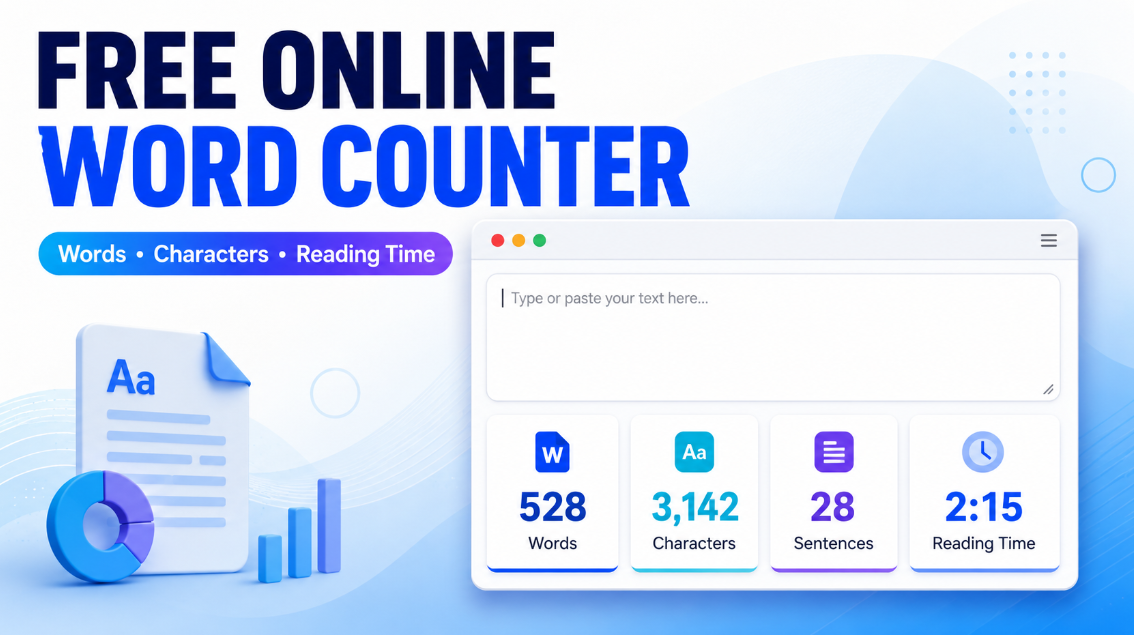
Use this free online word counter to instantly count words, characters, sentences, paragraphs, and more. Paste your text or start typing to see live writing statistics without installing software or creating an account.
Whether you are writing an essay, blog post, email, social media caption, speech, or meta description, the tool helps you stay within your target word and character limits.
Count words and characters instantly
The word counter updates as you type. It shows the writing statistics that matter most:
- Total words
- Characters with spaces
- Characters without spaces
- Sentences
- Paragraphs
- Estimated reading time
- Estimated speaking time
- Average word length
- Average sentence length
- Frequently used keywords
This makes it easy to check a draft before submitting an assignment, publishing an article, sending an email, or posting content online.
How to use the online word counter
- Paste text from Google Docs, Microsoft Word, WordPress, email, or another document.
- Review your live word and character count.
- Check sentence, paragraph, reading-time, and keyword information.
- Edit directly in the text area until your draft reaches the right length.
- Copy the text or download it as a TXT file when finished.
The tool works on desktop, tablet, and mobile devices.
Word count for essays, blogs, and applications
Students can use the counter to check essays, assignments, reports, and application answers. Writers and bloggers can use it to measure article length, review paragraph structure, and check whether a draft meets an editorial brief.
For example, if an assignment requires 1,000 words, paste the draft into the editor and review the word total before submission. If you are close to the limit, the sentence and paragraph totals can help you decide where to expand or shorten the content.
Character counter with and without spaces
Character limits are common in meta titles, meta descriptions, social media captions, email subject lines, and advertising copy. This tool shows both character totals:
- Characters with spaces: Includes letters, numbers, punctuation, spaces, and line breaks.
- Characters without spaces: Counts visible characters after spaces are removed.
Different platforms may use slightly different counting methods, so use the result as a consistent writing guide and check important limits inside the final platform before publishing.
Reading time and speaking time calculator
The reading-time estimate helps writers understand how long an article may take to read. It is calculated using the selected words-per-minute reading speed.
Speaking time uses a slower speed because presentations, speeches, lessons, and videos usually include pauses. This makes the tool useful for preparing:
- Classroom presentations
- Wedding speeches
- YouTube scripts
- Podcasts
- Sales presentations
- Training material
- Video voice-over scripts
These are estimates only. Actual time depends on reading pace, pauses, visuals, and the complexity of the content.
Keyword frequency checker
The keyword frequency section highlights commonly repeated meaningful words in your text. It can help SEO writers, editors, students, and marketers identify repeated terms quickly.
Use keyword frequency to improve clarity, not to force keywords into every sentence. Repeating a keyword unnaturally can make content harder to read and does not guarantee better search performance.
For SEO content, focus on answering the reader’s question clearly, using relevant terms naturally, and organizing the page with useful headings and examples.
How words are counted
This word counter uses a consistent method for normal writing:
- Words made of letters or numbers are counted.
- Contractions such as “don’t” count as one word.
- Hyphenated terms such as “well-written” generally count as one word.
- Empty lines do not count as paragraphs.
- Numbers, dates, and mixed letter-number terms can be counted as words.
- Punctuation and symbols alone are not counted as words.
Word totals can vary slightly between different applications because programs may handle hyphens, URLs, emojis, special characters, or non-English writing systems differently.
Is my text private?
The counter processes your writing in your browser for live statistics. It does not require an account, and the tool does not need to save your draft to work.
For sensitive legal, financial, medical, academic, client, or personal material, always follow your organization’s privacy rules and use a device you trust.
Frequently asked questions
Is this word counter free?
Yes. You can count words, characters, sentences, paragraphs, reading time, and keyword frequency without registering.
Does the counter work with copied text?
Yes. You can paste plain text from documents, websites, emails, and writing tools. Review the text after pasting because copied content can sometimes include unusual spacing or formatting.
Does a hyphenated word count as one word?
This tool treats a hyphenated term as one word when the hyphen connects letters or numbers, such as “user-friendly” or “five-year.”
Can I use it for a meta title or meta description?
Yes. Check the character count while writing a meta title, meta description, social caption, subject line, or advertisement. Always confirm final limits in the platform where you publish.
Does keyword frequency improve SEO?
Keyword frequency can help you spot repeated terms, but it is not an SEO score. Write naturally for readers and avoid keyword stuffing.