
24 Days Ago
Find out the exact date and time 24 days ago, live-updating — plus a general calculator for any number of minutes, hours, days, weeks, months, or years.
24 Days Ago
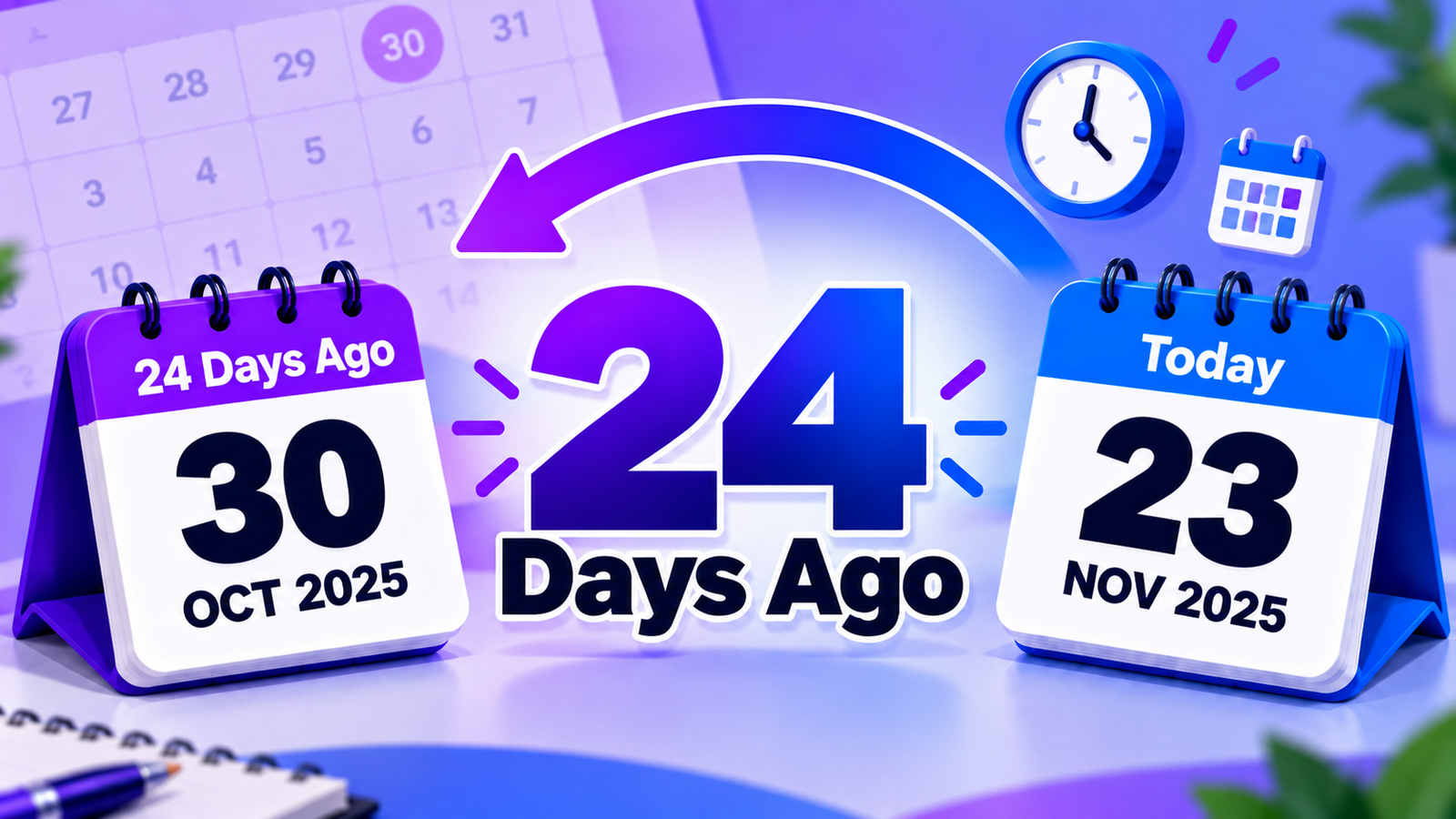
Want to know the exact date that was 24 days ago? This calculator makes it easy to find the answer without counting backward on a calendar. Use today's date automatically or select a different starting date, and the tool will calculate the exact past date for you.
The calculator also shows the weekday, month, year, number of weeks and days, and several common date formats.
What Date Was 24 Days Ago?
24 days ago means the calendar date that occurred exactly 24 days before the selected starting date.
The calculation is:
Starting Date − 24 Calendar Days = Past Date
When you use the calculator with today's date, it automatically works backward by 24 calendar days and displays the result.
Because today's date changes every day, the answer will also change depending on when you perform the calculation.
How to Calculate 24 Days Ago
Using the calculator is simple:
- Start with today's date or select a custom date.
- Enter 24 in the days field.
- Select Calculate Date.
- View the exact past date.
- Check the weekday and other date details if needed.
- Use Copy Result to save the calculation.
The calculator handles the calendar arithmetic for you, so there is no need to manually count backward.
How Many Weeks Are 24 Days?
24 days equals 3 weeks and 3 days.
The calculation is:
24 ÷ 7 = 3 weeks + 3 days
This means 24 days is three complete weeks plus three additional days.
Calculate 24 Days Before a Specific Date
You can also use the calculator with a date other than today.
For example, if you need to determine the date 24 days before an appointment, project milestone, event, or other reference point, enter that date as the starting date.
Selected Date − 24 Days = Exact Past Date
This makes the tool useful for both everyday date questions and planning tasks.
Why Calculate a Past Date?
A relative date such as "24 days ago" can be difficult to translate into a specific calendar date without counting manually.
Checking Previous Events
If you remember that an event happened 24 days ago, the calculator can help identify the exact date.
Project Tracking
Use a past-date calculation to determine when a previous task, milestone, or project activity occurred.
Appointments and Records
A specific date can be useful when reviewing appointments, records, transactions, or other recent activities.
Study Planning
Students can work backward from a current date to identify when a previous study period or assignment activity began.
Business Follow-Ups
Professionals can use past-date calculations when reviewing previous meetings, communications, tasks, or follow-ups.
Personal Planning
The calculator can help convert relative references such as "24 days ago" into a specific calendar date.
How Does the Calculator Work?
The tool uses calendar-day arithmetic.
It takes the starting date and subtracts the selected number of days:
Starting Date → − 24 Days → Past Date
The calculation works across different month lengths, February, leap years, and changes between months or years.
This means you do not need to manually account for whether a month has 28, 29, 30, or 31 days.
What Information Does the Calculator Show?
After the calculation, you can see:
- Exact past date
- Day of the week
- Month
- Year
- Starting date
- Number of days subtracted
- Weeks and remaining days
- Local time zone
- Full date format
- US date format
- Day-first format
- ISO date format
Showing these details makes it easier to understand and verify the result.
View the Date in Different Formats
The calculated date can be displayed in several common formats.
Full Date
Weekday, Month Day, Year
US Format
MM/DD/YYYY
Day-First Format
DD/MM/YYYY
ISO Format
YYYY-MM-DD
Different formats can be useful when working with international schedules, forms, records, or digital systems.
Can I Change the Number of Days?
Yes. The calculator starts with 24 days, but you can enter another number when you need to calculate a different period.
For example, you can use the same tool to find a date 10, 30, 45, or 90 days before a selected date.
Can I Use a Custom Starting Date?
Yes. Select the date you want to use as your starting point, enter the number of days, and the calculator will work backward from that date.
Select Use Today whenever you want to return to the current date.
Frequently Asked Questions
What does 24 days ago mean?
It means the calendar date that occurred exactly 24 days before the selected starting date.
How many weeks are 24 days?
24 days equals 3 weeks and 3 days.
Does the calculation include weekends?
Yes. Calendar-day calculations include every day, including Saturdays and Sundays.
Can I calculate 24 days before a specific date?
Yes. Choose any starting date and the calculator will subtract 24 calendar days.
Does the calculator account for February?
Yes. It uses actual calendar dates, including February and leap years.
Can I see the weekday of the result?
Yes. The calculated date includes its corresponding weekday.
Can I copy the result?
Yes. Select Copy Result to copy the calculation and date information.
Can I calculate a different number of days?
Yes. Change the number in the Days Ago field and calculate again.
Quick Summary
Finding the date from 24 days ago does not require manually counting through a calendar. Select today's date or choose a custom starting date, enter the number of days, and the calculator will determine the exact past date.
You can also see the weekday, month, year, weeks and days, multiple date formats, and a clear breakdown of how the calculation was made.