
Binary Translator — Text to Binary & Back
Convert text to binary and binary back to text instantly.
Last updated:
Binary Translator — Text to Binary & Back
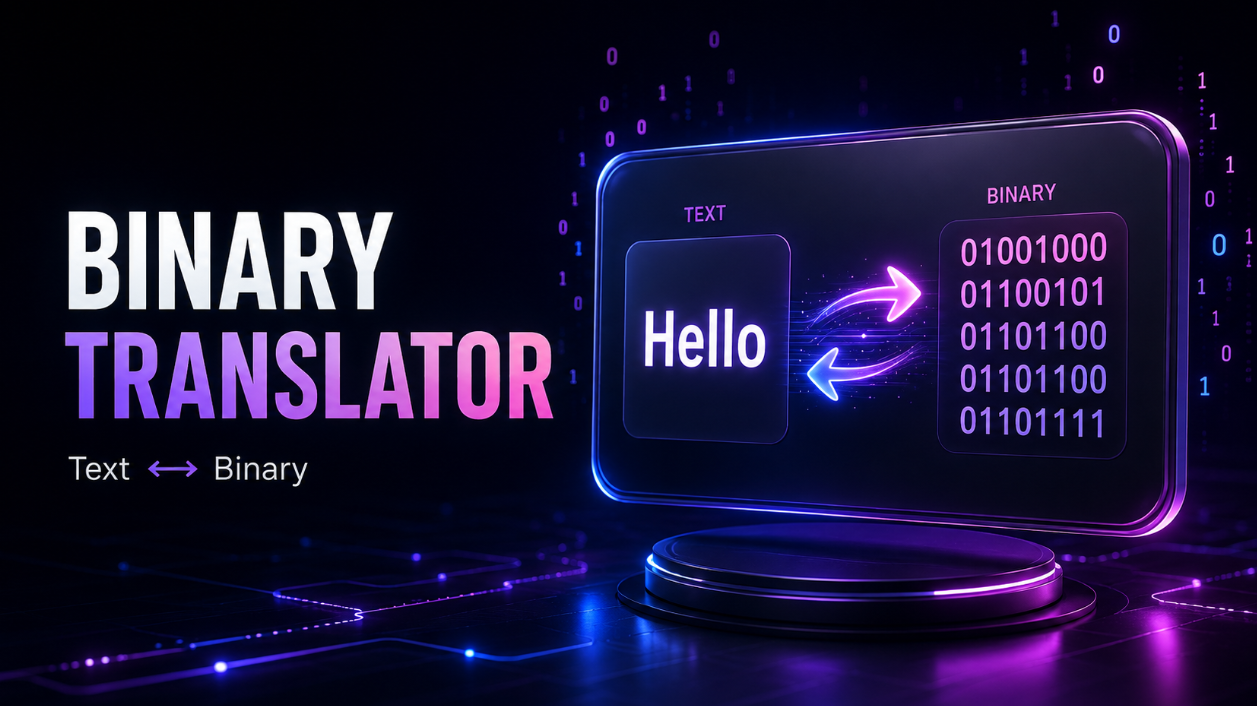
Use this free Binary Translator to convert normal text into binary code or decode binary back into readable text.
The tool works in both directions:
Text → Binary → Copy
or
Binary → Text → Copy
It uses UTF-8 encoding, making it more useful than a basic ASCII-only converter for modern text, symbols, international characters, and many emojis.
How to Use the Binary Translator
Text to Binary
- Select Text to Binary.
- Type or paste your text.
- The binary result appears instantly.
- Choose whether bytes should be separated by spaces, new lines, or no spaces.
- Click Copy Result when finished.
Binary to Text
- Select Binary to Text.
- Paste your binary code.
- The tool checks the binary input.
- The decoded text appears automatically.
- Copy the result with one click.
Text to Binary Example
Input:
[object HTMLPreElement]Binary output:
[object HTMLPreElement]Each 8-bit group represents one byte of encoded data.
You can also remove the spaces:
[object HTMLPreElement]Both formats are useful depending on whether you want readability or compact output.
Binary to Text Example
Enter:
[object HTMLPreElement]The decoded result is:
[object HTMLPreElement]The decoder also accepts continuous binary input when the total number of bits forms complete 8-bit bytes.
What Is a Binary Translator?
A binary translator converts readable text into binary data or converts binary data back into text.
Computers store and process information using binary digits:
-
0 -
1
Instead of manually looking up character codes and converting each value, this tool handles the process automatically.
It is useful for students, programmers, teachers, and anyone experimenting with digital encoding.
Text to Binary Converter
The Text to Binary Converter turns letters, numbers, spaces, punctuation, and other supported characters into their UTF-8 byte representation.
For example:
[object HTMLPreElement]becomes:
[object HTMLPreElement]And:
[object HTMLPreElement]becomes:
[object HTMLPreElement]This is useful for:
- Computer science homework
- Programming exercises
- Binary learning
- Encoded messages
- Classroom demonstrations
- Tech puzzles
- Testing character encoding
Binary to Text Converter
The Binary to Text Converter performs the reverse operation.
Paste binary bytes such as:
[object HTMLPreElement]and the result becomes:
[object HTMLPreElement]You do not need to manually convert each byte into decimal or search for the corresponding character.
UTF-8 Binary Conversion
This tool uses UTF-8 encoding.
That is important because ASCII only covers a limited set of basic characters.
UTF-8 can represent much more, including:
- English text
- Accented letters
- Many international writing systems
- Symbols
- Emojis
For example, characters such as é, ñ, or an emoji may require multiple UTF-8 bytes.
Because of this, one visible character does not always equal one 8-bit binary group.
ASCII to Binary
Basic ASCII characters are also valid UTF-8, so the tool works well for common English letters, numbers, punctuation, and spaces.
Example:
[object HTMLPreElement]becomes:
[object HTMLPreElement]So the tool can also be used for common ASCII to binary conversions without needing a separate calculator.
Binary Input Validation
When using Binary to Text mode, the tool checks the input before decoding.
Valid binary input can contain:
-
0 -
1 - Spaces
- Line breaks
-
Optional supported
0bprefixes
For example:
[object HTMLPreElement]is invalid.
Instead of returning an incorrect result, the tool shows a clear message explaining that binary input can contain only valid binary digits and separators.
It also checks that the final bit count forms complete 8-bit bytes.
Spaced and Continuous Binary
You can work with readable byte groups:
[object HTMLPreElement]or continuous binary:
[object HTMLPreElement]The first format is easier to read, while the second is useful when copying compact binary data.
You can also copy the result without spaces using the dedicated option.
Useful Binary Formatting Options
The translator supports several output styles:
- Space between bytes
- No spaces
- New line between bytes
-
Optional
0bprefix
For example:
[object HTMLPreElement]These options make the converter useful for both beginners and developers.
Who Can Use This Binary Translator?
Students
Convert text and binary for computer science assignments and binary-number exercises.
Developers
Quickly inspect UTF-8 byte representations while programming or debugging.
Teachers
Create easy binary examples for classroom demonstrations.
Cybersecurity Learners
Practice understanding encoded data and binary representations.
Tech Enthusiasts
Create binary messages, puzzles, or simple encoded text for fun.
Frequently Asked Questions
What is a binary translator?
A binary translator converts readable text into binary code and can also decode binary data back into text.
How do I convert text to binary?
Select Text to Binary, enter your text, and the binary result appears automatically.
How do I convert binary to text?
Select Binary to Text, paste valid binary bytes, and the tool decodes them into readable text.
Does the tool support binary without spaces?
Yes. Continuous binary strings are supported as long as the total number of bits can be divided into complete 8-bit bytes.
Does it use ASCII?
Basic ASCII characters are supported, but the tool uses UTF-8 for broader character support.
Can it convert emojis or international characters?
Yes, many Unicode characters can be converted through UTF-8. Some characters use multiple bytes, so their binary representation will contain more than one 8-bit group.
Can I copy binary without spaces?
Yes. You can copy the compact binary result separately.
Do I need to sign up?
No. You can use the Binary Translator directly without creating an account.
Translate Text and Binary Now
Enter text to generate binary code or switch to Binary to Text to decode an existing binary message.
This online Binary Translator gives students, developers, and tech-curious users a fast way to perform accurate two-way UTF-8 conversions without manually translating individual characters.