
Extract Text from a PDF Online
Pull all selectable text out of a PDF — copy it or download as .txt.
Last updated:
Extract Text from PDF Online
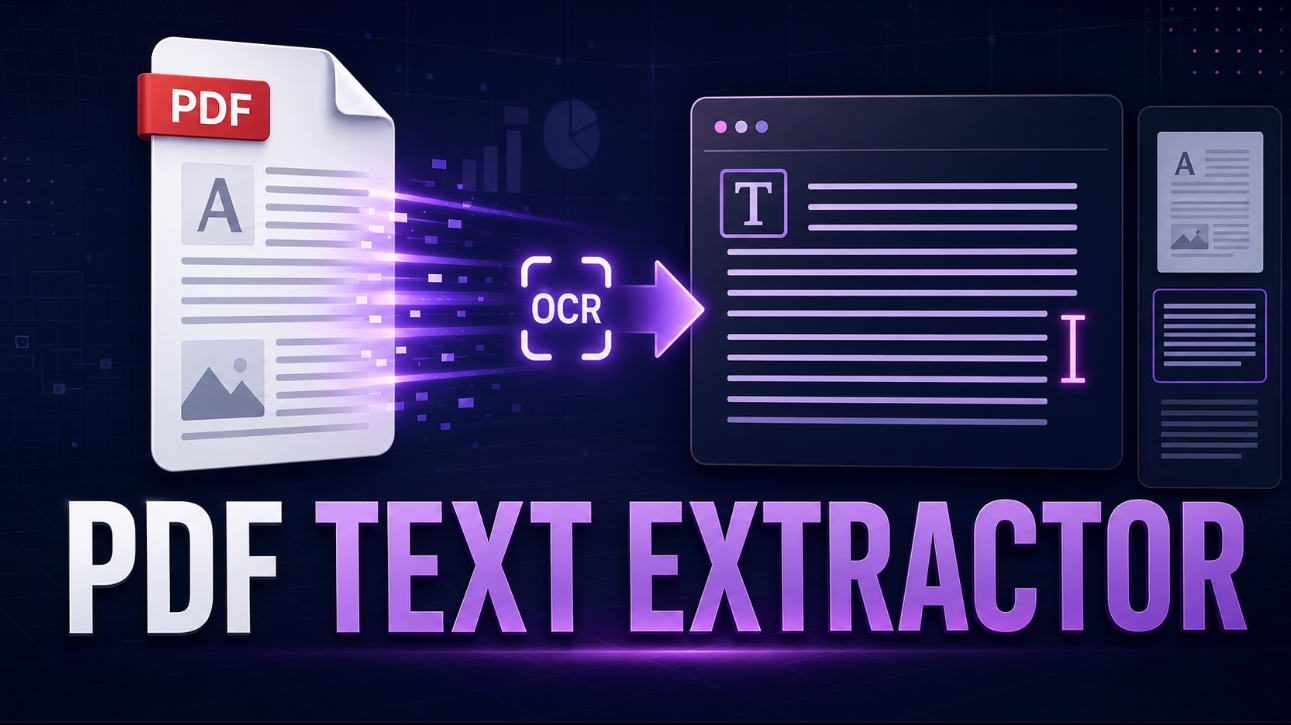
Use this PDF text extractor to turn PDF documents into editable, searchable text. Upload a regular PDF with selectable text or a scanned document that needs OCR, choose the pages you need, and review the extracted content before copying or downloading it.
It is useful for research papers, reports, invoices, manuals, forms, worksheets, and other documents you own or are authorized to process. Instead of manually retyping text, you can extract it page by page and make corrections directly in the preview.
How to extract text from a PDF
- Upload or drag and drop your PDF file.
- Select all pages or enter a page range, such as
3-8, 10. - Choose automatic OCR, always use OCR, or embedded-text extraction only.
- Select the OCR language for scanned documents.
- Extract the text and review it in the editable preview.
- Copy all text or download the result as a TXT file.
The tool preserves page separators so you can see where each section of text came from.
Text-based PDFs vs. scanned PDFs
Not every PDF stores its text in the same way.
Text-based PDF
A text-based PDF contains embedded, selectable text. This is common in reports, digital manuals, exported documents, and research papers. The tool can read this text directly, which is usually faster and more accurate than OCR.
Scanned PDF
A scanned PDF is made from page images, such as scanned notes, receipts, books, or printed forms. Because the text is part of an image, it cannot normally be selected. OCR, or optical character recognition, analyzes the page image and converts visible characters into editable text.
OCR is useful, but it is not perfect. Small text, handwriting, unusual fonts, low-quality scans, tables, formulas, and blurred images can produce recognition errors. Always check important names, dates, reference numbers, and amounts against the original document.
Extract selected pages only
You do not need to extract every page of a long document. Enter a page range when you only need a specific chapter, invoice page, appendix, or section.
For example:
allextracts every page3-8extracts pages 3 through 81, 4, 7extracts individual pages2-5, 9, 12-14combines multiple ranges
Extracting only the pages you need can make reviewing and organizing the text easier.
Editable PDF text preview
After extraction, the output appears in an editable text area. You can correct OCR mistakes, remove unwanted lines, add notes, or prepare the content for translation, summarization, research, accessibility work, or writing.
The downloaded TXT file reflects any edits you make in the preview.
Remove repeated headers and footers
Many PDFs repeat the same document title, page number, company name, or footer on every page. When this option is enabled, the tool checks for repeated first and last lines across multiple pages and removes them where possible.
Review the result after using this option because a repeated line may sometimes be meaningful content.
Privacy and document handling
Documents can contain confidential information. This tool processes PDF content in your browser for text extraction and OCR; the PDF itself is not sent to a document-processing server by the tool.
Only upload documents you are authorized to access and process. Avoid sharing confidential files on public or untrusted devices, and clear the preview when you are finished.
Common PDF text extraction uses
- Copy text from research papers and academic articles
- Convert scanned notes into editable study material
- Extract invoice details and report content
- Prepare owned documents for translation or summarization
- Make document text easier to use with screen readers
- Reuse authorized manual, form, or policy text
- Create searchable notes from scanned pages
- Export selected PDF pages as plain text
PDF text extractor FAQs
Can I extract text from a scanned PDF?
Yes. Select automatic OCR or OCR for every page. The tool uses OCR when a page does not contain usable embedded text.
Why does extracted text sometimes look different from the PDF?
PDFs may use columns, floating text boxes, tables, headers, and unusual layouts. The extractor uses a sensible line-based reading order where possible, but complex pages may need manual editing afterward.
Can I copy text from a password-protected PDF?
You can enter the password only when you are authorized to open the document. If the PDF cannot be opened or is damaged, the tool will display an error.
Can I extract text from only a few pages?
Yes. Use a page range such as 3-8 or combine ranges such as 1-3, 7, 10-12.
Does OCR guarantee perfect text?
No. OCR accuracy depends on scan quality, language, font, resolution, handwriting, and page layout. Verify critical details before relying on extracted text.
What is the best output format for simple editable text?
TXT is ideal for clean, lightweight, searchable text. You can open it in Notepad, TextEdit, Word, Google Docs, or most writing and research tools.