
Split a PDF Online Free
Extract pages or split a PDF into parts — type ranges like 1-3, 5, 8-10.
Last updated:
Split PDF Online Free
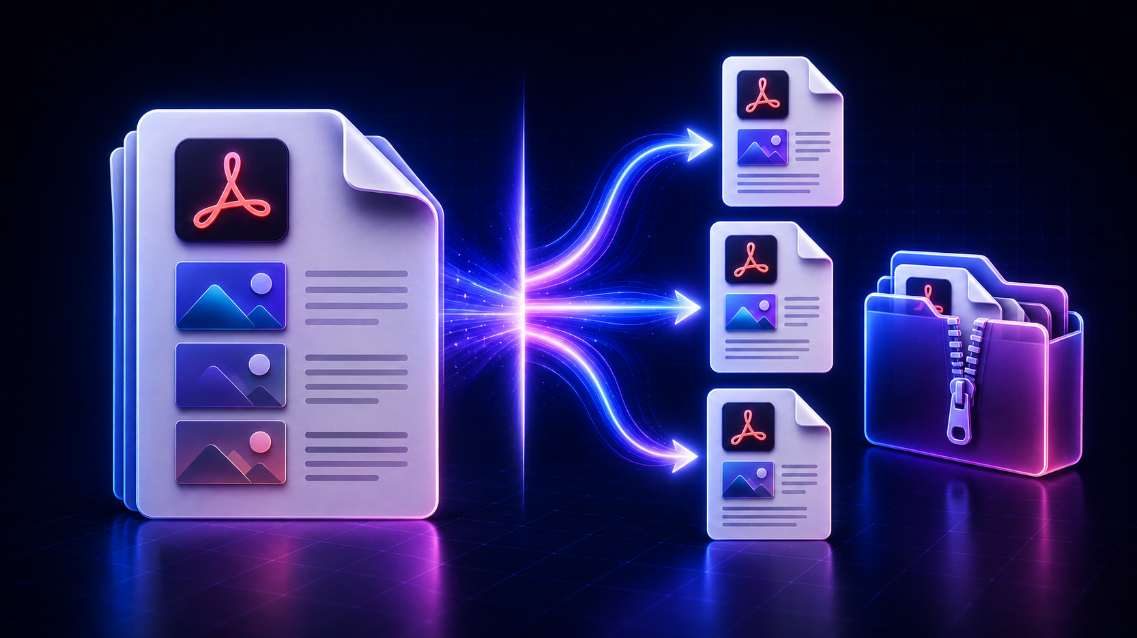
Use this free online PDF splitter to extract selected pages, divide a large PDF into smaller files, or save individual pages as separate PDFs. Upload your document, choose the pages you need, preview the result, and download one PDF or a ZIP file containing multiple PDFs.
Whether you are separating invoices, extracting worksheets, dividing study notes, removing unnecessary pages, or preparing smaller email attachments, this PDF splitter makes the process simple without installing desktop software.
How to split a PDF
- Upload a PDF file from your device.
- Review the page thumbnails.
- Choose how you want to split the document.
- Select pages, enter page ranges, or choose an interval.
- Select Split PDF.
- Download your extracted PDF or ZIP folder.
The tool processes the PDF in your browser, so the document does not need to be uploaded to a server by the tool.
Extract selected PDF pages
Use Extract selected pages when you only need specific pages from a document. You can select pages directly from the thumbnail preview or enter a page range.
For example:
1, 3-5, 9extracts pages 1, 3, 4, 5, and 9.2-8creates a PDF containing pages 2 through 8.1, 4, 10-12combines non-consecutive pages into one new PDF.
This option is useful for saving one page of a PDF, extracting a chapter, separating an invoice, or sending only the relevant pages of a report.
Split every PDF page into separate files
Choose Split every page to create one PDF file for each page in your document. If the original PDF has 10 pages, the tool creates 10 individual PDF files and provides them together in a ZIP download.
This is useful for:
- Separating scanned records
- Dividing a multi-page assignment
- Sending pages to different people
- Saving invoices as individual files
- Organizing legal or administrative paperwork
Split a PDF by page interval
Use Split by interval when you want the tool to create smaller PDF files with the same number of pages in each file.
For example, if you select 3 pages per PDF for a 12-page document, the tool creates four PDFs:
- Pages 1–3
- Pages 4–6
- Pages 7–9
- Pages 10–12
This is a practical option for large reports, course materials, scanned books, or documents that need to stay grouped in smaller sections.
Create multiple custom PDF files
Use Create custom PDFs when you need several page groups in one task. Enter each group separated by a semicolon.
For example:
1-3; 4-6; 7, 9-10
This creates three separate PDF files:
- First PDF: pages 1–3
- Second PDF: pages 4–6
- Third PDF: pages 7, 9, and 10
Custom splitting is helpful for legal files, financial documents, projects with several sections, and classroom materials.
Preview pages before splitting
The page preview helps you confirm that you selected the correct pages before downloading. Click a page thumbnail to select or remove it from the current selection.
Always review the page order, dates, names, amounts, and document content before sharing the result—especially for invoices, legal documents, medical records, forms, and confidential business files.
Why split a PDF file?
Splitting a PDF can make documents easier to organize, send, print, and store. Common reasons include:
- Extracting only the pages needed for an email
- Reducing the size of a large attachment
- Separating chapters or worksheets
- Saving one invoice or receipt per file
- Removing pages that are not needed
- Organizing scanned records
- Preparing documents for uploads or applications
Is this PDF splitter private?
The PDF is processed locally in your browser. The tool does not upload your file to a server for splitting, and the file leaves the current session when you remove it or close the page.
Only process documents you are authorized to handle. For sensitive information, confirm your organization’s document-handling requirements before sharing any extracted files.
Split PDF online FAQs
Can I extract one page from a PDF?
Yes. Choose Extract selected pages, select one thumbnail or enter one page number, then download the new one-page PDF.
Can I split a PDF into separate pages?
Yes. Choose Split every page. The tool creates a separate PDF for each page and downloads them together as a ZIP file.
Can I split a PDF into several smaller PDFs?
Yes. Use Split by interval for equal page groups or Create custom PDFs for your own page ranges.
Can I extract non-consecutive pages?
Yes. Enter a range such as 1, 3-5, 9 to combine selected pages pages into one PDF.
Do I need to create an account?
No. You can split PDFs directly in your browser without registration.
Does splitting a PDF change the original file?
No. The original PDF remains unchanged on your device. The tool creates new PDF files based on the pages you select.