
Remove Password from PDF Online
Unlock your own password-protected PDFs — enter the password once, download an unlocked copy.
Last updated:
Remove Password from PDF Online
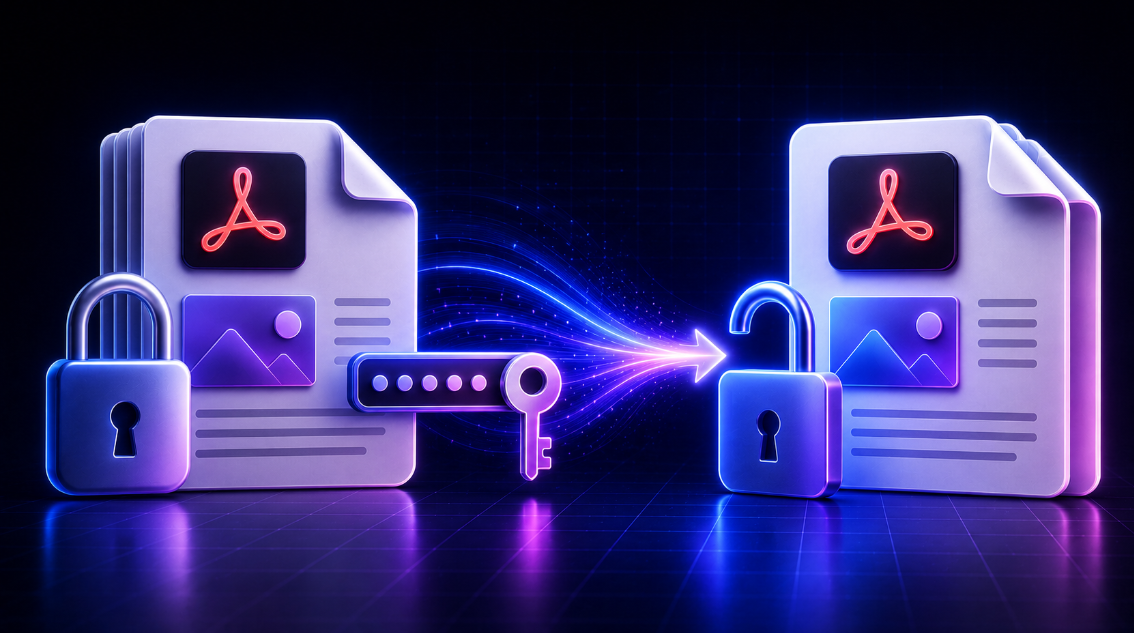
Use this free PDF password remover to create an unlocked copy of a PDF when you know the current password and have permission to modify the document. Upload the PDF, enter its existing password, and download a password-free version for authorized printing, sharing, or everyday use.
This tool is designed for legitimate document access. It does not crack passwords, recover forgotten passwords, or bypass unknown PDF protection.
How to remove a password from a PDF
- Choose or drag in the PDF you are authorized to unlock.
- Enter the current password for the document.
- Confirm that you own the file or have permission to remove its protection.
- Select Unlock and download PDF.
- Save the new password-free PDF to your device.
The original PDF remains unchanged. The tool creates a new copy without requiring a password to open it.
When should you unlock a PDF?
Removing a known PDF password can make routine document work easier when the password prompt is no longer needed. Common authorized uses include:
- Unlocking personal records and study materials
- Preparing invoices and statements for internal use
- Printing protected forms
- Sharing an accessible copy with approved colleagues
- Managing documents that you own as a freelancer or business owner
- Removing repeated password prompts from a document you regularly use
Before sharing an unlocked PDF, consider whether password protection is still needed for privacy, confidentiality, legal requirements, or company policy.
Remove PDF protection only with permission
A PDF password can protect sensitive information. Only remove a password when you are the document owner or have clear authorization from the owner or responsible organization.
Do not use an unlocked copy to bypass access controls, share confidential files without permission, or access documents belonging to someone else. If you do not know the password, contact the document sender, administrator, or owner.
Does this tool crack PDF passwords?
No. This tool requires the existing password to open the PDF. It does not guess, recover, crack, or bypass unknown passwords.
If the entered password is incorrect, the tool shows a clear message so you can check it and try again.
PDF privacy and local processing
The PDF and password are processed in your browser session. The tool does not upload your file to a server for unlocking, and it does not store your password. Your session data is cleared when you remove the file or close the page.
For sensitive financial, legal, business, medical, or personal documents, always follow your organization’s privacy and document-handling requirements.
Important output note
To create a reliable password-free file in a browser, the tool generates a new visual PDF from the pages you authorize. The visible page layout is retained for reading and printing, but some advanced PDF features may not be preserved.
For example, interactive forms, selectable text, annotations, hyperlinks, embedded attachments, and some document metadata may not appear in the new file. Review the downloaded PDF before sharing it, especially when it contains names, dates, amounts, forms, or signatures.
Remove PDF password FAQs
Can I remove a PDF password if I know the password?
Yes. Enter the current password and create a new unlocked copy of the PDF.
Can I remove a password from a PDF without knowing it?
No. This tool does not crack or bypass unknown passwords.
Does removing the password change the original PDF?
No. The original file stays unchanged. A separate password-free PDF is created.
Is the password stored?
No. The password is used only within the current browser session to open the PDF you are authorized to access.
Can I print the unlocked PDF?
Yes. Once you download the new copy, you can open, print, and share it as permitted.
Should I check the new PDF before sending it?
Yes. Review all pages carefully, especially important text, forms, signatures, dates, and financial amounts.