
Unblur & Sharpen an Image Online
Sharpen blurry photos with an adjustable unsharp filter.
Last updated:
Upload an image
STEP 1Drop an image here, or click to browse
Sharpen soft or slightly blurry photos, screenshots, product images and graphics directly in your browser.
Improve image clarity
STEP 2Before & after preview
STEP 3Upload an image to begin.
Your sharpened result will appear here.
Upload an image to begin.
Unblur & Sharpen an Image Online Free
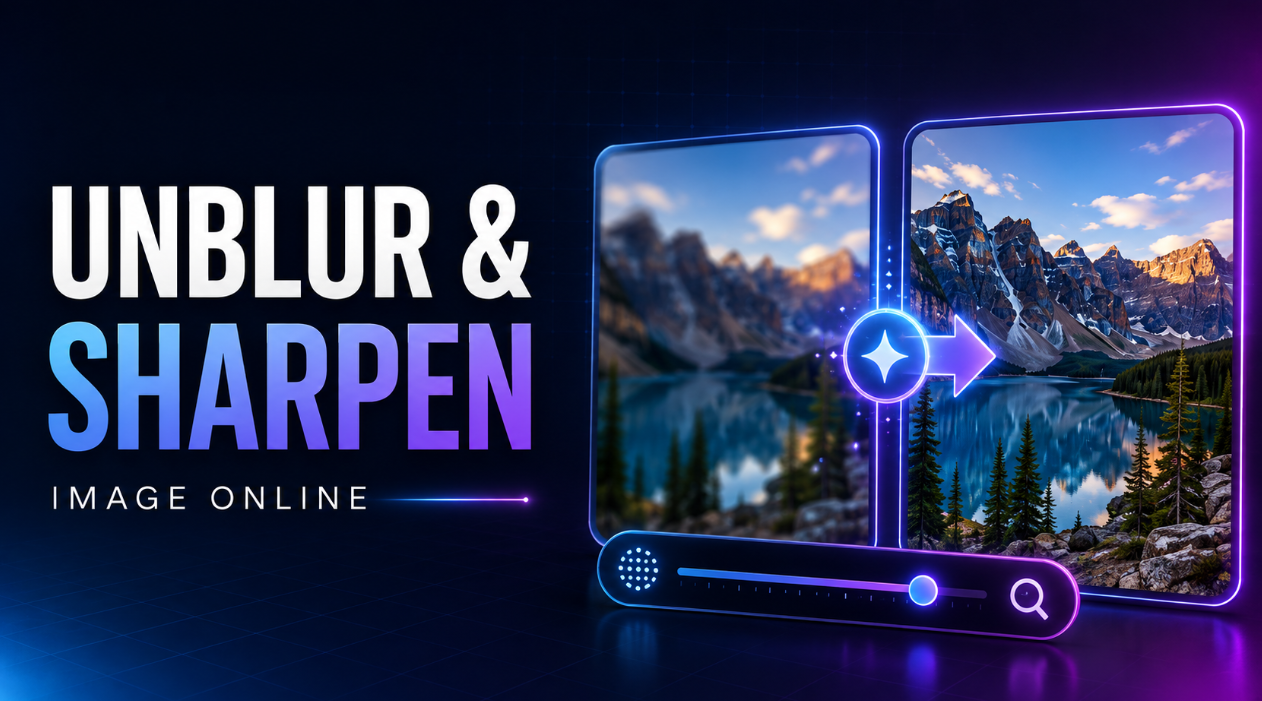
Make a soft or slightly blurry image look clearer with our free online image sharpener. Upload a JPG, PNG, or WebP image, adjust the sharpening strength, compare the before-and-after result, zoom in to inspect fine details, and download the improved image.
The tool is designed for content creators, ecommerce sellers, bloggers, students, photographers, marketers, small-business owners, and everyday users who want to sharpen an image online without Photoshop or complicated editing software.
The workflow is simple:
Upload Image → Adjust Sharpness → Preview → Download
How to Sharpen an Image Online
Improving image clarity takes only a few steps:
- Upload your JPG, PNG, or WebP image.
- Use the default sharpening level or click Auto Enhance.
- Adjust the sharpness slider if you want a stronger or softer result.
- Compare the original and sharpened images.
- Zoom in to check fine details.
- Download the finished image.
The tool preserves the original image dimensions while improving edge clarity.
Free Online Image Sharpener
You do not need professional photo-editing software to improve a slightly blurry or soft image.
Our photo sharpening tool gives you the essential controls without technical settings such as radius, masking, threshold, or frequency separation.
You can quickly:
- Sharpen blurry photos
- Improve image clarity
- Enhance soft edges
- Make product photos crisper
- Improve screenshots
- Sharpen JPG images
- Sharpen PNG images
- Sharpen WebP images
- Compare before and after
- Download the sharpened image instantly
Make a Blurry Image Clearer
If a photo looks slightly out of focus or soft, sharpening can increase contrast around edges and make details appear more defined.
This can help with:
- Phone photos
- Product photography
- Profile pictures
- Blog images
- Social media photos
- Screenshots
- Scanned documents
- Old photographs
- Presentation graphics
For best results, start with a reasonably clear source image.
Adjustable Sharpening Strength
Not every image needs the same amount of sharpening.
Use the Sharpen Strength slider to control how strong the effect should be.
Light Sharpening
A lower setting is useful when an image only needs a subtle improvement.
It works well for:
- Portraits
- Social media photos
- Slightly soft photographs
- Images where natural edges are important
Natural Enhancement
A moderate sharpening level provides a useful balance for most images.
It can improve:
- Product details
- Website images
- Screenshots
- Blog photography
- Marketing graphics
Strong Sharpening
Higher values create a more noticeable sharpening effect.
They can be useful for images that need stronger edge definition, but too much sharpening may create unnatural outlines or visible artifacts.
Auto Enhance for Quick Results
Not sure which sharpening level to choose?
Use Auto Enhance for a quick, natural-looking starting point.
The tool applies a moderate sharpening level designed to improve clarity without immediately pushing the image to an extreme setting.
You can then adjust the strength manually if needed.
Before and After Image Preview
A sharpening tool should let you see whether the change actually improves the image.
This tool provides separate Before and After previews so you can compare:
- Original softness
- Sharpened edges
- Text clarity
- Product details
- Fine image textures
You can review the result before downloading anything.
Zoom In to Check Fine Details
Use the built-in zoom controls to inspect important areas more closely.
Zooming can help you check:
- Small text
- Hair and facial detail
- Product edges
- Fine patterns
- Screenshot elements
- Document details
If the sharpening looks too strong, lower the strength and apply it again.
Sharpen JPG Images Online
JPG is one of the most common formats for photographs and website images.
Use the tool to sharpen JPG or JPEG images such as:
- Phone photos
- Product photos
- Blog images
- Marketing photographs
- Profile pictures
- Website photography
The original width and height remain unchanged.
Sharpen PNG Images
PNG images are also supported.
You can sharpen:
- Screenshots
- Graphics
- Interface images
- Illustrations
- Product cutouts
- Transparent PNG files
When PNG transparency exists in the source image, it can remain available in the PNG output.
Sharpen WebP Images
Website owners and content creators can also upload WebP images directly.
This is useful when you want to improve the clarity of an existing website asset without first converting it to another image format.
Make Text in an Image Clearer
Sharpening can sometimes make slightly soft text easier to distinguish by increasing edge contrast.
This may help with:
- Screenshots
- Scanned documents
- Presentation slides
- Labels
- Product packaging
- Website captures
However, sharpening cannot recreate letters or details that are completely unreadable in the original image.
Sharpen Product Photos for Ecommerce
Clear product images can help shoppers see important details.
Ecommerce sellers can use image sharpening for:
- Product listings
- Online stores
- Marketplace photos
- Product catalogs
- Advertising graphics
- Social media promotions
A moderate sharpening level is generally a better starting point than aggressive sharpening because excessive edge enhancement can make products look unnatural.
Sharpen Images for Websites and Blogs
Images that look soft can reduce the visual quality of a webpage even when their resolution is adequate.
Use the image sharpener for:
- Featured images
- Blog photographs
- Portfolio images
- Website banners
- Product pages
- Landing pages
- Tutorial screenshots
Sharpening does not reduce image dimensions, so you may still want to resize or compress very large images separately for website performance.
Improve Social Media Photos
Images can sometimes look softer after being resized, exported, or transferred between apps.
A small amount of sharpening can help prepare photos for:
- Profile pictures
- Social advertisements
- Promotional posts
Use the before-and-after preview to avoid excessive sharpening.
Can You Really Unblur an Image?
Sharpening can improve the appearance of slightly blurry, soft, or mildly out-of-focus images, but it has limits.
It cannot perfectly recover information that was never captured.
For example, severe motion blur, extreme focus errors, or very low-resolution images may still lack real detail after sharpening.
This tool is best used to improve existing edges and clarity rather than to invent missing image information.
Sharpening vs Increasing Resolution
Sharpening and image upscaling are different processes.
| Feature | Sharpening | Upscaling |
|---|---|---|
| Improves edge definition | Yes | Sometimes |
| Changes image dimensions | No | Yes |
| Makes image appear clearer | Yes | Can |
| Restores missing detail perfectly | No | No |
| Useful for slightly soft images | Yes | Sometimes |
This sharpener preserves the original width and height.
Reset to the Original Image
If you do not like the result, use Reset to Original.
You can then:
- Try a lower sharpening strength
- Apply Auto Enhance again
- Compare different settings
- Start over without uploading the image again
This makes it easy to experiment while keeping the original image available for comparison.
Browser-Based Image Sharpening
The sharpening process runs directly through your browser.
You do not need to install Photoshop, a desktop photo editor, or a separate image sharpening application.
The tool works with modern browsers on:
- Windows
- macOS
- Linux
- Android
- iPhone and iPad
- Tablets
- Chromebooks
Very large images may require more processing time depending on your device and available memory.
Who Is This Image Sharpener For?
Content Creators
Improve photos, thumbnails, social graphics, and website images before publishing.
Ecommerce Sellers
Make product details and edges appear clearer in listing images.
Bloggers
Sharpen photographs and screenshots used in articles and tutorials.
Students
Improve images for assignments, presentations, scanned materials, and projects.
Photographers
Apply quick sharpening to slightly soft images before sharing or previewing them.
Marketers
Improve campaign images, product graphics, social posts, and presentation visuals.
Everyday Users
Make a soft phone photo or screenshot look clearer without learning complicated editing software.
Tips for Better Sharpening Results
For more natural results:
- Start with the default or Auto Enhance setting.
- Increase sharpness gradually.
- Use zoom to inspect edges and text.
- Avoid excessive sharpening around faces and hair.
- Keep the original image as a backup.
- Use moderate settings for product photography.
- Do not expect severe blur to become perfectly sharp.
- Preview the before-and-after result before downloading.
Frequently Asked Questions
How do I unblur an image online?
Upload your image, apply Auto Enhance or adjust the sharpening strength, compare the before-and-after result, and download the improved image.
Is this image sharpener free?
Yes. The tool is designed to let you sharpen supported images online for free.
Can I make a blurry photo clearer?
Yes, sharpening can improve slightly blurry or soft images by enhancing edge contrast. Severe blur may not be fully recoverable.
Can I sharpen a JPG image?
Yes. JPG and JPEG images are supported.
Can I sharpen a PNG image?
Yes. PNG images are supported, including images that contain transparency.
Can I sharpen WebP images?
Yes. WebP files can be uploaded and sharpened directly.
Does sharpening change image dimensions?
No. The tool preserves the original width and height.
What does Auto Enhance do?
Auto Enhance applies a moderate sharpening setting that provides a useful starting point for many images. It is not presented as an AI restoration feature.
Can sharpening make image text easier to read?
It can improve the appearance of slightly soft text, but it cannot restore text that is completely unreadable or missing from the original image.
Can this tool fix severe motion blur?
Not perfectly. Sharpening works best on mild softness or blur and cannot recreate details that were never captured.
Can I compare the original and sharpened image?
Yes. The tool provides separate before-and-after previews.
Can I zoom into the image?
Yes. Zoom controls are included so you can inspect fine details before downloading.
Can I reset the changes?
Yes. Use Reset to Original to remove the sharpening effect and start again.
Does the tool add a watermark?
No watermark is intentionally added to the downloaded image.
Do I need to install software?
No. The image is processed through your web browser.
Sharpen Your Image Now
Upload your JPG, PNG, or WebP image above, use Auto Enhance or adjust the sharpness manually, compare the before-and-after result, and download your improved image.
Whether you want to make a blurry photo clearer, sharpen a product image, improve a screenshot, or enhance a website photo, this free online image sharpener gives you a simple way to improve image clarity without complicated editing software.