
How to Download Audio From YouTube: Format Options
Sometimes you find a useful YouTube video, but you don't actually need the picture. You just want to listen to the explanation, lesson, or recording.
That's exactly what happened to Emily.
It's 8:15 PM, and she's preparing for university tomorrow. Her instructor has permitted her to download a 20-minute recorded lesson, but most of the video contains static slides. Emily wants to listen to the explanation on her morning commute instead of watching the entire video again.
She searches for a YouTube audio downloader and discovers MP3, MP4, WAV, M4A, FLAC, and audio-quality settings such as 128 and 320 kbps.
Which format is right? Does higher bitrate always mean better sound? And where does the file go after downloading?
In this guide, we'll answer those questions and walk through saving authorized YouTube audio with Skills Elevate, one practical step at a time.
Quick Answer: How to Download Audio From YouTube
To save the audio from an eligible YouTube video you own or have permission to download:
- Copy the YouTube video URL.
- Open the Skills Elevate YouTube Downloader.
- Paste the URL and select Fetch Video.
- Choose MP3 and your preferred bitrate.
- Download the prepared audio file.
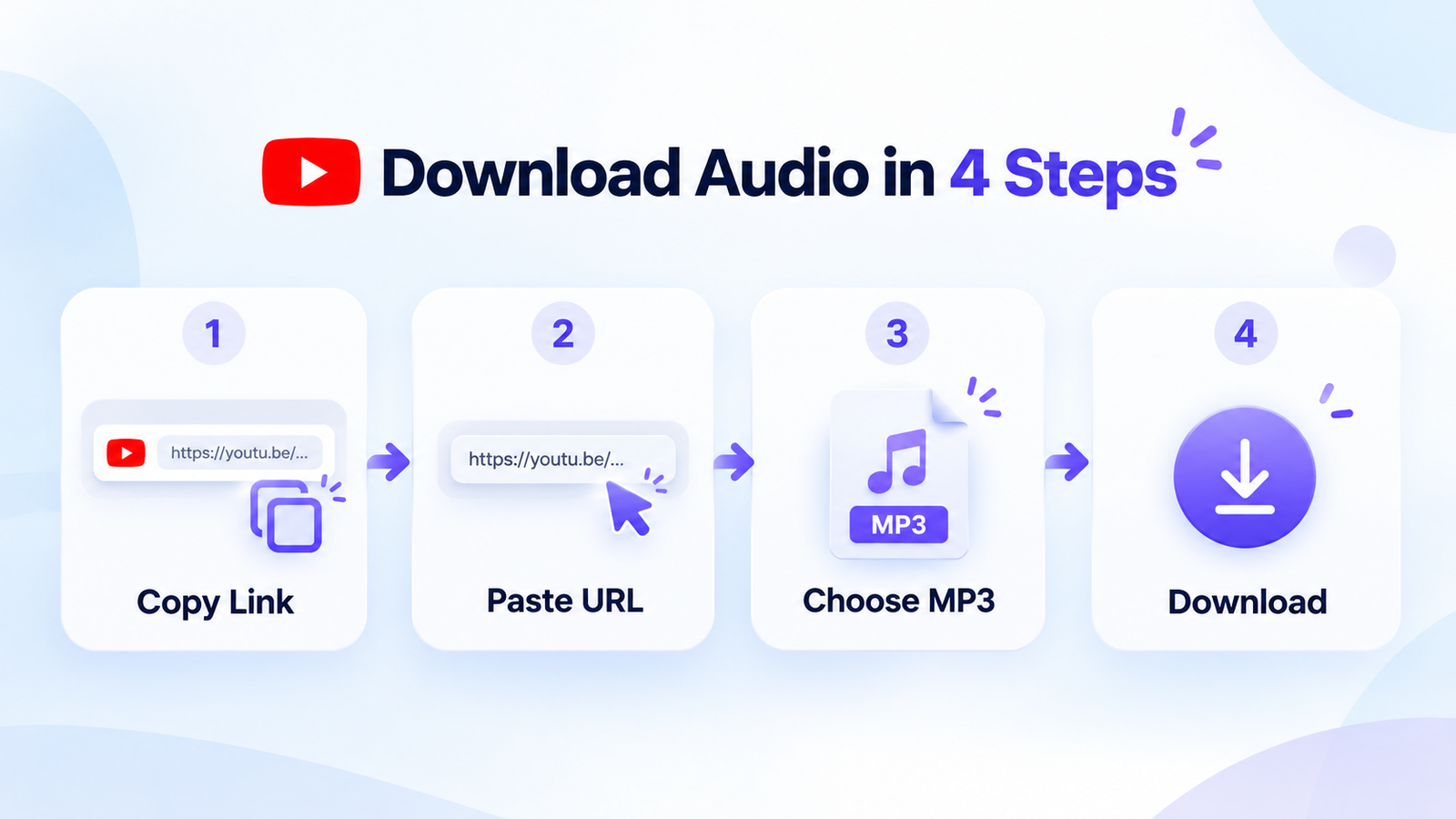
Currently supported audio-only format: MP3, with selectable bitrates from 128 to 320 kbps.
MP3 vs MP4: Why Download Audio Instead of Video?
Emily only wants to hear the instructor's explanation, yet she finds two options in the downloader: MP3 and MP4.
The difference is simple.
MP3 stores audio without video. MP4 is a multimedia container commonly used for video accompanied by sound.
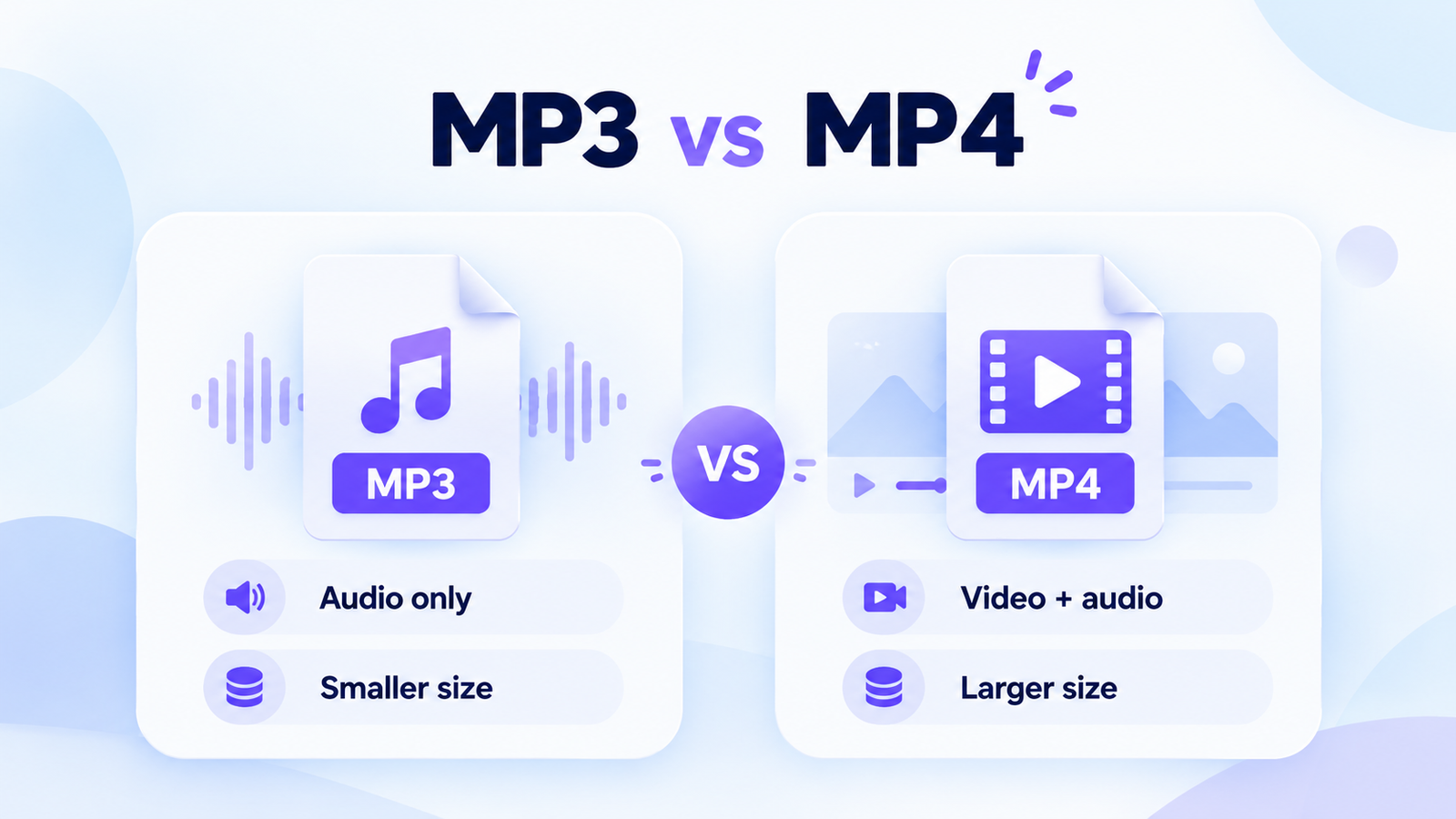
Audio only
Useful for spoken lessons, permitted recordings, and listening while traveling.
Video and audio
Useful for demonstrations, screen tutorials, and lessons containing essential visuals.
Interactive: Which Format Fits Your Needs?
MP3 is a practical choice for listening to a spoken lesson without keeping the video.
YouTube Audio Formats Explained: MP3, M4A, AAC, WAV and FLAC
MP3 is familiar to most listeners, but other audio formats appear frequently in software settings and online discussions.
They aren't interchangeable in every situation. Some prioritize compatibility and smaller files, while others are designed for editing or preserving uncompressed or lossless audio.
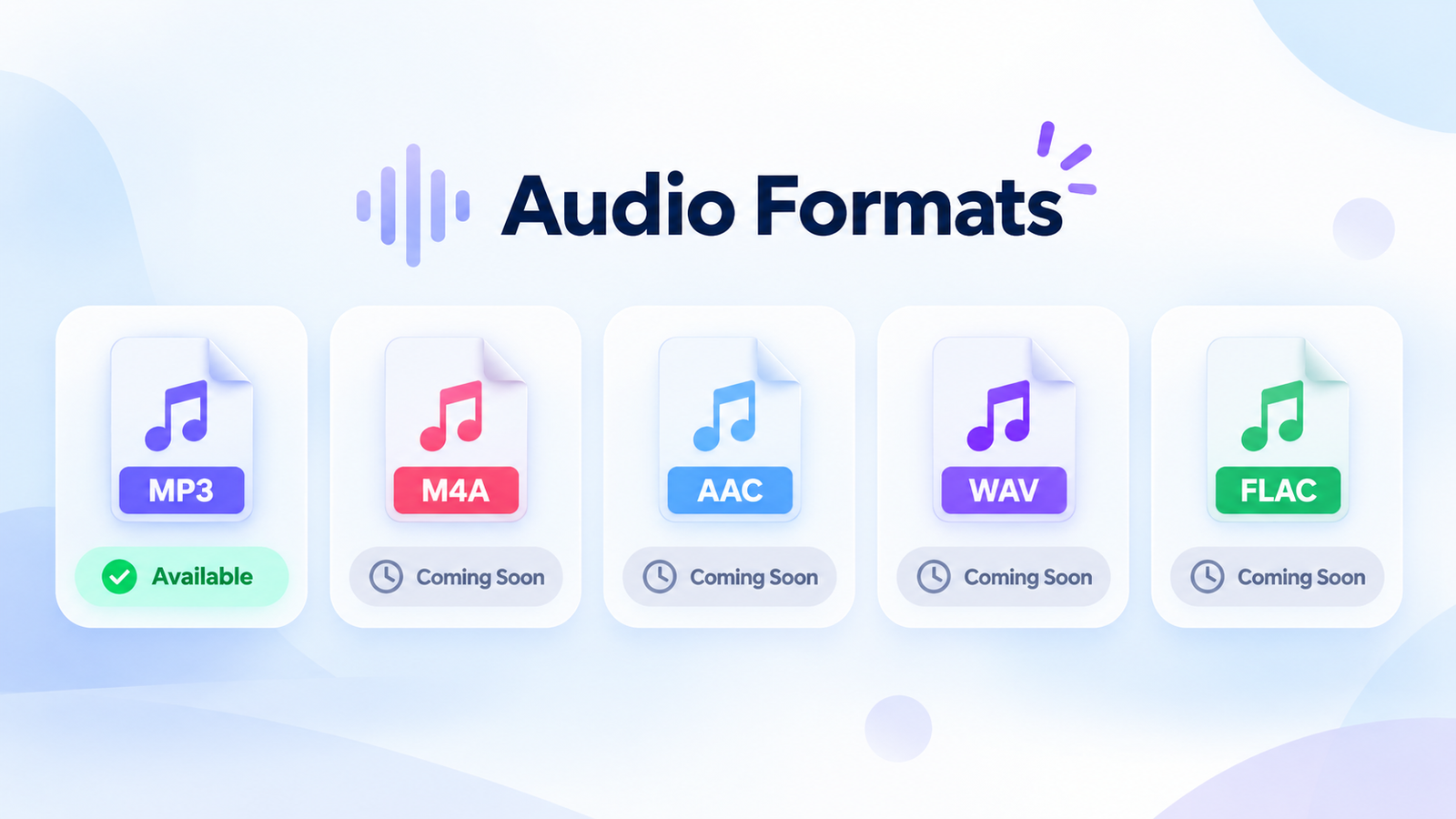
| Format | Main characteristic | Typical purpose | Tool status |
|---|---|---|---|
| MP3 | Lossy compression | Everyday listening | Available |
| M4A | Container often using AAC or ALAC | Mobile audio files | Coming Soon* |
| AAC | Lossy audio codec | Streaming and mobile playback | Coming Soon* |
| WAV | Often uncompressed PCM | Recording and editing | Coming Soon* |
| FLAC | Lossless compression | Archiving high-quality source audio | Coming Soon* |
*Coming Soon is proposed feature-roadmap wording. Use it only if these export formats are planned; no release dates are confirmed.
Saving previously compressed YouTube audio as WAV or FLAC cannot recover original audio detail that has already been lost. If you're preserving your own recordings for editing, keep the original master file whenever possible.
How to Download YouTube Audio Using Skills Elevate
Now Emily understands that MP3 is appropriate for her recorded lesson. Here's how to obtain a copy through the browser-based downloader.
Copy the YouTube Video URL
Open the lesson or video you have permission to download.
On YouTube, select Share and then Copy. You can also copy the URL from your desktop browser's address bar.
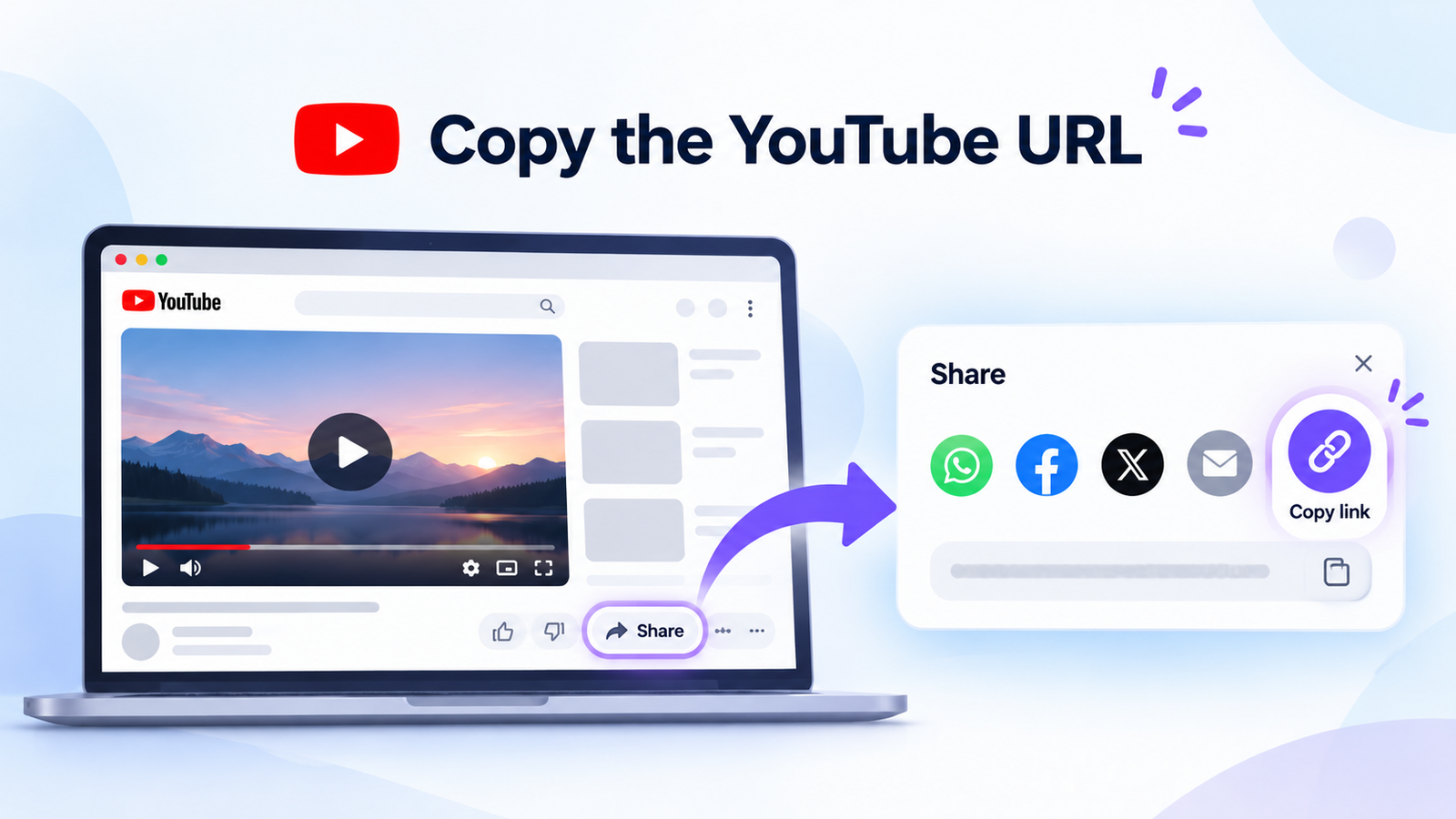
You now have a video-page URL. The next step is to check its supported download options.
Paste the Video URL Into Skills Elevate
Visit the Skills Elevate YouTube Downloader.
Paste your link in the video URL field, then select Fetch Video. The tool checks the link and returns information about supported download choices.
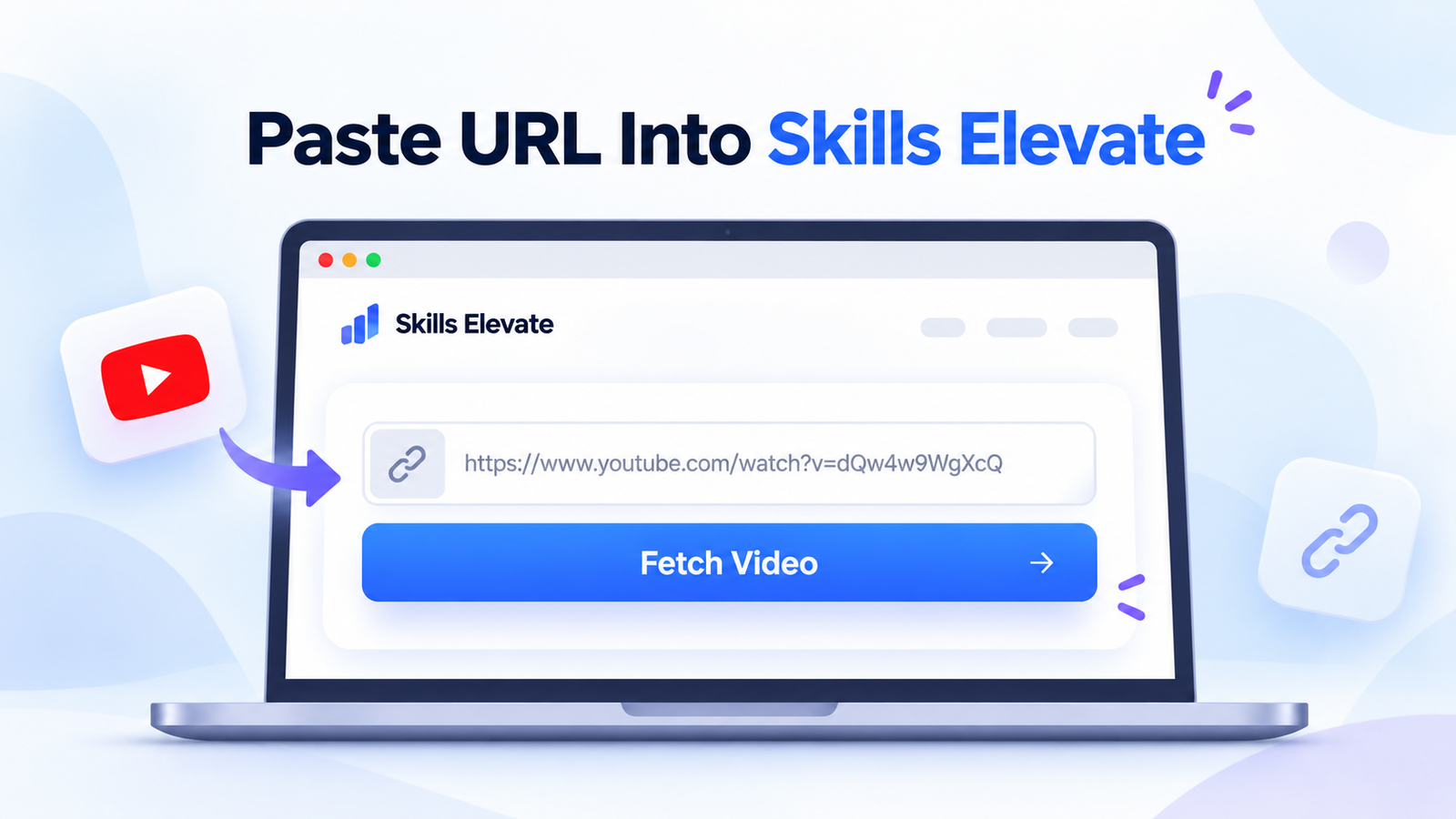
Review the returned title or preview carefully. It helps you confirm that you're preparing the intended recording rather than a different video.
Choose MP3 and Your Preferred Bitrate
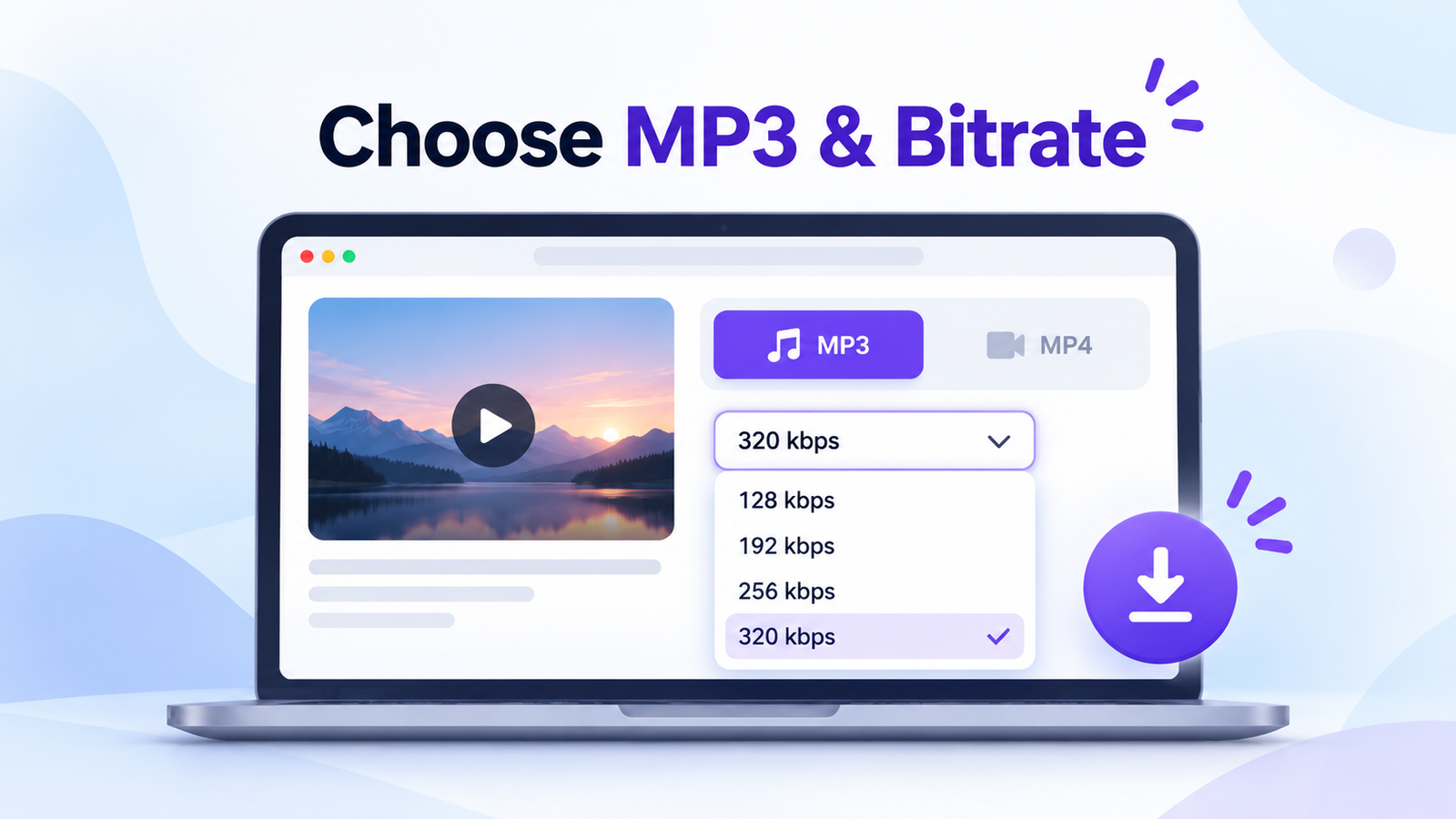
When the tool displays supported formats, choose MP3 (Audio) rather than MP4 (Video).
Select one of the available encoding bitrates: 128, 192, 256, or 320 kbps.
For Emily's spoken lecture, 128 or 192 kbps is a sensible starting choice. She doesn't need to select the highest bitrate simply because it's the largest number.
Download and Test Your Audio
Prepare the MP3 file and wait until the download link is ready. Then save it through your browser.
Once the file finishes downloading, open it in an audio player. Check that the sound is clear, the recording is complete, and you can navigate through the file.
✓ Confirm the file ends in .mp3.
✓ Listen to the beginning and a later section.
✓ Check that the download has completed fully.
✓ Keep the file in a folder you can easily find again.
Prepared download links can expire within 15 minutes, so save the file soon after it becomes available.
128 vs 192 vs 256 vs 320 kbps: Which MP3 Quality Is Best?
The term kbps stands for kilobits per second. In an MP3, it describes the approximate amount of encoded data used for each second of audio.
Higher bitrates typically require more storage and can preserve more detail during encoding, but the improvement depends on the quality of the original audio.
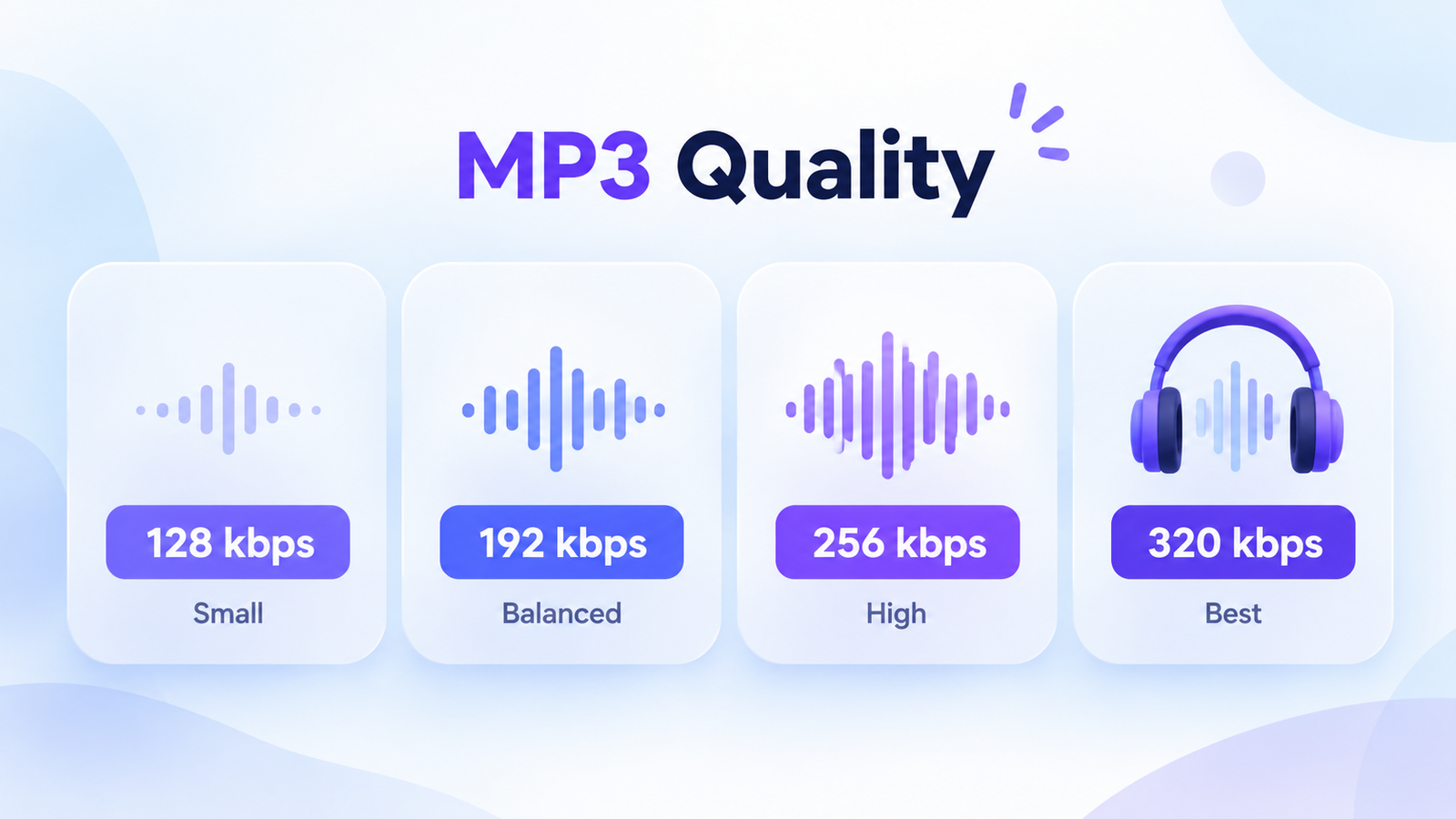
| Bitrate | Suggested use | 10-minute file size* |
|---|---|---|
| 128 kbps | Speech, smaller files | 9.6 MB |
| 192 kbps | Balanced quality and size | 14.4 MB |
| 256 kbps | Higher-bitrate listening | 19.2 MB |
| 320 kbps | Highest available MP3 bitrate | 24 MB |
*Approximate decimal megabytes for constant-bitrate MP3 audio, excluding small metadata and container overhead.
A 320 kbps output file is not necessarily better than a 192 kbps version if the YouTube source was already heavily compressed. Higher output bitrate cannot recover lost source details.
How Much Space Does a YouTube MP3 Download Need?
Emily plans to keep several recorded lessons on her phone. Rather than guessing how much storage she'll need, she can estimate file size from the recording duration and chosen bitrate.
Interactive MP3 File Size Calculator
Real file sizes may differ slightly because of encoding and metadata.
The formula is straightforward: multiply duration in seconds by bitrate in kilobits per second, then divide by eight to convert kilobits to kilobytes.
For a 20-minute recording at 192 kbps, the estimated result is about 28.8 MB.
Where Do Downloaded YouTube Audio Files Go?
Emily has downloaded her MP3, but it doesn't appear in her phone's music library. That doesn't necessarily mean the download failed.
Most browsers save files in a Downloads folder, and your music app may not automatically import them.
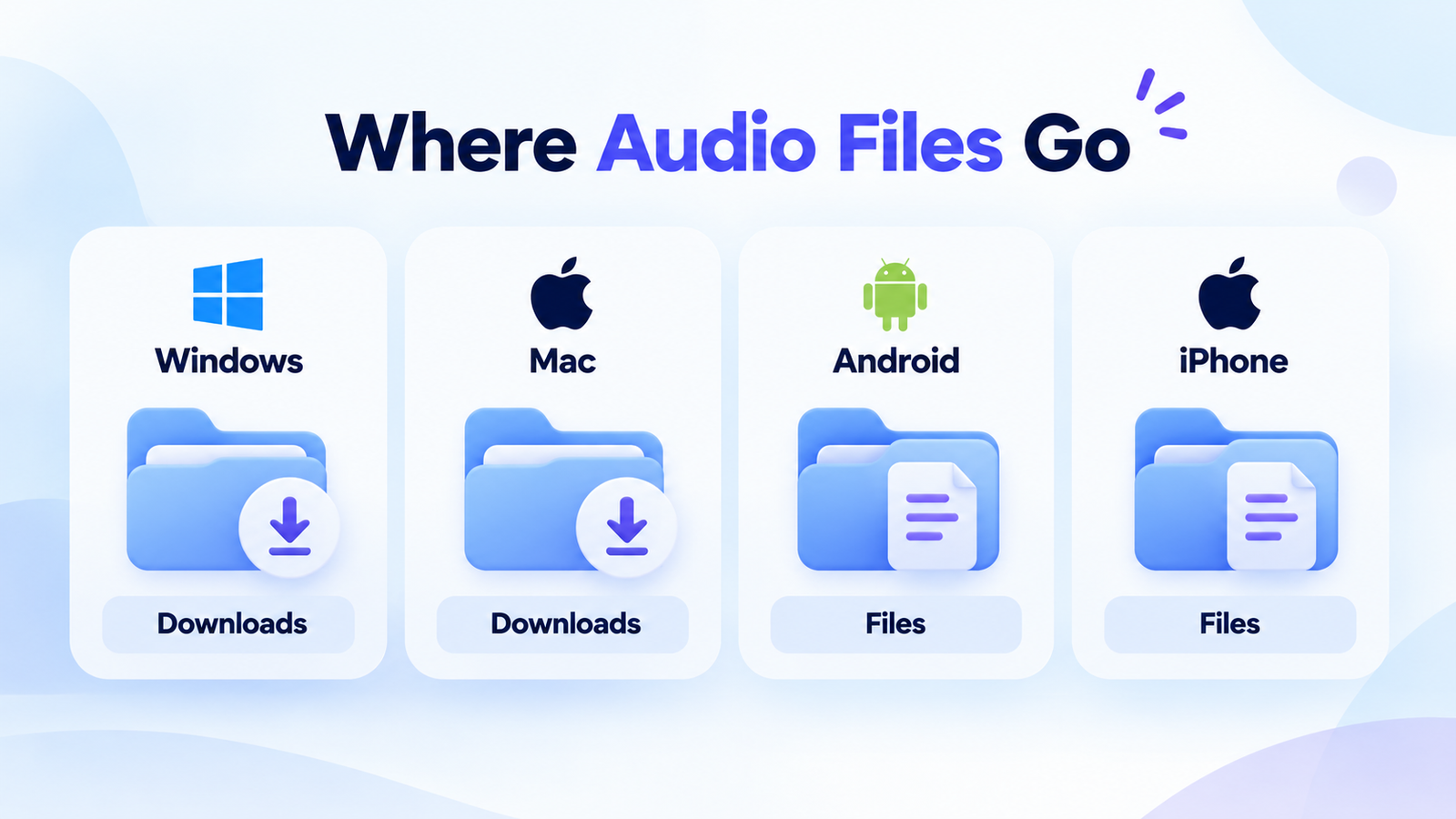
Interactive: Find Your MP3 File
Open File Explorer and select Downloads. Ctrl + J also opens the download history in many browsers.
Can You Download Audio From YouTube Shorts?
Regular YouTube videos aren't the only content that may contain useful audio. A YouTube Short might include a brief narration, spoken explanation, or an original recording you want to keep.
Shorts are typically vertical videos, but their sound can still be represented in an audio-only format such as MP3.
Whether the downloader supports a particular Short depends on the URL, video eligibility and available source formats.
For a Short you're authorized to save, copy its link and paste it into the Skills Elevate downloader. If the video is accepted and MP3 is offered, select your preferred bitrate. Individual Shorts aren't guaranteed to be supported.
Why Is My YouTube Audio Download Not Working?
Sometimes the URL is correct, but the download doesn't complete or the resulting audio sounds different from what you expected.
Use the following guide to identify the likely cause before retrying.
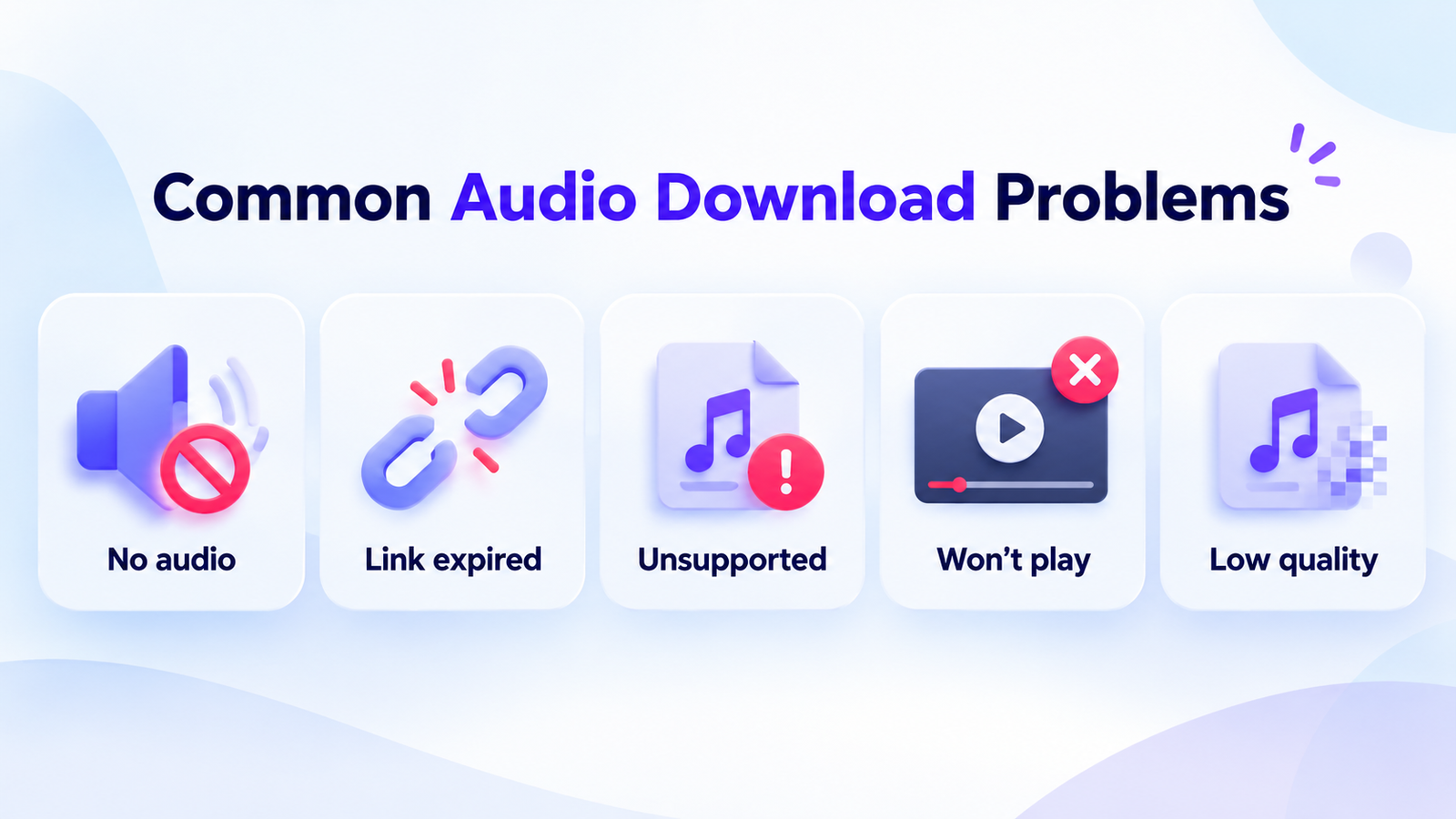
Interactive Audio Download Problem Solver
Check whether the original video contains sound and verify that you selected the MP3 audio option.
If you repeatedly encounter a server or verification error, retrying later may be more useful than repeatedly requesting the same download.
Is It Safe and Legal to Download Audio From YouTube?
Downloading an audio file and having permission to use it are two different things.
YouTube recordings may be copyrighted, even when anyone can watch them. Saving, modifying or republishing audio can require permission from the copyright owner and must comply with applicable laws and YouTube's terms.
- Download recordings you own or have authorization to save.
- Don't enter your YouTube password into unfamiliar downloading sites.
- Avoid suspicious software installers and browser extensions.
- Verify the downloaded file type before opening it.
- Don't assume a saved audio file can legally be redistributed.
YouTube Audio Downloader Features: Available and Coming Soon
It's useful to understand what Skills Elevate currently supports before planning a download or choosing an alternative format.
| Feature | Status |
|---|---|
| MP3 audio-only downloads | Available |
| MP4 video with audio | Available |
| 128–320 kbps MP3 output choices | Available |
| Browser-based downloading | Available |
| WAV, M4A / AAC and FLAC exports | Coming Soon* |
| Entire playlist audio downloads | Coming Soon* |
| Batch audio downloads | Coming Soon* |
| Ongoing live-stream audio downloads | Coming Soon* |
*These are potential future features, not confirmed launch commitments. Only use Coming Soon labels for features included in your actual development roadmap.
The downloader currently describes support for eligible individual finished videos up to 30 minutes, with temporary download links lasting up to 15 minutes. The available formats depend on the source and service compatibility.
Frequently Asked Questions About YouTube Audio Downloads
Can I download audio from YouTube as MP3?
Yes, for eligible videos you own or have permission to download, Skills Elevate offers MP3 audio-only output with selectable bitrates.
Which audio bitrate is best for spoken lessons?
128 or 192 kbps is often adequate for speech. Choose based on the source quality and your storage needs.
Is 320 kbps always better than 128 kbps?
No. A higher output bitrate cannot restore information missing from previously compressed source audio. It also creates a larger file.
Can I download YouTube audio as WAV or FLAC?
Those formats are not currently supported as audio-only exports by Skills Elevate. MP3 is the currently documented output format.
Can I download audio on my iPhone?
For a successfully downloaded MP3, check the Files app and your browser's download history. Importing the file into a music-library app may require a separate action.
Can I save audio from YouTube Shorts?
Some eligible Shorts may work if the service accepts their URLs and offers MP3 output. Compatibility isn't guaranteed for every Short.
Do I need to install software to download audio?
The Skills Elevate downloader works through a browser. No separate desktop downloader application is necessary for its supported features.
Can I download an entire playlist as MP3?
No. Full playlist audio downloading is not currently supported. The tool handles eligible individual finished videos.
Final Thoughts: Keep the Audio You Actually Need
Emily started with a 20-minute YouTube lesson and a simple goal: listen to the explanation without keeping the video.
Now she understands why MP3 suits her needs, how bitrate affects file size, and where to find her downloaded audio.
The most useful format isn't always the one with the highest settings. It's the one that suits your recording, listening device and storage needs.
If you have a YouTube recording you're authorized to save, use Skills Elevate to explore its supported audio download options.
Explore YouTube Audio Downloader →