
YouTube MP3 Downloader: How Audio Conversion Works
AUDIO CONVERSION GUIDE
Understand how video becomes MP3 audio, which quality to choose, and how to download supported content.
Have you ever watched an educational video, tutorial, or interview and wished you could listen to its audio separately? A youtube mp3 downloader can help create MP3 files from supported videos that you own or have permission to save.
Whether you're a student reviewing recorded lessons, a content creator managing your own media, or someone learning about digital audio, understanding how video-to-MP3 conversion works helps you choose the right format, audio quality, and file size.
In this guide, we'll explain the conversion process, show how to use the Skills Elevate Video Downloader, compare MP3 and MP4, and explore common conversion problems.
Explore Video Downloader →What Is a YouTube MP3 Downloader?
A YouTube MP3 downloader is a software tool or online service designed to extract audio from a supported video and create an MP3 file. Unlike a standard video download, an MP3 contains audio without the visual elements.
This is useful when you only need narration, educational explanations, interviews, or other audio material that you own or are authorized to save.
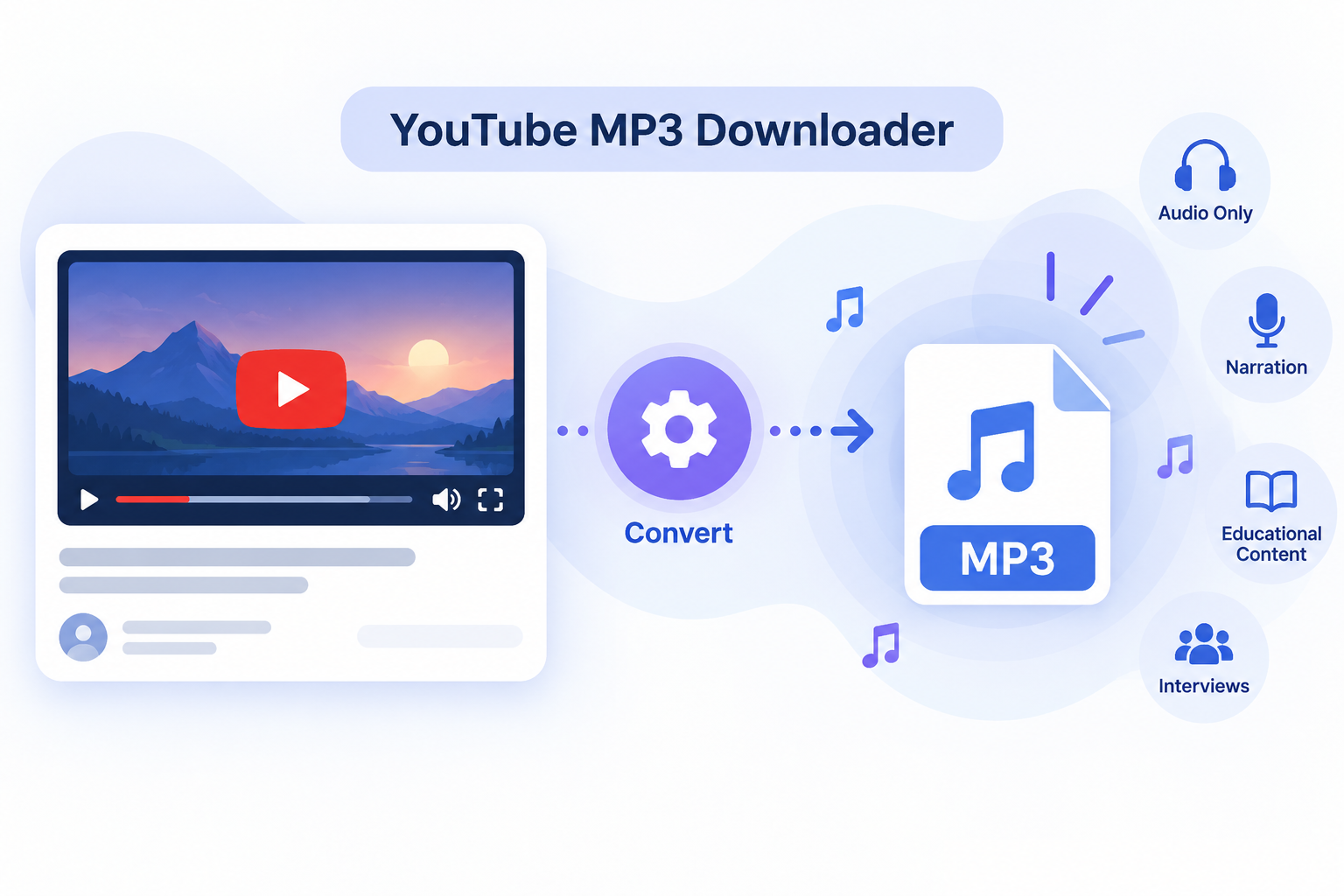
YouTube-to-MP3 conversion extracts or decodes audio from a supported video and encodes it as an MP3 file that can be played using compatible audio players.
How Does YouTube-to-MP3 Conversion Work?
Converting video to MP3 involves several processing stages. The converter does more than simply rename a file. It separates the audio information and creates a playable audio format.
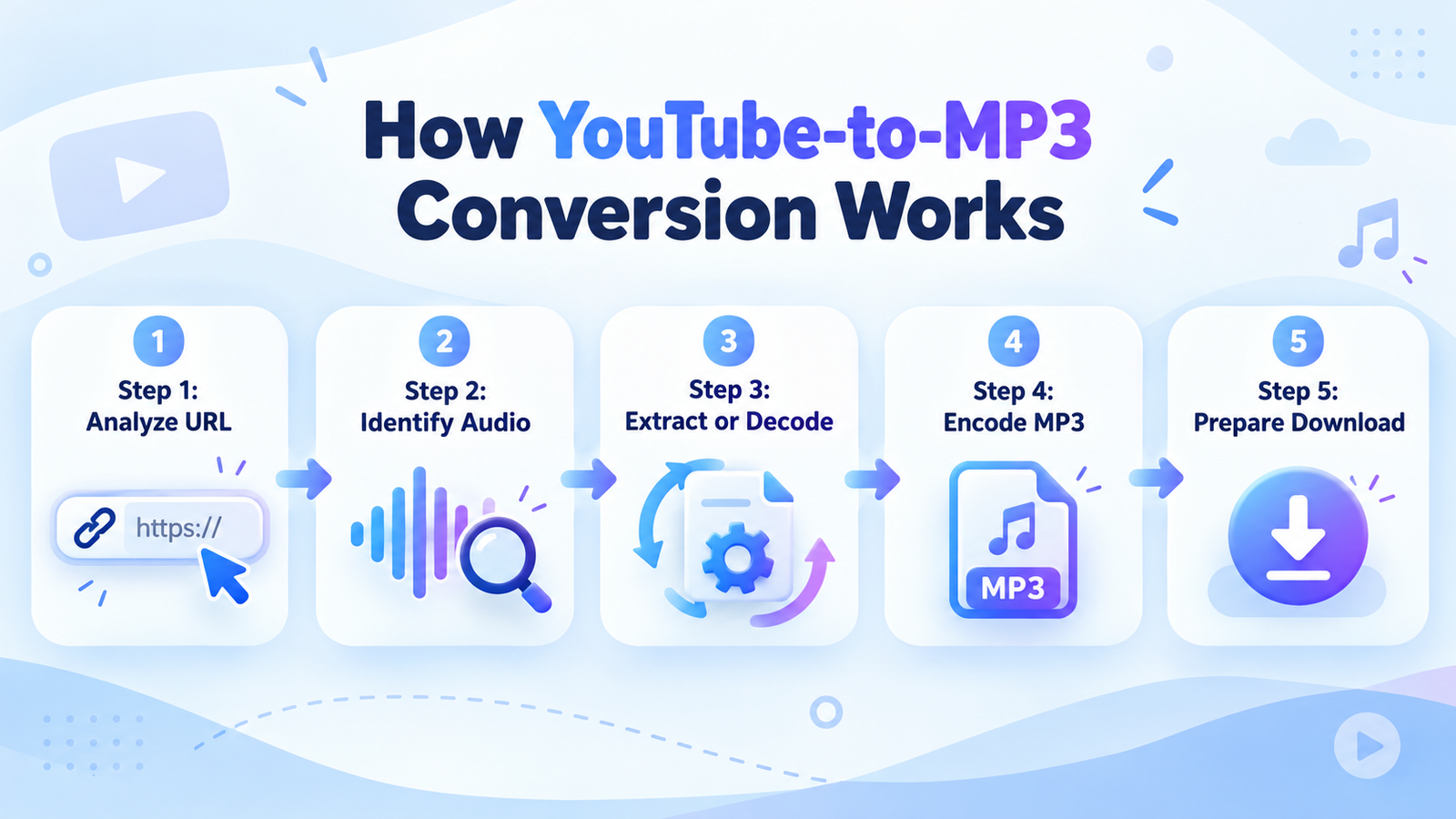
Step 1: Analyze the Video URL
The service checks the submitted video link and determines whether the media is accessible and supported. Private, restricted, or invalid URLs may fail this stage.
Step 2: Identify the Audio Stream
Video media can contain separate audio and video streams. The converter identifies the available audio component and checks whether it can be processed.
Step 3: Extract or Decode the Audio
The audio data is extracted or decoded into a suitable format for processing. The video visuals are no longer needed when creating an audio-only file.
Step 4: Encode the MP3 File
The extracted audio is compressed into MP3 format using the selected bitrate. MP3 is a lossy audio format, meaning some audio information may be discarded to reduce storage requirements.
Step 5: Prepare the Download
After successful processing, the completed MP3 becomes available for download. The file can then be opened using a compatible audio player.
How to Convert a Supported Video to MP3
The Skills Elevate Video Downloader provides a browser-based interface for processing supported videos. You do not need to install a separate desktop downloader application.
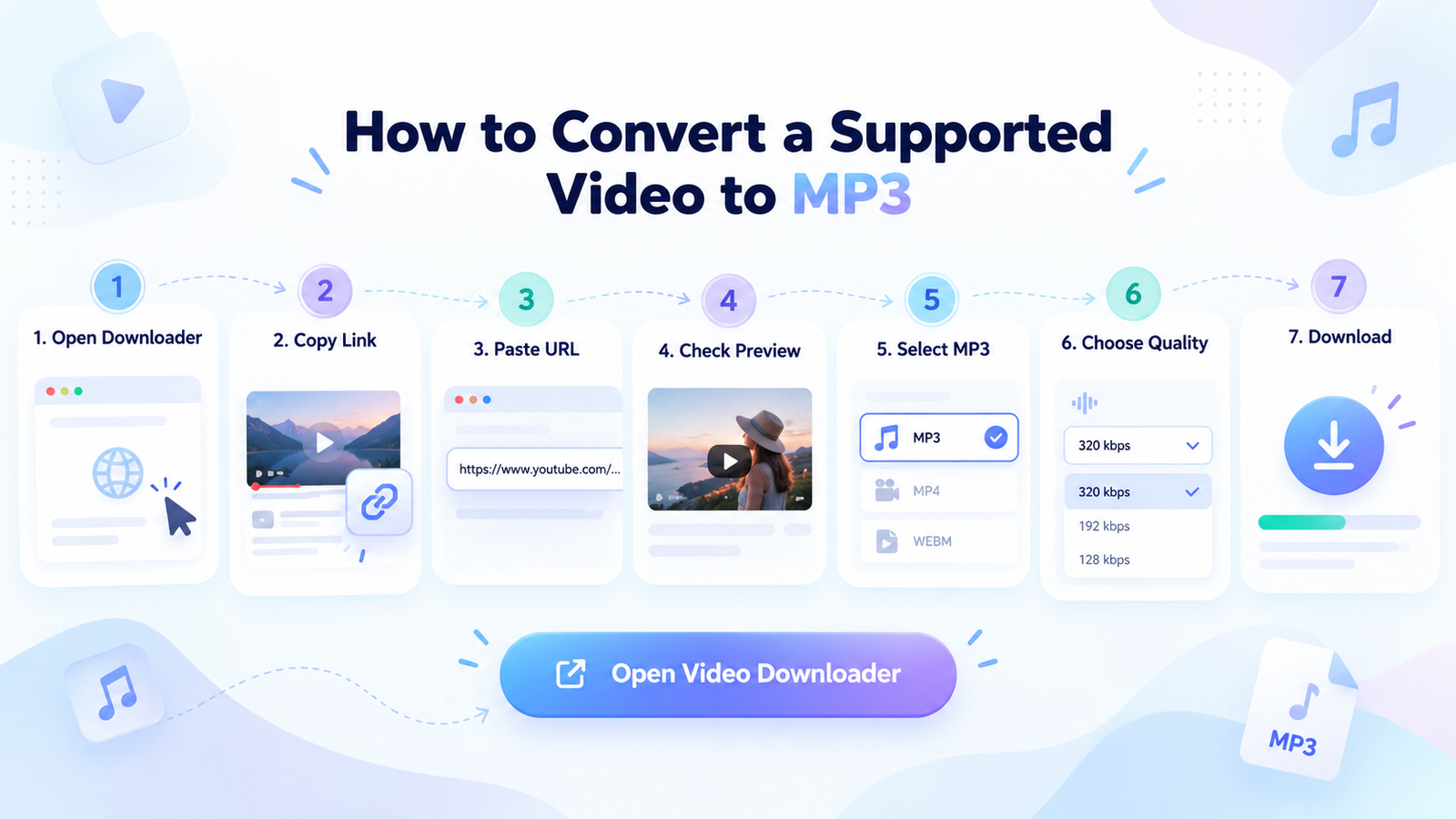
1. Open the Downloader
Visit the Skills Elevate Video Downloader using a compatible browser on your device.
2. Copy the Video Link
Copy the URL of a supported video that you own or have permission to download.
3. Paste the URL
Enter the complete video link into the tool and select the Fetch Video option.
4. Check the Preview
Review the recognized video title, thumbnail, and duration to confirm that the correct content has been identified.
5. Select MP3
Choose MP3 from the available output formats. Select MP4 instead if you need the video visuals.
6. Choose Audio Quality
Select an available bitrate, such as 128, 192, 256, or 320 kbps, based on your listening and storage needs.
7. Process and Download
Allow the selected file to finish preparing. Once the download is ready, save it using the download button. Changing format or quality may trigger preparation of another file.
Want to Try Audio Conversion?
Explore MP3 and MP4 options for eligible video content through the Skills Elevate downloader.
Open Video Downloader →Can You Convert YouTube Shorts to MP3?
YouTube Shorts are short-form videos commonly presented in a vertical format. They may include spoken narration, music, sound effects, or other audio.
Technically, short-form video audio can be converted to MP3 when the content is accessible, the video format is supported, and the service permits processing that link.
COMING SOON
Dedicated Shorts Support
Enhanced processing for Shorts URLs is a proposed addition. Until compatibility is confirmed, users should not assume that every Shorts link can be downloaded or converted.
MP3 vs MP4: What Is the Difference?
MP3 and MP4 serve different purposes. Understanding their differences makes it easier to choose the correct format for your content.
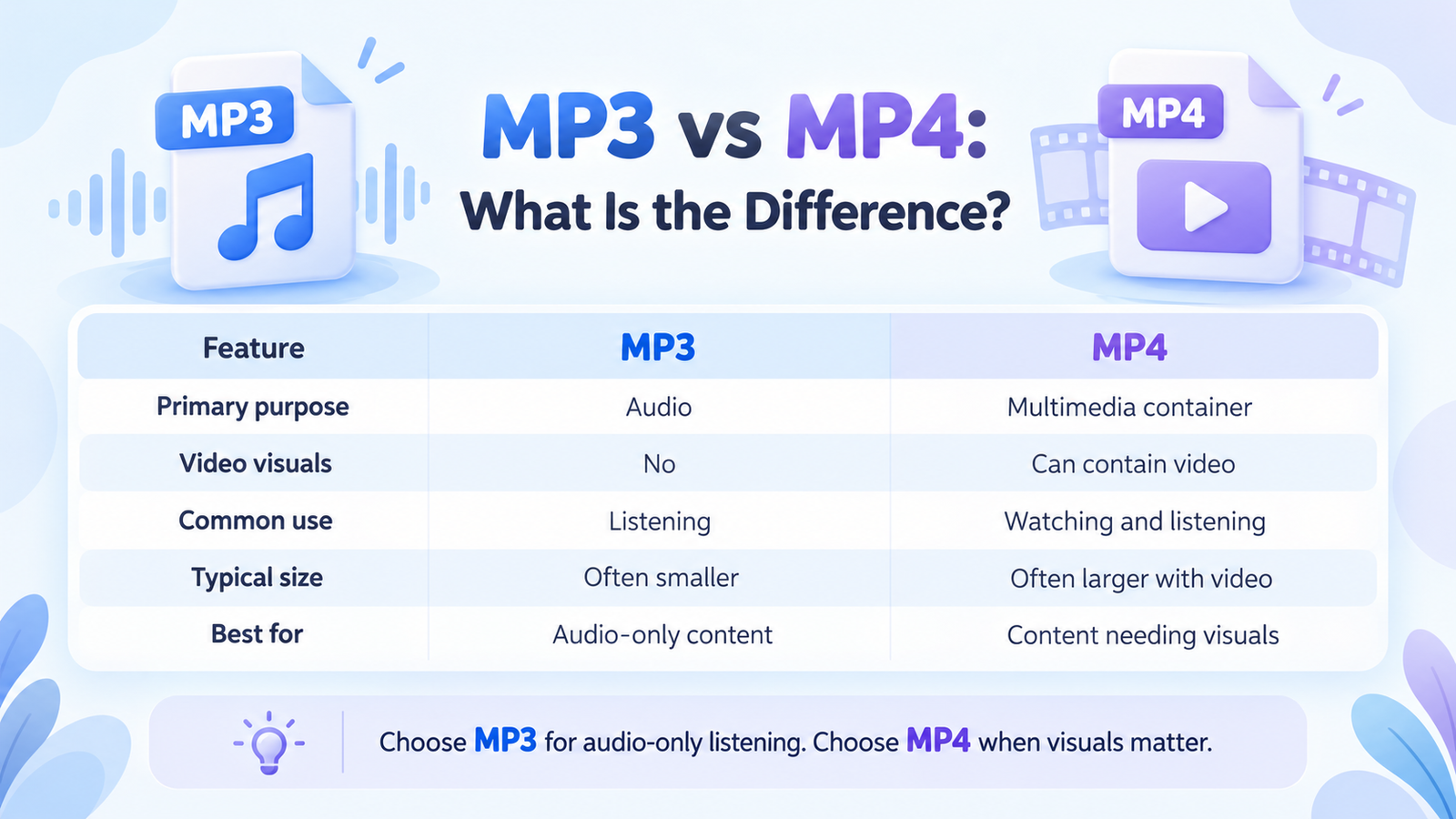
| Feature | MP3 | MP4 |
|---|---|---|
| Primary purpose | Audio | Multimedia container |
| Video visuals | No | Can contain video |
| Common use | Listening | Watching and listening |
| Typical size | Often smaller | Often larger with video |
| Best for | Audio-only content | Content needing visuals |
Choose MP3 if you only need spoken audio or other permitted sound. Choose MP4 when charts, demonstrations, screen recordings, or visual instructions are important.
Understanding MP3 Audio Quality and Bitrate
Audio bitrate measures how much information is used to represent one second of encoded sound. It is usually expressed in kilobits per second (kbps).
A higher MP3 bitrate generally preserves more audio information during compression, but also produces a larger file. The original audio quality remains important.
| Bitrate | Typical Use | Approx. 5-Minute File |
|---|---|---|
| 128 kbps | Speech and casual listening | 4.8 MB |
| 192 kbps | Balanced quality and size | 7.2 MB |
| 256 kbps | Higher-bitrate listening | 9.6 MB |
| 320 kbps | High-bitrate MP3 | 12 MB |
These values are approximate for constant-bitrate encoding and exclude minor metadata differences.
Converting poor-quality audio to 320 kbps cannot recover details missing from the original recording. Choose the bitrate according to the source quality and your storage needs.
Benefits of Converting Video to MP3
Audio-only files can provide a more practical way to enjoy certain types of content, especially when visual information is not important.
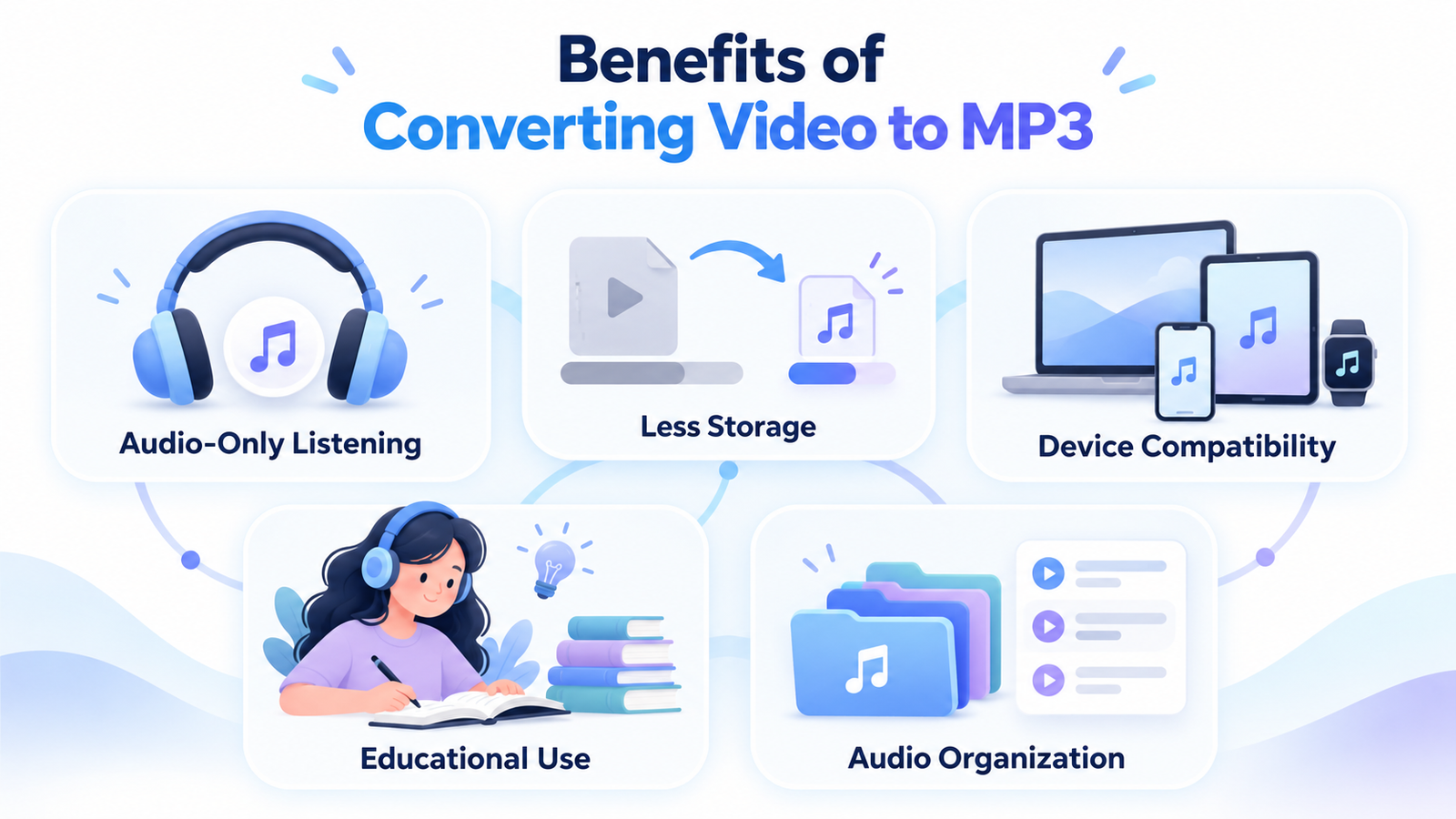
1. Convenient Audio-Only Listening
When visuals are unnecessary, MP3 allows users to focus on narration or other audio without keeping a video file open. This is useful for spoken lessons, interviews, and personal recordings.
2. Less Storage for Audio-Only Content
An MP3 is often considerably smaller than a video file containing sound and moving images. This helps conserve storage space when only the audio is needed.
3. Broad Device Compatibility
MP3 files are supported by many smartphones, computers, tablets, media players, and other compatible devices. This makes audio content easy to access across different systems.
4. Useful for Educational Material
Students and professionals can listen to their own recordings, licensed lessons, and other authorized educational material while studying, reviewing notes, or preparing for presentations.
5. Easier Audio Organization
Audio files can be saved in folders, renamed, and organized into collections for convenient access. This can simplify the management of educational recordings and other permitted audio content.
Why Is My Video Not Converting to MP3?
Not every video can be processed successfully. Conversion may fail because of restrictions, unsupported content, or technical issues.
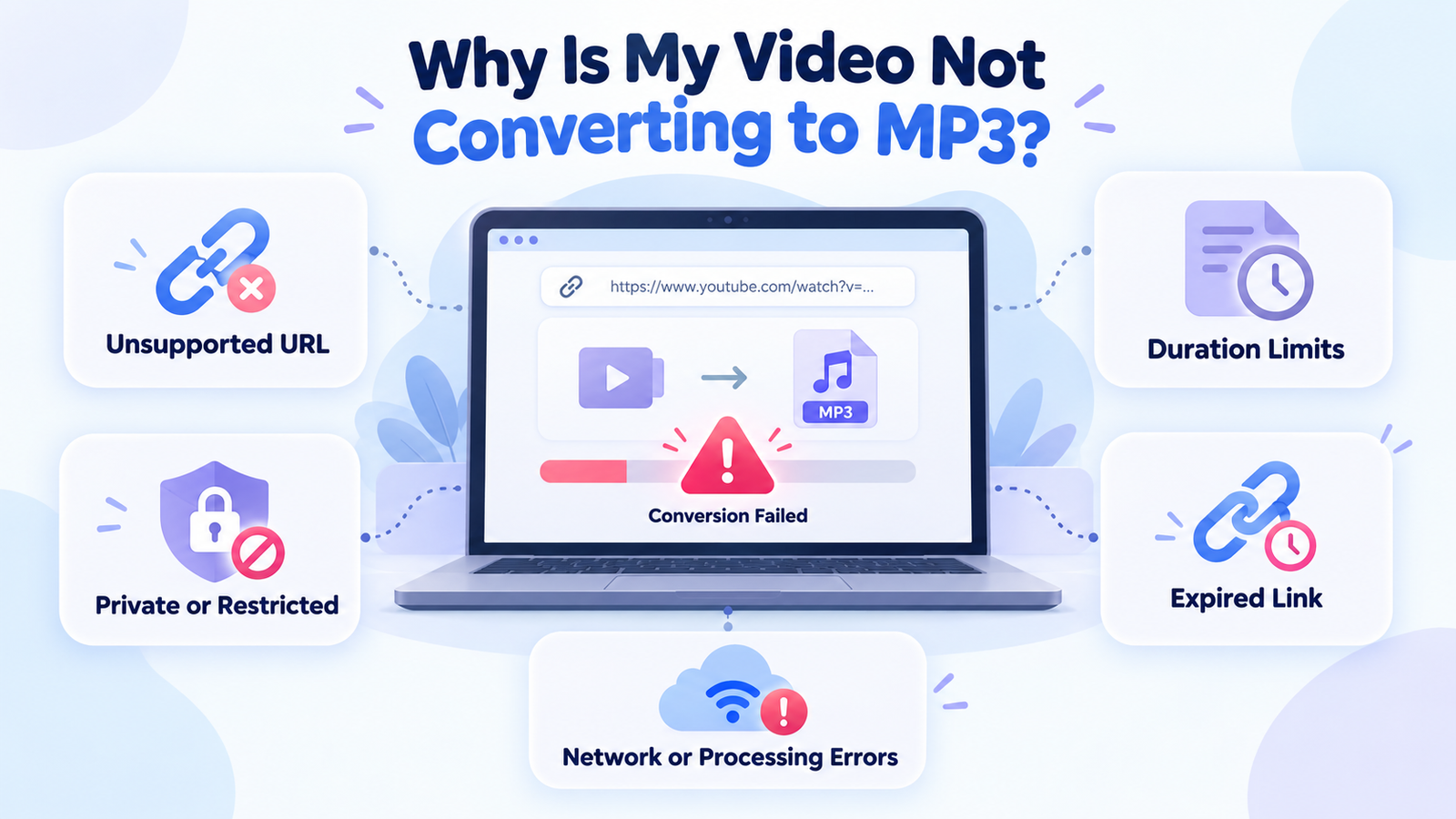
Unsupported Video URL
Check that the URL is complete and points to a supported video rather than an unrelated webpage, playlist, or channel page.
Private or Restricted Content
Private, protected, age-restricted, paid, or otherwise unavailable videos may not be processed. Use an authorized download method instead.
Video Duration Limits
Some services limit video length. Skills Elevate currently documents support for completed videos up to 30 minutes long.
Expired Download Link
Temporary download links may expire. Skills Elevate documents links lasting up to 15 minutes. If yours expires, prepare a new file using the tool.
Network or Processing Errors
Check your internet connection and follow the error message displayed by the tool. Temporary service or source-platform restrictions may require another attempt later.
Is Downloading YouTube Audio Legal and Safe?
Whether downloading YouTube audio is permitted depends on the content, copyright ownership, licensing arrangements, applicable law, and platform terms.
Content you own or have explicit permission to save may be appropriate for downloading, subject to the applicable rules. However, simply being able to watch a public video does not automatically grant permission to download, redistribute, or reuse it.
Responsible Downloading Guidelines
Save only content you own, have permission to download, or can otherwise lawfully save.
Respect the original creator's rights and applicable platform rules.
Avoid suspicious downloads, misleading installation prompts, and websites requesting unnecessary credentials.
Skills Elevate Downloader: Available Features
The Skills Elevate downloader offers several practical features designed to simplify supported video and audio processing.
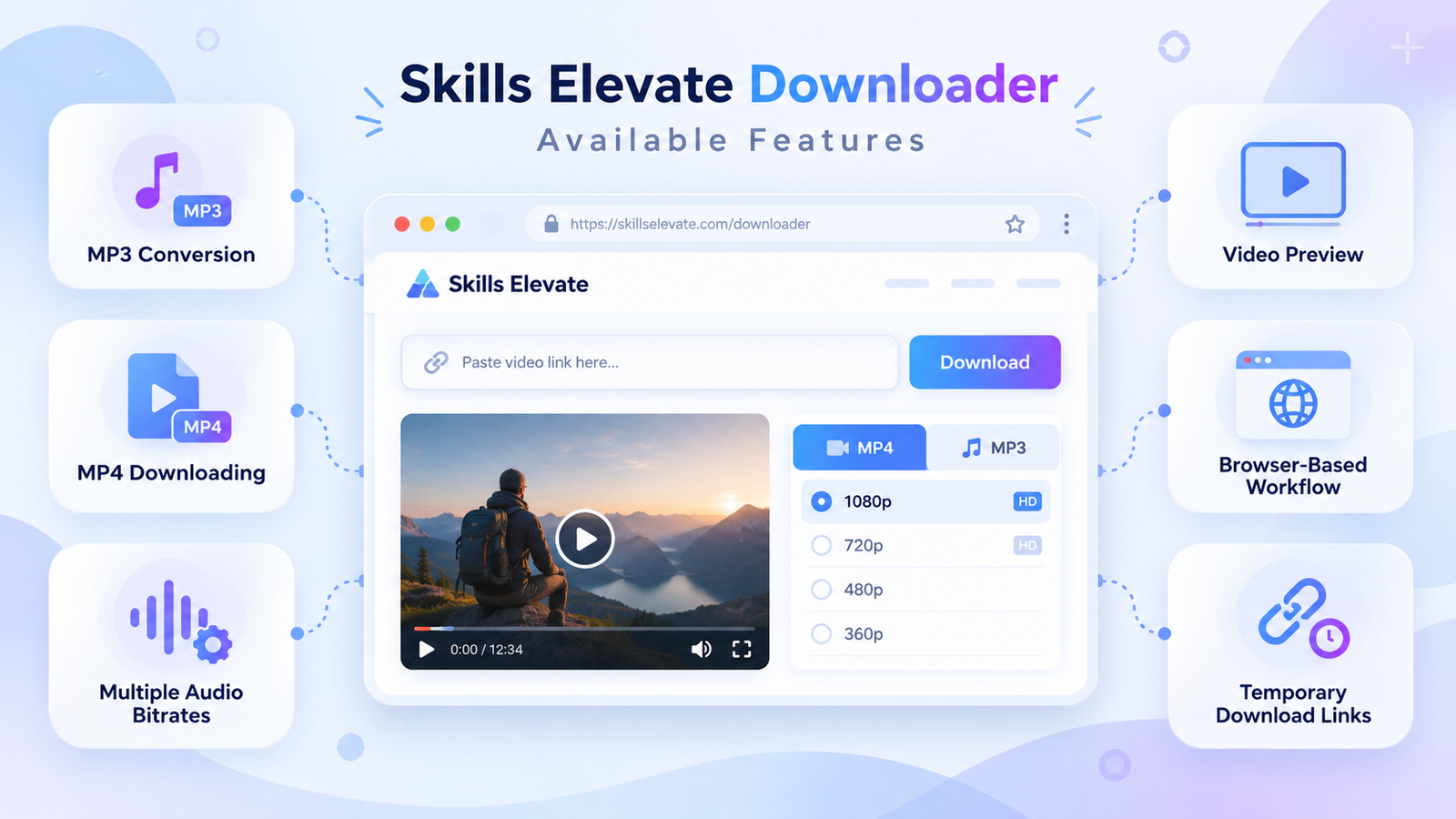
MP3 Audio Conversion
Create audio-only MP3 files from supported videos you are permitted to save.
MP4 Video Downloading
Save eligible videos with their audio tracks using supported MP4 options.
Multiple Audio Bitrates
Choose between 128, 192, 256, and 320 kbps for available MP3 output.
Video Preview
Review recognized details such as video title, thumbnail, and duration before downloading.
Browser-Based Workflow
Use the downloader through a compatible web browser without installing a dedicated desktop application.
Temporary Download Links
Download prepared files while their links remain active. Temporary URLs are not intended for permanent storage.
Additional Features — Coming Soon
Further enhancements may expand the possibilities for audio and video processing. The following are proposed future features, not currently available tools or confirmed release commitments.
| Proposed Feature | Status |
|---|---|
| Dedicated Shorts processing | Coming Soon |
| Playlist downloads | Coming Soon |
| Batch conversion | Coming Soon |
| 4K video support | Coming Soon |
| Audio trimming | Coming Soon |
| Additional audio formats | Coming Soon |
These features are possible future additions. Availability and launch dates have not been confirmed.
Frequently Asked Questions
What does a YouTube MP3 downloader do?
It processes the audio from a supported video and creates an MP3 file that can be played separately from the video.
Can I convert YouTube videos to MP3 without installing software?
Browser-based converters such as Skills Elevate can process supported videos without requiring a separate desktop downloader application.
Which MP3 bitrate is best?
For many voice recordings, 128 or 192 kbps can be sufficient. Higher bitrates may be useful when the source audio contains more detail.
Can converting video to MP3 improve audio quality?
No. Standard MP3 conversion cannot restore sound information that was missing or damaged in the original recording.
Can I convert YouTube Shorts to MP3?
Some converters support short-form video links, but compatibility varies. Enhanced dedicated Shorts processing is listed as a proposed Coming Soon feature.
What is the maximum supported video length?
Skills Elevate currently documents a maximum duration of 30 minutes for individual completed videos.
Can I download a playlist or live stream?
No. The current Skills Elevate downloader supports individual completed videos and does not offer playlist or ongoing live-stream downloads.
Why did my download link expire?
Prepared download links are temporary. A new processing attempt may be required after the original link expires or the file becomes unavailable.
Is MP3 better than MP4?
MP3 is useful for audio-only listening, while MP4 is generally better when both moving images and sound are needed.
Final Thoughts
A youtube mp3 downloader works by processing the audio portion of a supported video and encoding it into a separate MP3 file. Understanding the conversion process, output formats, bitrates, and download restrictions helps you make informed choices.
MP3 is practical when only audio is needed, while MP4 remains suitable for videos with important visual content. Always respect copyright, content permissions, and the source platform's terms when downloading media.
For eligible videos that you own or are permitted to save, the Skills Elevate Video Downloader provides a browser-based way to explore MP3 and MP4 output options.
Try Skills Elevate Video Downloader →