
YT Video Downloader: Save MP4 Video or MP3 Audio
Video title
YouTube
MP3 bitrate controls the output encoding; it cannot improve the source audio.
Your download is ready
MP4 • 720p
Limits: Videos up to 30 minutes and completed files up to 150 MB. Temporary download links last up to 15 minutes.
Only save content you own or have permission to download.
YT video & audio downloads made simple
YT Video Downloader: Save MP4 Video or MP3 Audio
Need an offline copy of your own tutorial, class recording or presentation? Or have permission to keep an audio-only version of a lesson? Choose a download format based on how you plan to use the content.
The free YT video downloader from Skills Elevate helps you save eligible videos as MP4 with audio or extract sound as an MP3 file. Paste a supported link, check the video preview, select your preferred format and quality, then download the prepared file—all from your browser, without installing an extra app.
How to Download a YT Video in 3 Easy Steps
To download an eligible YT video you own or are allowed to save, follow these three steps.
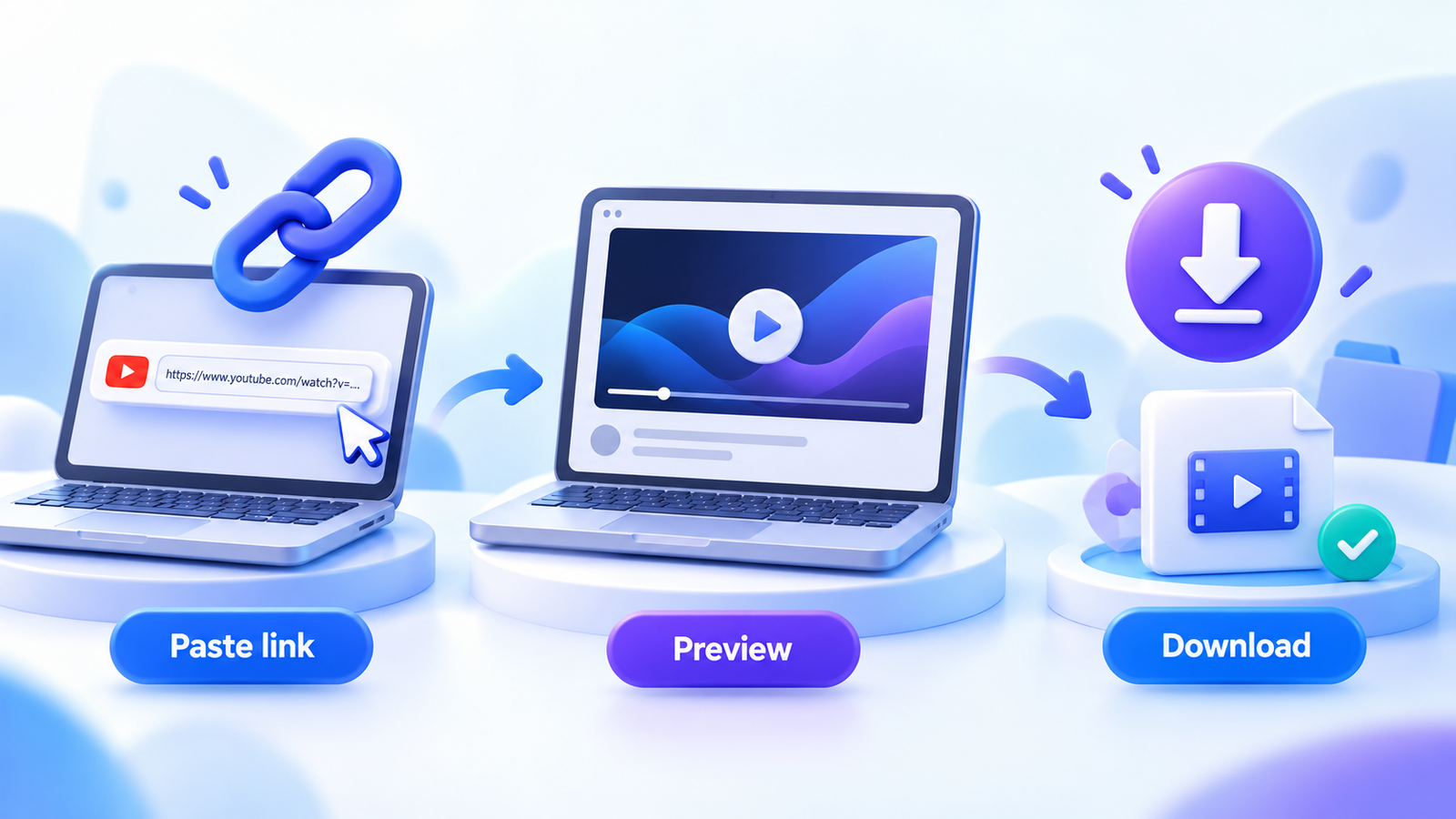
Paste your video link
Copy the YT video URL, paste it into the input box and select Fetch Video. Enter a link to one completed video—not a playlist or channel page.
Check the preview
Confirm the title, thumbnail and duration. Preparation starts automatically. Changing the format or quality starts preparation for your new selection.
Download the ready file
Click Download once the file is ready to start the browser transfer. You can also copy its temporary download link.
Wait for preparation to finish before downloading. The browser still needs time to transfer the completed file to your device.
YT to MP4 vs. YT to MP3: Which Format Is Better?
The best format depends on your purpose. Choose MP4 when you need to see the action on screen; choose MP3 when the spoken explanation or other permitted audio is all you need.
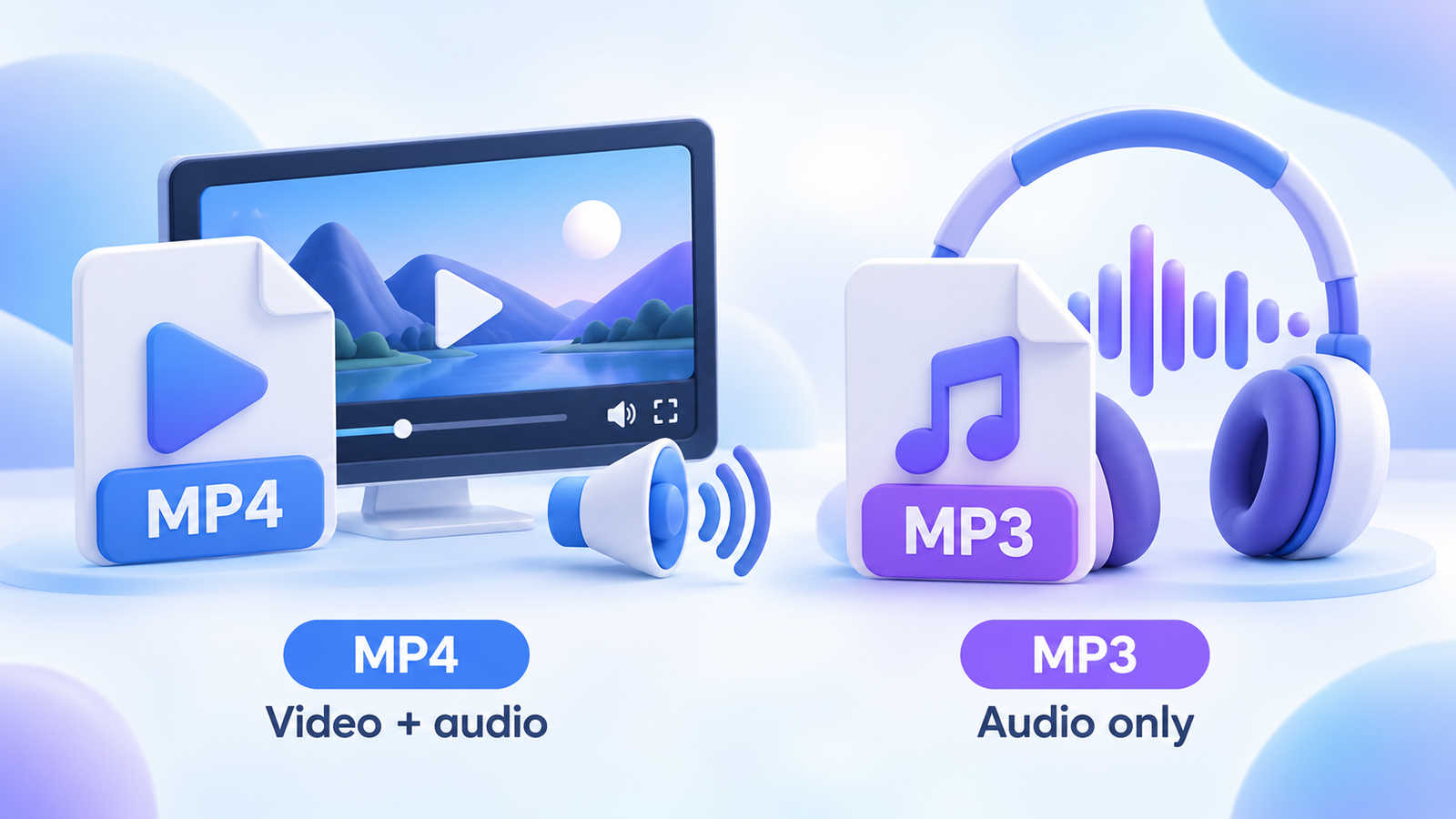
VIDEO + SOUND
Choose MP4
An MP4 download keeps both the moving picture and its audio. Use it for a screen recording, a practical demonstration or your own uploaded video.
Remember: higher resolution usually means a larger file. Available quality depends on the video source and the supported formats returned.
AUDIO ONLY
Choose MP3
The YT to MP3 option creates an audio-only file. It is practical for a permitted lecture, voice recording or lesson you want to play offline.
Available bitrates: 128, 192, 256 and 320 kbps. A higher bitrate cannot restore detail that was absent from the original audio.
YT Video Quality Explained: 720p vs. 1080p
A downloader can only use the supported video formats available for that request. A video uploaded at a lower resolution will not become a true HD recording just because you download it.
The tool selects 1080p when a compatible source is available, or the highest supported quality below 1080p. Available options may differ by video, source restrictions and processing availability.
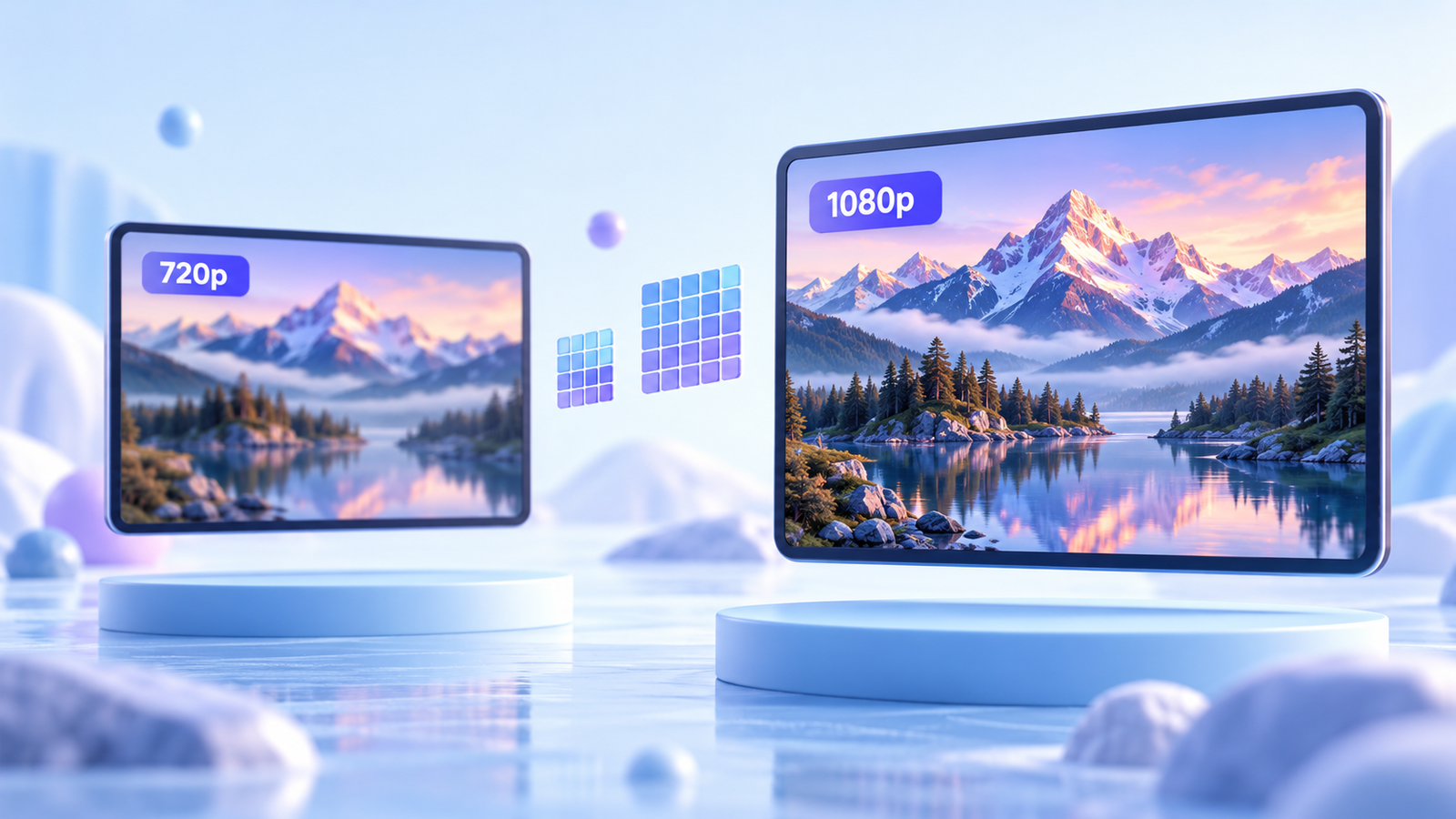
Choose the quality you actually need. Small text in a screen tutorial may be easier to read at 1080p. For a simple talking-head recording, 720p may be enough and produce a smaller download. This tool does not upscale videos or download 4K files.
A quick example
One tutorial, two useful downloads
Imagine you uploaded a five-minute tutorial explaining how to build a spreadsheet. You want a copy on your laptop for a presentation.
Choose MP4, because your audience needs to see the cells, menus and examples. If 1080p is available, it can help keep those small details readable.
Now imagine the recording is a spoken explanation with no important visuals. Choose MP3 if you only need to listen. The choice comes down to the content you want to keep—not simply the biggest quality number.
Where to Find Your Downloaded YT Video or MP3
Once the browser starts downloading, the save location depends on your device and browser settings.
Windows or Mac
Open your browser’s download list first. The file will usually be in your Downloads folder unless you selected another location.
iPhone or iPad
Check the browser’s download list and the Files app. A downloaded video may not appear in Photos automatically; saving it there is a separate action when supported.
Android
Check your browser’s Downloads section or your file manager’s Downloads folder. Gallery visibility can depend on your device and media app.
New files use the naming pattern Video Title - Skills Elevate.mp4 or .mp3. Your browser may adjust unsupported filename characters or add a number if the name already exists.
YT Downloader Limits and File Availability
- Video length
- 30 minutes
Maximum length for a finished video. - Prepared file size
- 500 MB
Maximum size of the completed download. - Temporary link
- Up to 15 minutes
Download promptly after preparation finishes.
Preparation time varies with video length, resolution, file size and service availability. The first request after the processing service has been idle may take longer.
Temporary files can disappear sooner if the service restarts. If a link stops working, fetch the video again to prepare a new file. Copying a link does not extend its expiry.
YT Download Not Working? Common Fixes
Read the message shown by the tool before submitting again. Different problems need different next steps.
| What you see | What to do |
|---|---|
| Video unavailable or restricted | Check the URL and choose a permitted public video. Private, paid, members-only and age-restricted content is not supported. |
| 1080p is missing | Choose from the displayed qualities. A supported 1080p source may not be available for that video or request. |
| The file is too large | Try another available quality or a shorter video. A video within the length limit can still exceed the file-size limit. |
| The download link expired | Fetch the video again and use the newly prepared link promptly. |
| Verification or service error | Follow the error message shown. Repeated clicks will not fix a processing-session issue or a source-platform verification restriction. |
| The file will not play | Check that the browser transfer finished. Some downloaded codecs need a modern media player, even when the file has an MP4 extension. |
Download Only Videos You Are Allowed to Save
Use this tool only for videos you own, have permission to download or can otherwise lawfully save. A publicly accessible video is not necessarily free to copy, modify or redistribute. Respect copyright, the source platform’s terms and the creator’s permissions.
Frequently asked questions
Can I download a YT video with sound?
Yes. Choose MP4 to save video and audio together. The tool checks for both tracks in the prepared file before making the download available.
How do I download only the audio as MP3?
Fetch the video, select MP3 and choose an available bitrate. The tool automatically prepares an audio-only file for your selection.
Why is 1080p unavailable for my video?
The source may be lower resolution, or a compatible 1080p format may not be available for that request. Select one of the listed qualities; the tool does not artificially enhance resolution.
Do I need to install a downloader app?
No separate downloader app is needed to use this browser-based tool. Your device may need a compatible media player to open the downloaded file.
Where can I find my downloaded video?
Check your browser’s download list first. On computers, the file usually goes to Downloads. On phones, check the Files app or file manager unless you selected a different save location.
Why has my copied download link stopped working?
Links expire after up to 15 minutes, and files may disappear sooner if the processing service restarts. Fetch the video again to prepare a new download.
Can this tool download playlists, live streams or 4K videos?
No. It supports individual finished videos up to 30 minutes long, with available video quality up to 1080p. Playlist downloads and ongoing live streams are not supported.
Does a higher MP3 bitrate always mean better sound?
No. A higher bitrate uses more storage but cannot recover sound detail missing from the original recording. Choose a bitrate that suits the source audio and your storage needs.
Ready to save an eligible YT video or MP3? Paste your link into the downloader above to get started.
Back to downloader